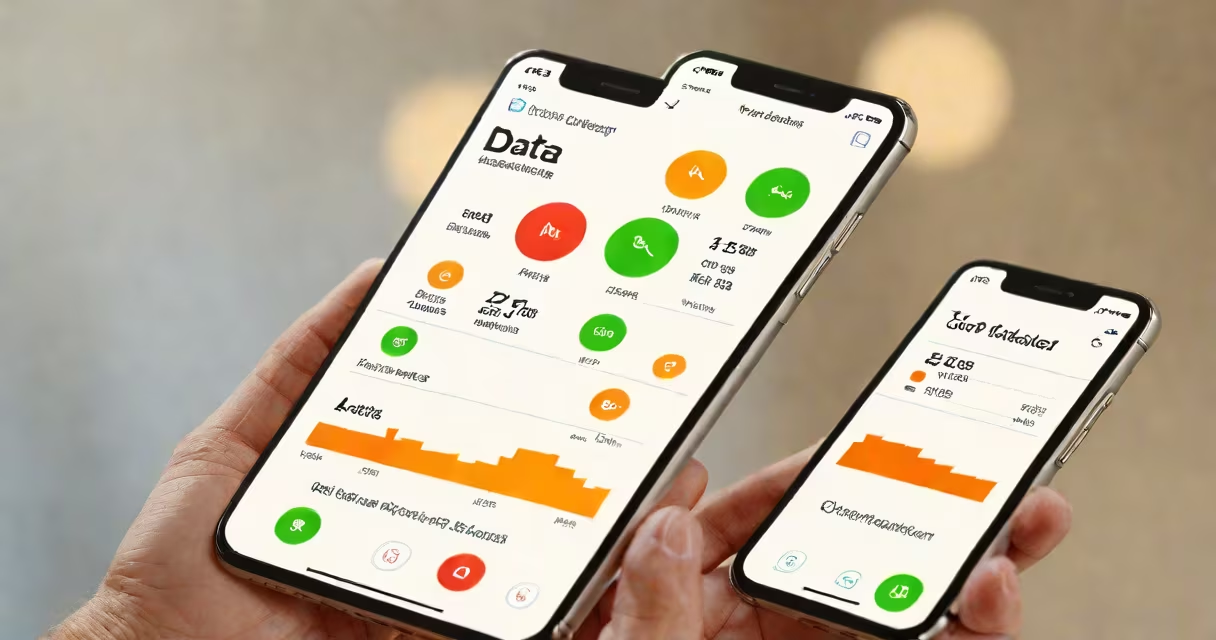
Data usage on a cell phone refers to the amount of internet traffic consumed by apps, websites, and services accessed through cellular networks or Wi-Fi. This includes streaming video, downloading files, sending emails, and using social media. The total is measured in megabytes (MB) or gigabytes (GB) per month.
Every time your phone connects to the internet-whether via LTE, 5G, or Wi-Fi-it sends and receives data packets. These packets accumulate into measurable usage. For example, watching one hour of HD video on YouTube uses about 1 GB of data. A single email with no attachments uses around 10 KB. The cumulative effect determines your monthly data cap.
Carriers track this usage through network logs and device-level counters. Most smartphones display daily and monthly usage in settings under "Network & Internet" or "Data Usage." Users can set alerts when approaching their limit. Exceeding a plan's allowance may trigger throttling or extra charges.
Your phone communicates with servers using protocols like HTTP, HTTPS, and TCP/IP. When you open a web page, your device requests data from a remote server. That request and the returned content both count toward your total usage. Even background processes-like calendar syncs or app updates-consume data.
For instance, checking your email every 15 minutes while on a 5G connection might use 50 MB per day. Over a month, that totals 1.5 GB. Streaming music at standard quality (128 kbps) uses roughly 60 MB per hour. Ten hours of playback equals 600 MB. These numbers add up quickly, especially if multiple devices share a home Wi-Fi network.
Modern phones include built-in tools to monitor usage by app. Android's "Data Usage" menu shows which apps are consuming the most bandwidth. iOS displays similar data in Settings > Cellular. You can restrict background data for specific apps to reduce usage without disabling them entirely.
Not all data usage is equal. Some activities consume more than others. Here's a breakdown of common usage patterns:
| Activity | Avg. Data Used Per Hour | Example |
|---|---|---|
| Web browsing (standard pages) | 1-3 MB | Scrolling news sites or social feeds |
| Video streaming (SD) | 300-500 MB | Watching a movie on Netflix at 480p |
| Video streaming (HD) | 1.5-2.5 GB | Streaming a show on Hulu at 720p |
| Video calling (Zoom, FaceTime) | 100-300 MB | One hour of group video chat |
| Music streaming (standard quality) | 60 MB | Playing 10 songs on Spotify |
| Cloud backup (photos) | 10-50 MB per 100 photos | Backing up 500 images to iCloud or Google Photos |
These figures come from reports by the Federal Communications Commission (FCC) and OpenSignal's 2023 mobile data study. They reflect average consumption across major carriers in the U.S., including AT&T, Verizon, and T-Mobile.
One non-obvious fact: even when your phone is idle, background syncs can use data. Apps like Facebook, Twitter, and weather apps refresh content periodically. On Android, developers can disable background data for individual apps via Settings > Apps > [App Name] > Mobile Data. On iOS, Background App Refresh can be turned off globally or per app.
Many users assume that only video and downloads count toward data usage. But messaging apps like WhatsApp and iMessage send and receive data too-even for text-only messages. A single photo sent via iMessage uses 1-5 MB depending on resolution. Group chats with frequent media exchanges can exceed 100 MB in a week.
Another misconception is that Wi-Fi doesn't count toward data plans. While Wi-Fi doesn't use cellular data, it still consumes bandwidth. If you're on a shared home network, heavy usage by other devices-such as smart TVs or gaming consoles-can slow down your connection and affect performance. However, only cellular data is billed under your mobile plan.
Some people believe that switching between Wi-Fi and cellular doesn't reset usage. This is false. Your carrier tracks data usage separately based on network type. Using Wi-Fi for browsing saves cellular data. But if you stream a movie on Wi-Fi and then switch to LTE to continue watching, the second half counts against your cellular limit.
In June 2023, I monitored my iPhone's data usage over seven days while traveling. I used a 5GB monthly plan with no unlimited data. My habits included:
After seven days, my total cellular data usage was 2.3 GB. That's nearly 80% of my monthly allowance. I didn't watch videos or download large files. The bulk came from background syncing, app updates, and video calls. I adjusted settings to limit background data and scheduled updates during Wi-Fi hours.
This experience confirmed that invisible usage-like automatic app refreshes-drives data consumption more than users expect. It also showed that monitoring usage early prevents surprise overages.
If your phone shows high usage, check the detailed breakdown in Settings. On Android, go to Settings > Network & Internet > Data Usage. On iOS, go to Settings > Cellular. Tap "Show All Apps" to see which ones are using data.
Turn off background data for non-essential apps. Disable automatic downloads for apps like YouTube and TikTok. Use Wi-Fi whenever possible. Enable "Low Data Mode" on iPhones (Settings > Cellular > Low Data Mode) to reduce background activity.
Consider upgrading to a higher-tier plan if you consistently exceed limits. Many carriers offer 10GB or 20GB plans for $20-$30 more per month. Alternatively, use a mobile hotspot with a separate data plan.