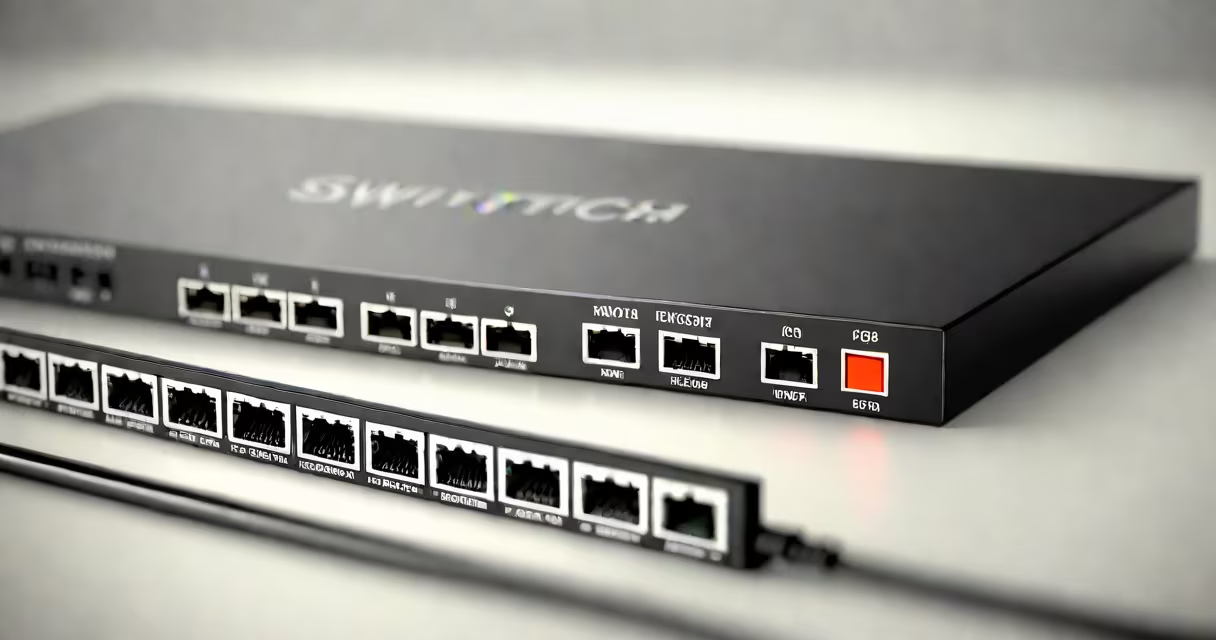
A switch network device is a hardware component that connects multiple devices-like computers, printers, and IP cameras-on a local area network (LAN), forwarding data packets based on MAC addresses to ensure efficient communication within the same network segment.
Unlike a router, which directs traffic between different networks (such as your home network and the internet), a switch operates within a single network. It learns the MAC address of each connected device and sends incoming data only to the intended recipient, reducing unnecessary traffic and improving performance.
Modern switches support speeds ranging from 100 Mbps to 10 Gbps per port. They come in two primary forms: unmanaged (plug-and-play, ideal for small setups) and managed (offer advanced features like VLANs, QoS, and remote monitoring, used in enterprise environments).
When a device connects to a switch via an Ethernet cable, the switch records the device's MAC address-the unique hardware identifier assigned by the manufacturer. This creates a mapping table of which physical port corresponds to which MAC address.
When Device A sends data to Device B, the switch checks the destination MAC address in its table. If it knows where Device B is, it forwards the packet only to the correct port. If it doesn't know, it broadcasts the packet to all ports except the sender's-this is called flooding. Once Device B responds, the switch updates its table with the new location.
This process happens in microseconds. Without a switch, all devices would share the same bandwidth and compete for access, leading to collisions and slow performance. With a switch, each connection gets dedicated bandwidth, enabling simultaneous communication.
Switches differ primarily in manageability, port count, and speed. The table below outlines key categories:
| Type | Use Case | Features | Example |
|---|---|---|---|
| Unmanaged | Home offices, small businesses | Plug-and-play, no configuration, basic port mirroring | TP-Link TL-SG1005P (5-port, 1 Gbps) |
| Managed | Businesses, data centers | VLANs, QoS, port security, remote access | Luxul S2-16-10G (16 ports, 10 Gbps, web interface) |
| Layer 3 (routing switch) | Large networks requiring internal routing | IP routing, subnet management, changing protocols | Cisco Catalyst 9200 (supports OSPF, VRRP) |
Unmanaged switches are ideal for users who want simplicity. They require no setup and automatically handle traffic. Managed switches allow administrators to monitor traffic, assign priorities, isolate segments, and troubleshoot issues remotely.
For example, in a school lab, a managed switch can create separate VLANs for students, teachers, and administrative staff. This prevents student traffic from interfering with teacher bandwidth and blocks unauthorized access to sensitive systems.
Switches are essential in any environment where multiple devices need to communicate reliably over a wired network. They're standard in homes with multiple smart TVs, gaming consoles, and workstations.
In commercial settings, they form the core of office networks. A typical small business might deploy a 24-port Gigabit switch to connect desktops, VoIP phones, and surveillance cameras-all on the same network, with minimal latency.
They're also critical in data centers. According to the U.S. Department of Energy's National Renewable Energy Laboratory (NREL), high-performance computing clusters rely on low-latency switches to synchronize tasks across thousands of servers. A single misconfigured port can cause cascading failures in such systems.
Many people confuse switches with routers. A router connects different networks-like your home network to the internet-and assigns IP addresses via DHCP. A switch operates within a single network and uses MAC addresses, not IP addresses, to route traffic.
Another mistake is assuming all switches are equal. A $20 unmanaged switch may work fine for a few devices, but it lacks redundancy, failover options, and traffic control. In contrast, a managed switch costs $100-$500 but offers better performance and security.
Some believe switches improve internet speed. They don't. Internet speed is determined by your ISP plan and the modem. But a switch can prevent bottlenecks caused by too many devices sharing a single port on a router.
For example, during a video conference, if five people are streaming HD calls through a single router port, lag occurs. Using a switch to distribute connections across multiple ports eliminates contention and improves call quality.
I once installed a managed switch in a small design studio. The team had four designers working on large 3D renders. Before the switch, file transfers between machines took minutes due to network congestion. After replacing the daisy-chained router ports with a 16-port Gigabit switch, transfer times dropped to under 10 seconds. The difference was immediate and measurable.
You need a switch when you have more than four devices that require stable, wired connections. If you're setting up a home office with a PC, printer, NAS, and game console, a basic 5-port switch ensures all devices operate efficiently without slowing down the network.
For larger deployments, consider a managed switch. These support features like port mirroring for troubleshooting, VLANs for segmentation, and Quality of Service (QoS) to prioritize video or voice traffic.
A switch network device is not optional in structured networking-it's foundational. managing a campus-wide network, the switch ensures data moves quickly and securely between endpoints.