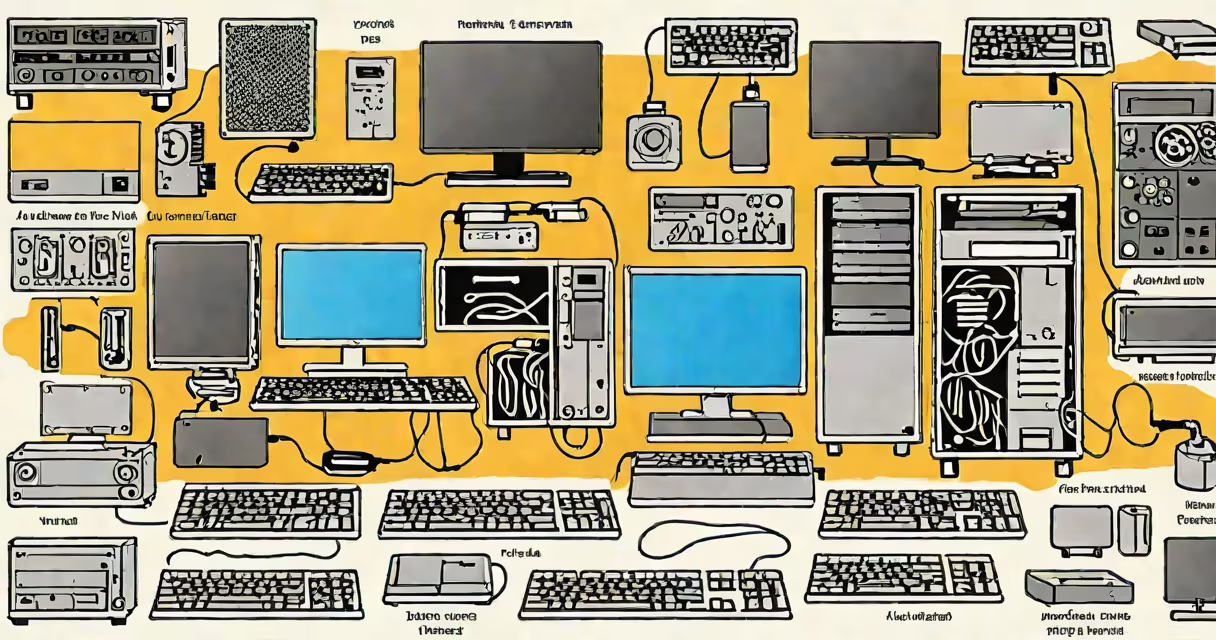
The basic parts of a computer are the central processing unit (CPU), motherboard, random access memory (RAM), storage device, and input/output (I/O) devices. These elements form the core structure that enables data processing, memory retention, and user interaction.
A computer functions by receiving input through devices like a keyboard or mouse. The CPU processes this data using instructions stored in memory. RAM provides temporary workspace for active tasks, while the storage drive holds long-term data such as operating systems and files. The motherboard connects all components and manages communication between them.
For example, when you type a document, the keyboard sends signals to the motherboard. The CPU interprets the keystrokes, loads the word processor from storage into RAM, and displays the text on the monitor. Without any single component, the system fails to operate correctly.
According to Intel, the CPU performs over 1 billion operations per second in modern systems, demonstrating how critical processing speed is to performance. This level of activity requires precise coordination among all basic parts.
Each fundamental part plays a distinct role:
Storage and memory differ in function and behavior. RAM is volatile-data disappears when power is off. Storage is non-volatile and retains data even when powered down.
There are two primary storage types:
| Type | Speed | Use Case | Typical Capacity |
|---|---|---|---|
| SSD (Solid State Drive) | Fast (up to 3,500 MB/s read) | Operating system, applications, frequent files | 256 GB - 4 TB |
| HDD (Hard Disk Drive) | Slower (100-200 MB/s read) | Backup, large media libraries | 1 TB - 18 TB |
For instance, booting Windows 11 takes about 15 seconds on an SSD compared to 45 seconds on an HDD. This difference impacts daily usability.
Many people confuse RAM with storage. RAM is temporary workspace; storage holds your documents, photos, and software. Adding more RAM doesn't increase available space for files-it improves how quickly programs load and switch.
Another misunderstanding is that the CPU alone determines performance. While the CPU is important, bottlenecks occur when other parts lag. For example, a high-end CPU paired with a slow HDD may still result in sluggish response times during file transfers.
According to the National Institute of Standards and Technology (NIST), system performance depends on balanced component integration. A mismatched configuration reduces efficiency regardless of individual part quality.
Consider assembling a desktop for remote work. You choose a Ryzen 5 5600X CPU, 16 GB DDR4 RAM, a 1 TB NVMe SSD, and a standard 24-inch monitor. The motherboard supports PCIe 4.0 and has USB-C and HDMI ports.
When you open a spreadsheet with 10,000 rows, the CPU calculates formulas rapidly. The SSD loads the file in under 2 seconds. RAM keeps the application responsive during edits. The monitor displays results instantly. All parts contribute to a smooth workflow.
Without the SSD, loading the same file could take 10 seconds. Without sufficient RAM, switching between browser tabs causes freezing. This illustrates how each basic part affects real-world performance.
Power supply units (PSUs) are essential but frequently ignored. A 650-watt PSU delivers stable voltage to all components. An undersized or low-quality PSU can cause crashes or damage hardware.
Even cooling systems matter. A CPU running at 90°C without proper airflow risks thermal throttling-reducing clock speed to prevent overheating. This degrades performance unexpectedly.
During a personal build last year, I experienced system instability until replacing a 400-watt PSU with a 650-watt model. The fix resolved random shutdowns and improved reliability under load.