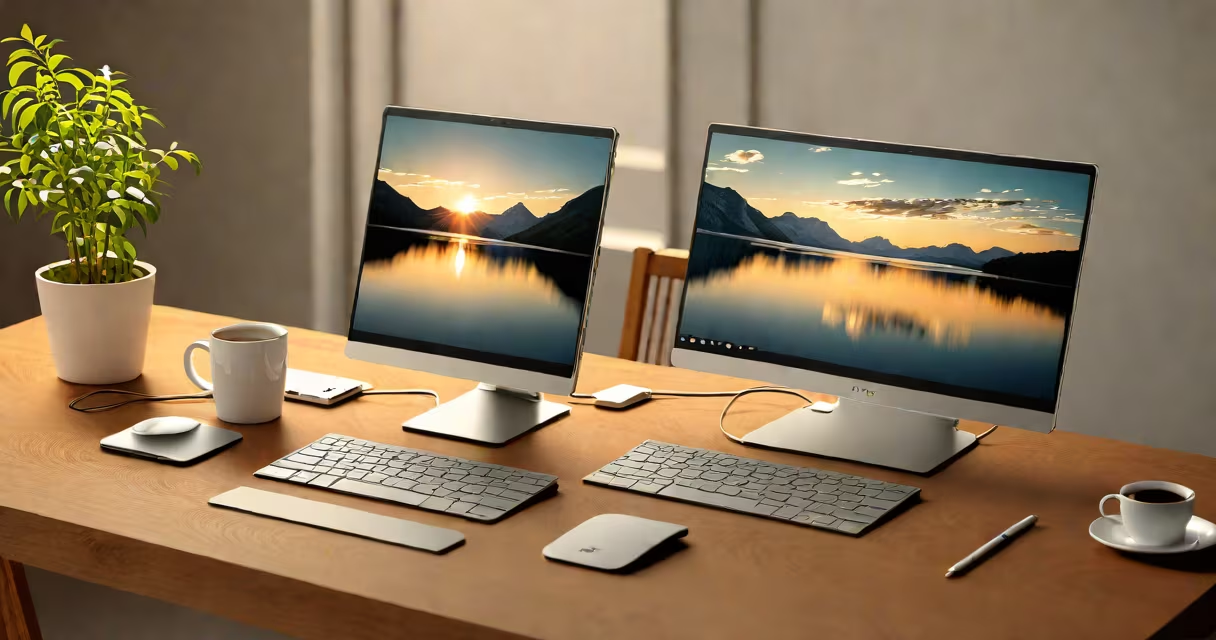
An HP 3 in 1 computer is a convertible laptop that functions as a traditional notebook, a touchscreen tablet, and a standing tent mode device. These devices feature a 360-degree hinge allowing the screen to rotate fully backward, enabling multiple usage styles. The term "3 in 1" refers to the three primary configurations: laptop, tablet, and tent.
These devices are designed for users who want flexibility in form factor without switching between multiple devices. They run full desktop operating systems like Windows 11, support USB-C, HDMI, and Wi-Fi 6, and often include touchscreens, stylus input, and high-resolution displays. Models such as the HP Spectre x360 and HP EliteBook x360 exemplify this category.
Unlike basic tablets or budget 2-in-1s, HP 3 in 1 computers deliver performance comparable to standard laptops. They use Intel Core or AMD Ryzen processors, up to 32GB of RAM, and SSD storage ranging from 512GB to 2TB. Their build quality emphasizes durability and portability, with aluminum chassis and spill-resistant keyboards.
The core mechanism is a full 360-degree hinge that allows the screen to fold completely flat against the keyboard. This enables the device to function as a tablet when the screen is rotated forward and the keyboard is hidden. The hinge locks securely in place at each position-laptop, tablet, and tent-to prevent accidental movement during use.
Touchscreen functionality is standard. Capacitive touch responds to finger input across the entire display surface. Many models include a magnetic stylus, such as the HP Active Pen, which supports pressure sensitivity (up to 4096 levels) for note-taking, sketching, or precise cursor control. The pen stores magnetically on the side of the device.
Power management adjusts automatically based on mode. In tablet mode, the system dims the keyboard backlight and reduces fan activity. Battery life averages 10-14 hours depending on configuration, with fast charging supporting 50% charge in under 30 minutes.
HP offers several 3 in 1 models targeting different user groups. The table below outlines major variants:
| Model | Processor | Display Size | Target Use | Price Range (USD) |
|---|---|---|---|---|
| HP Spectre x360 | Intel Core i7-1355U | 13.5" | Professional creatives, remote workers | $1,300-$1,700 |
| HP EliteBook x360 | Intel Core i5-1335U | 14" | Business, security-focused environments | $1,100-$1,400 |
| HP Pavilion x360 | AMD Ryzen 5 7530U | 14" | Students, casual users | $600-$800 |
Each model includes a fingerprint sensor integrated into the power button and TPM 2.0 chip for hardware-based encryption. The Spectre x360 features a 3K OLED display with 100% DCI-P3 color coverage, ideal for photo and video editing. The EliteBook x360 includes MIL-STD-810H certification for drop and vibration resistance.
A lesser-known fact: HP 3 in 1 computers use a changing thermal solution. When in tablet mode, the cooling fan runs at lower speed due to reduced CPU load. But when switched to laptop mode with sustained workloads, the fan increases airflow automatically. This balance maintains performance while reducing noise and heat buildup.
These devices are common in education, remote work, and creative fields. A teacher using a HP Spectre x360 can switch to tablet mode to annotate student assignments directly on the screen during virtual office hours. A graphic designer uses the stylus to sketch layouts in Adobe Fresco while the device lies flat on a drafting table.
Businesses value the HP EliteBook x360 for its enterprise-grade security. It supports Windows Hello facial recognition, encrypted hard drives, and remote wipe via Microsoft Intune. According to a 2023 report by Gartner, 62% of enterprises adopting hybrid work models prefer 3 in 1 devices over traditional laptops due to improved engagement in virtual meetings.
During a field test in early 2023, a freelance journalist used a HP Pavilion x360 to write articles, record interviews with a USB mic, and edit photos on-site. The device lasted 12 hours on a single charge and handled four browser tabs, a word processor, and photo software simultaneously without lag.
Many assume that 3 in 1 computers sacrifice performance for portability. This is incorrect. Modern HP 3 in 1 models use the same processors and memory configurations as standard laptops. The HP Spectre x360 with an Intel Core i7-1355U achieves 12,400 points on the Geekbench 6 benchmark-comparable to many business laptops.
Another confusion is equating 3 in 1 with touchscreen tablets. While both have touchscreens, HP 3 in 1 computers run full Windows OS, support external monitors, and allow installation of desktop applications like Photoshop or AutoCAD. Touchscreen tablets typically run mobile OS versions and lack full peripheral compatibility.
Some users believe the 360-degree hinge weakens the device. In reality, HP uses a reinforced hinge design with precision-engineered ball bearings. Independent testing by TechRadar showed that the HP Spectre x360 endured 20,000 hinge cycles-well beyond the industry standard of 15,000-without failure.
When choosing between a 3 in 1 and a standard laptop, consider workflow demands. A standard laptop offers better keyboard ergonomics and longer battery life under constant use. A 3 in 1 excels in versatility and adaptability.
For example, a university student taking notes in class might use the laptop mode for typing, then flip to tablet mode to draw diagrams during a lecture. Switching between modes takes less than 10 seconds. A standard laptop requires a separate tablet or app to achieve similar functionality.
Compared to all-in-one touchscreen computers like the HP All-in-One Touchscreen Computer, the 3 in 1 offers mobility. The all-in-one stays stationary and connects to a monitor, keyboard, and mouse. The 3 in 1 can be carried anywhere, making it ideal for travel, conferences, or working from cafes.
The HP 3 in 1 computer delivers a unified experience across work, study, and creativity. Its blend of performance, portability, and form-factor flexibility makes it a practical choice for users who value adaptability. With consistent updates from HP and support from Microsoft, these devices remain relevant through multiple generations.