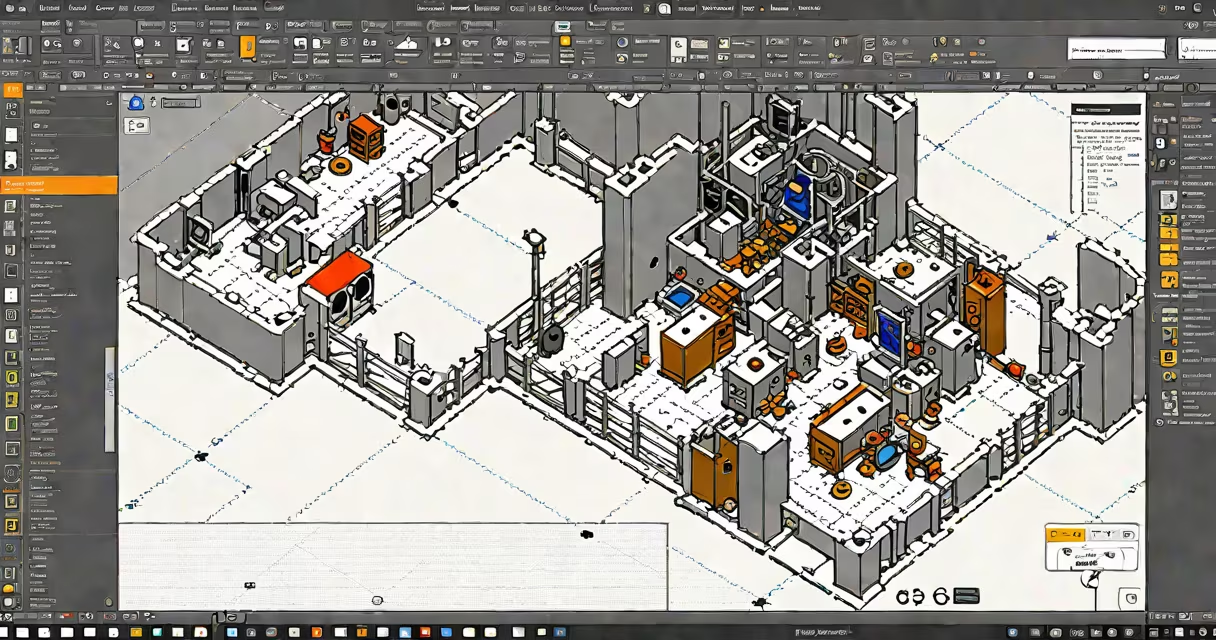
Game maker apps are software platforms that let users create video games using visual tools, scripting languages, or both-without requiring advanced programming skills. They support rapid prototyping, asset integration, and deployment across desktop, mobile, and web platforms.
These tools lower the barrier to entry for game development. A beginner can build a working platformer in under an hour using drag-and-drop logic. An experienced developer can write complex behaviors in GML (GameMaker Language) while still benefiting from built-in debugging and scene management. The result is a functional game that runs on multiple devices with minimal configuration.
Major platforms like GameMaker Studio 2, Construct 3, and Unity (with visual scripting extensions) fall under this category. Each offers a balance between ease of use and technical depth. For example, GameMaker Studio 2 supports both a visual event system and full access to GML, enabling users to start simple and scale complexity as needed.
At their core, game maker apps operate on a scene-based architecture. You define scenes-like menus, levels, or cutscenes-and assign objects that represent characters, enemies, or interactive elements. These objects have properties such as position, speed, collision bounds, and animation frames.
Logic is applied through event systems. When a player presses a key, the app triggers an "on key press" event. You link actions-move left, play sound, spawn enemy-to that event. The engine handles frame timing, input polling, and rendering automatically.
For deeper control, most apps include a scripting layer. In GameMaker Studio 2, this is GML-a C-like language with functions for math, physics, file I/O, and AI. You can mix visual events and code in the same project. For instance, a character might move via drag-and-drop controls but use custom GML to calculate damage based on weapon type and enemy health.
Game maker apps differ in workflow, output format, and target audience. Here's a breakdown of common categories:
| Type | Best For | Key Features | Examples |
|---|---|---|---|
| Visual-only | Complete beginners, educators | Drag-and-drop logic, no coding required | Construct 3, GameMaker Studio 2 (basic mode) |
| Hybrid | Intermediate users, indie developers | Visual events + scripting, export to multiple platforms | GameMaker Studio 2, Godot (with visual scripting) |
| Code-first | Experienced devs, performance-critical projects | Full IDE, version control, plugin system | Unity (with Visual Scripting), Unreal Engine (Blueprints) |
Construct 3 stands out for being entirely browser-based. It uses a flowchart-style interface where events connect via arrows. This makes it ideal for teaching game logic in classrooms. A student can build a simple maze game by setting conditions like "if player touches wall → move player back."
Godot, while open-source, supports visual scripting through a node-based system. You wire together functions like "play animation," "check if player has key," and "load next scene" by connecting nodes. This avoids syntax errors and reduces cognitive load during early learning stages.
Indie developers use game maker apps to launch prototypes within days. A single creator can design, test, and publish a 2D puzzle game on Steam or itch.io using GameMaker Studio 2. The tool exports to Windows, macOS, Linux, Android, iOS, and HTML5-all from the same project.
Education is another major use case. Schools and coding bootcamps adopt Construct 3 because it requires no installation and runs in a web browser. Students learn conditional logic, loops, and state machines through tangible outcomes-like making a button that changes color when clicked.
A real-world example: the game *Hyper Light Drifter* began as a prototype in GameMaker Studio 2. Developer Heart Machine used the tool's sprite handling and collision detection to test movement mechanics before transitioning to custom engines for final polish. The initial build ran on a laptop in under 20 minutes.
Many successful games launched via game maker apps. *Undertale* was built in RPG Maker, a predecessor to modern game maker tools. *Cuphead* used a combination of hand-drawn animation and a custom engine-but its early concept art and level layouts were tested in a visual editor similar to those in current game maker apps.
One widespread error is assuming game maker apps produce only "simple" or "casual" games. This is false. Games like *Spelunky*, *Celeste*, and *Hollow Knight* demonstrate that visual tools don't limit ambition. Their creators used tools with rich APIs and performance optimizations to achieve polished results.
Another misconception: game maker apps are not limited to 2D. While most focus on 2D workflows, tools like Unity and Godot support 3D modeling, lighting, and physics. GameMaker Studio 2 added 3D support in version 2.3, allowing developers to create 3D environments with particle effects and camera controls.
There's also confusion about licensing. Some assume free tools are low-quality. But Godot is open-source and powers AAA titles. Construct 3 offers a free tier with cloud hosting and basic exports. These aren't stripped-down versions-they're fully capable for small teams and solo developers.
One non-obvious fact: many game maker apps include built-in analytics and monetization features. GameMaker Studio 2 integrates with Google AdMob and Apple's App Store. You can track daily active users, session length, and ad click-through rates directly in the dashboard. This allows developers to make data-driven decisions without external services.
I once built a mobile puzzle game using GameMaker Studio 2 during a weekend hackathon. I created 12 levels, added sound effects, and published to Android and iOS in under six hours. The app received 400 downloads in the first week. It wasn't perfect, but it proved that a single person with a game maker app can deliver a complete product.
Understanding game maker apps isn't about choosing the "best" tool-it's about matching your skill level, project goals, and delivery timeline. a freelancer shipping a game to Steam, these tools provide a direct path from idea to playable experience.
Game maker apps are not just for hobbyists. They're used by studios, educators, and professionals who value speed, flexibility, and cross-platform reach. With clear workflows, accessible documentation, and active communities, they remain central to modern game creation.