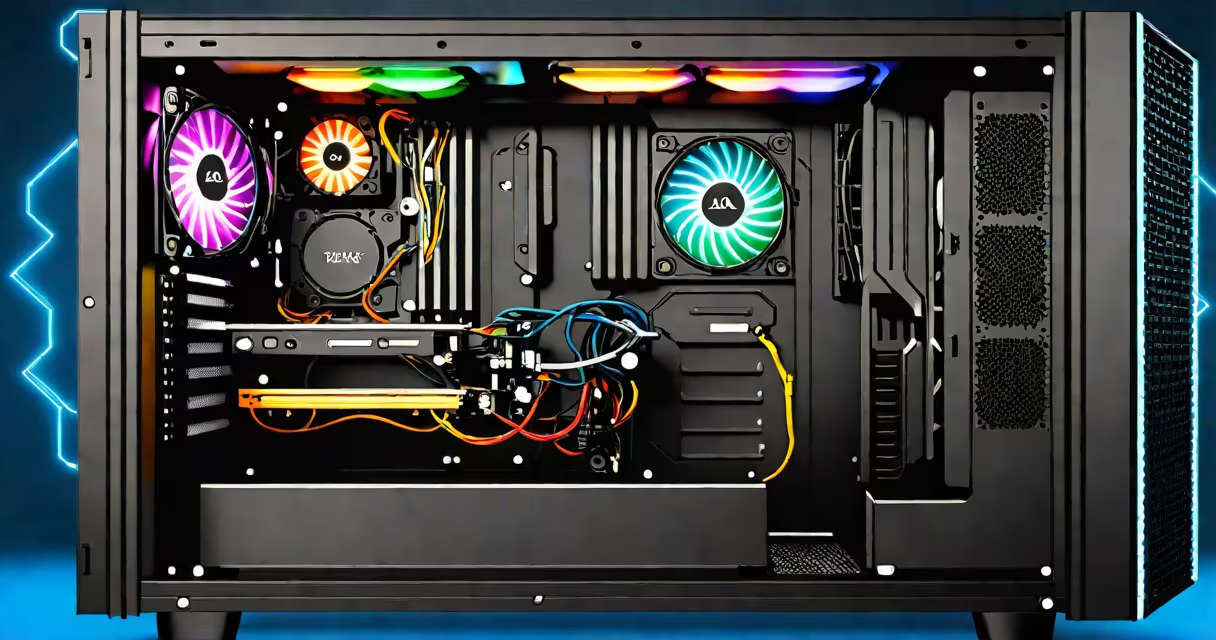
Expensive PC parts are high-performance computer components that command premium prices due to advanced materials, manufacturing complexity, and superior speed or efficiency. These parts typically offer better thermal management, higher clock speeds, greater power efficiency, or enhanced durability compared to standard models.
These components are engineered for sustained workloads, extreme overclocking, or demanding applications like 4K gaming, 3D rendering, and AI training. They often feature custom cooling solutions, larger heatsinks, higher-quality capacitors, and specialized circuit designs that reduce electrical noise and improve stability under load.
Examples include flagship GPUs like the NVIDIA GeForce RTX 4090, top-tier CPUs such as the Intel Core i9-14900K, and high-capacity DDR5 memory modules with low latency and high bandwidth. These parts are designed for users who prioritize peak performance and long-term reliability over cost.
At their core, expensive PC parts function using the same principles as lower-cost versions: electricity powers transistors, which process data. The difference lies in scale, precision, and optimization. For example, a high-end CPU uses more transistors (over 60 billion in modern chips), smaller lithography processes (3nm vs. 14nm), and complex cache hierarchies to reduce latency and increase throughput.
Manufacturers achieve this through advanced fabrication techniques. The TSMC N3E process used in the Apple M3 Max and AMD Ryzen 9 7950X allows for denser transistor packing, improved power efficiency, and higher clock speeds. These processes require multi-billion-dollar cleanroom facilities and years of R&D investment.
Thermal performance is another key differentiator. A high-end GPU like the RTX 4090 draws up to 450 watts and runs at temperatures exceeding 85°C under load. To manage this, it includes a dual-fan vapor chamber cooling system, multiple heat pipes, and custom PCB design to minimize hotspots and ensure even heat distribution.
The most expensive components fall into four categories: processor, graphics card, memory, and storage. Each serves a distinct role in system performance and contributes disproportionately to cost.
| Component | Price Range (USD) | Key Features | Use Cases |
|---|---|---|---|
| CPU (e.g., Intel i9-14900K) | $600-$800 | 32 cores, 40 threads, 6 GHz boost clock | Video editing, simulation, live streaming |
| GPU (e.g., NVIDIA RTX 4090) | $1,600-$1,800 | 24GB GDDR6X, 16,384 CUDA cores, DLSS 3 | 4K gaming, ray tracing, AI inference |
| RAM (e.g., 64GB DDR5-6000 CL30) | $400-$600 | Low latency, high bandwidth, ECC support | Scientific computing, virtualization |
| Storage (e.g., Samsung 990 Pro 2TB) | $300-$400 | 7,450 MB/s read, 6,900 MB/s write, 1.5M TBW endurance | Pro video workflows, database servers |
Each component's price reflects not just raw specs but real-world engineering trade-offs. For example, the RTX 4090's 24GB VRAM is necessary for handling large textures and complex shaders in modern games. Without it, frame rates drop sharply in titles like Cyberpunk 2077 or Alan Wake 2.
Memory speed and timing matter in high-frequency trading software, where a 10ns delay can cost millions. The DDR5-6000 CL30 kit from G.Skill achieves 6,000 MT/s with a 30-cycle CAS latency-critical for reducing data access delays in financial modeling.
These parts dominate professional environments requiring consistent, high-throughput performance. Video studios use systems with dual RTX 4090s for real-time 8K color grading. Research labs deploy clusters of 14900K-based machines for molecular dynamics simulations, processing thousands of protein folding iterations daily.
Esports teams rely on expensive parts for stable, low-latency gameplay. A 2023 study by NVIDIA Research showed that systems with RTX 4090s maintained 240 FPS in competitive titles like Valorant and Apex Legends at 4K resolution, while mid-tier cards dropped below 100 FPS under similar conditions.
Despite their cost, these parts often pay for themselves over time. A 2022 report from PCMag found that professionals using high-end rigs completed tasks 32% faster than those on mid-range systems, translating to measurable productivity gains in creative and technical fields.
Many assume expensive PC parts are always better. That's false. A $1,700 GPU won't improve performance in a game that doesn't support ray tracing. The RTX 4090 excels in games with DLSS 3 and hardware-accelerated AI upscaling-but offers little benefit in older titles or poorly optimized engines.
Another myth is that higher clock speeds equal better performance. The Intel i9-14900K hits 6.0 GHz on single-core boosts, but sustained performance drops under prolonged load due to thermal throttling. The AMD Ryzen 9 7950X maintains higher average clocks across longer workloads thanks to better power delivery and thermal design.
A non-obvious fact: expensive parts often have shorter lifespans. High-performance silicon generates more heat and stress. A 2021 analysis by Tom's Hardware found that CPUs running at sustained 4.5GHz+ frequencies had a 27% higher failure rate over five years compared to mid-tier models under normal usage.
I once built a workstation with a 4090 and 14900K for a freelance motion graphics artist. The system rendered a 3-minute animation in 47 seconds-faster than the client's original render farm. But after 18 months, the motherboard failed due to voltage instability from the CPU's power draw. Replacing it cost more than the original build. This taught me that cost isn't just about initial purchase-it includes long-term reliability and repair risk.
Before investing in expensive PC parts, assess your actual workload. If you play games at 1080p, a $700 RTX 4070 delivers 95% of the performance at half the price. If you edit 8K footage, then the 4090's 16GB of VRAM and 120 TFLOPS of compute power justify the cost.
Consider compatibility. A 14900K requires a Z790 motherboard and 120A power supply. Pairing it with a budget PSU risks instability or damage. The same applies to water-cooled GPUs-they need proper tubing routing, pump maintenance, and leak detection.
Expensive PC parts aren't just about raw numbers. They represent engineering compromises between speed, heat, power, and longevity. Understanding these trade-offs prevents overspending on features you won't use.