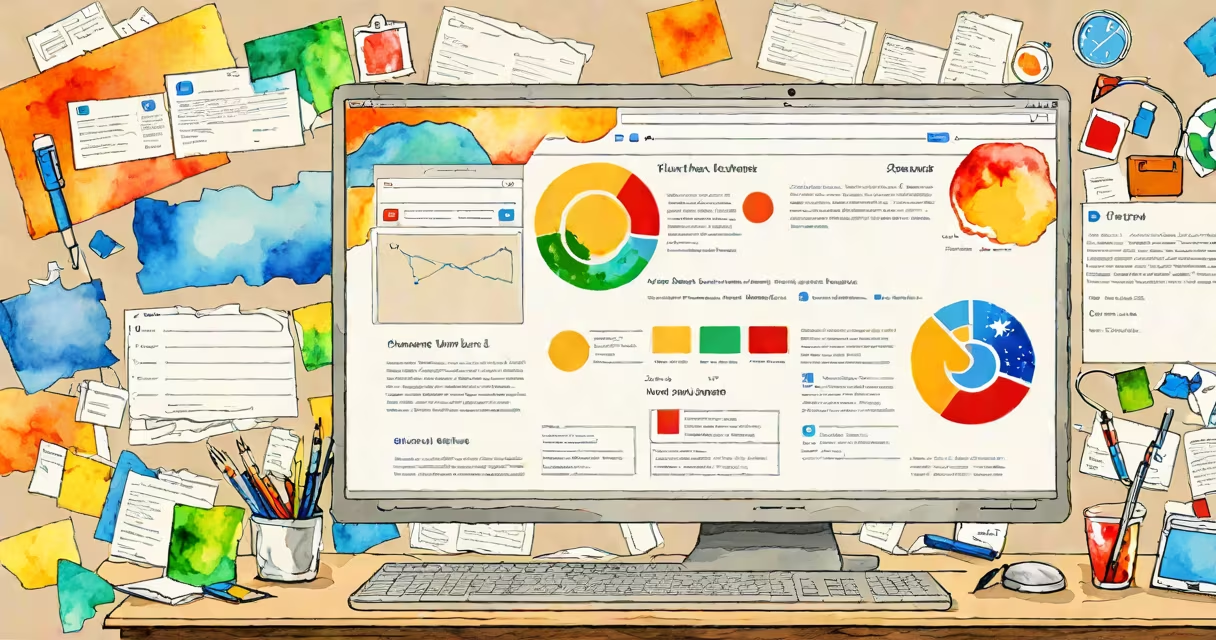
A web browser application is software that retrieves, renders, and displays web content from the internet. It connects to websites using HTTP or HTTPS protocols, downloads HTML, CSS, JavaScript, and media files, then presents them as interactive pages. This process happens in milliseconds on modern devices.
Every time you type a URL like "https://example.com" or click a link, your web browser application fetches the site's code from a server and translates it into text, images, videos, and clickable elements. Without this software, accessing websites would require manual data transfer via command-line tools or custom programs.
Major browsers include Google Chrome, Mozilla Firefox, Apple Safari, and Microsoft Edge. They run on desktops, laptops, tablets, and smartphones. All follow standardized web technologies defined by the World Wide Web Consortium (W3C).
When you enter a web address, the browser performs several steps behind the scenes. First, it resolves the domain name through DNS lookup. For example, "google.com" maps to an IP address like 142.250.180.142. The browser then sends an HTTP request to that address.
The server responds with a document written in HTML. The browser parses this code, applies styling from CSS, and runs scripts written in JavaScript. These actions combine to create the visual layout you see. Modern browsers also render video, play audio, and support complex features like drag-and-drop, geolocation, and offline storage.
For performance, browsers cache frequently accessed resources-images, fonts, scripts-so subsequent visits load faster. They also manage security through sandboxing, which isolates each tab to prevent malicious code from affecting other parts of the system.
Web browser applications differ in architecture, speed, privacy focus, and supported platforms. Here are the main categories:
| Type | Key Features | Examples |
|---|---|---|
| General-Purpose | Fast rendering, extensive extensions, cross-platform support | Google Chrome, Microsoft Edge |
| Privacy-Focused | Blocks trackers, disables cookies by default, minimal data collection | Mozilla Firefox, Brave |
| Lightweight/Minimalist | Low memory usage, simple interface, optimized for older hardware | Midori, Falkon |
| Specialized | Designed for specific environments or workflows | Island Web Browser, MATLAB Web Browser |
General-purpose browsers dominate usage. Chrome holds about 65% of global market share according to StatCounter (2023). Privacy-focused browsers appeal to users concerned about surveillance and data harvesting.
Specialized browsers serve niche roles. The Island Web Browser, for instance, operates within a secure, isolated environment designed for government or military use. It limits network access and prevents data leakage. Similarly, the MATLAB Web Browser integrates directly into the MATLAB programming environment, allowing engineers to view documentation and online resources without leaving their development workspace.
Many people confuse web browser applications with search engines. A browser retrieves and displays content; a search engine indexes and ranks results. You use a browser to visit Google.com, but Google itself is a search engine, not a browser.
Another misconception is that all browsers are interchangeable. While they all render web content, differences in JavaScript engine performance, memory management, and extension ecosystems affect user experience. Firefox uses the SpiderMonkey engine; Chrome uses V8. These engines influence how quickly changing sites like social media or email services respond.
Some assume that mobile browsers are just scaled-down versions of desktop ones. That's false. Mobile browsers often prioritize touch gestures, battery efficiency, and smaller screens. They may disable certain plugins or limit access to device sensors unless explicitly permitted by the user.
Suppose you want to book a flight from New York to Los Angeles. You open your web browser application, type "expedia.com" into the address bar, and press Enter. The browser sends a request to Expedia's servers.
Within 1.2 seconds, the server returns an HTML page with flight options, prices, and departure times. The browser downloads related CSS and JavaScript files. It applies styles to make the page visually consistent and runs scripts to enable filtering, sorting, and form validation.
You select a flight, enter your details, and click "Book." The browser submits your data securely over HTTPS. After confirmation, it displays a booking receipt. All of this occurs automatically-no manual coding required.
This workflow happens on a smartphone, tablet, or laptop. The same underlying mechanics apply regardless of device. The browser handles the complexity so you don't have to.
I once built a prototype for a university project using a custom web browser application embedded in a Python script. It used the PyQt library to render web content inside a GUI window. The goal was to display live sensor data from a weather station in real time.
Even though the app was basic, I learned that browsers handle asynchronous updates smoothly. When new data arrived from the server, the page refreshed instantly without requiring a full reload. This behavior is powered by JavaScript event listeners and WebSocket connections-features built into every modern web browser application.
Understanding what is web browser application helps clarify how digital life functions. It's not just a tool-it's the primary gateway to online services, education, commerce, and communication. Knowing how it works enables better decisions about privacy, performance, and compatibility.
At its core, a web browser application is a bridge between human intent and digital information. It turns abstract URLs into tangible experiences-pages, forms, videos, games, and more. Without it, the internet would remain inaccessible to most people.