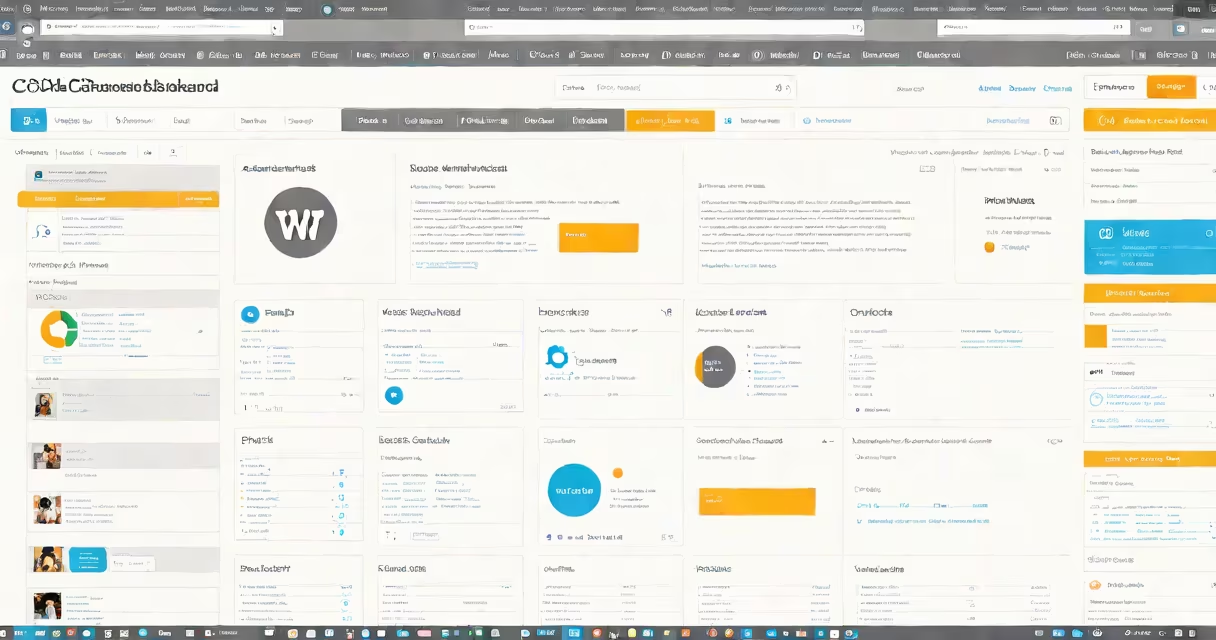
A content management system (CMS) is a software application that enables users to create, manage, and modify digital content-especially website content-without needing technical expertise in coding or web development. It separates content from design and functionality, allowing non-technical users to update pages, upload media, and control site structure through a web-based interface.
CMS platforms handle the backend logic, database storage, and user permissions while presenting a streamlined frontend for content authors. They're used to build blogs, corporate websites, e-commerce stores, news portals, and intranets. The most widely used systems include WordPress, Drupal, and Joomla, which power over 60% of all websites using a CMS, according to W3Techs (2023).
When you see a blog post updated with a new photo, a product page refreshed with pricing, or a company's "About Us" section changed overnight, a CMS likely made it possible. These systems don't just store content-they organize it, version it, and deliver it efficiently across devices.
At its core, a CMS operates through three layers: the content layer, the presentation layer, and the administration layer. The content layer stores text, images, videos, and metadata in a structured format. The presentation layer determines how content appears on screens-via themes, templates, or layouts. The administration layer provides the user interface for managing content, users, settings, and plugins.
When a user edits a page in a CMS, changes are saved to a database. When someone visits the site, the CMS pulls the latest content from the database, applies the selected theme, and renders the page dynamically. This process happens in milliseconds and supports thousands of concurrent visitors.
For example, a university using WordPress can have faculty members submit course descriptions through a form. The system validates the input, saves it to a database, and publishes it under the correct department page. No developer intervention is needed unless a structural change is required.
Not all CMS platforms are the same. They differ in architecture, scalability, and intended use. The main categories are:
| Type | Best For | Examples | Key Feature |
|---|---|---|---|
| Open-source | Full customization, large communities | WordPress, Drupal, Joomla | Self-hosted, free to use, extensible via plugins |
| Headless | Mobile apps, single-page applications | Contentful, Sanity, Strapi | Delivers content via APIs; decouples content from presentation |
| Proprietary | Enterprise environments, tight support | Adobe Experience Manager, Sitecore | Commercial licensing, dedicated customer service |
| Cloud-based | Quick deployment, minimal maintenance | Wix, Squarespace, Shopify (for stores) | Hosted solution; limited access to underlying code |
Headless CMS is often misunderstood as being "newer" or "better," but it's not universally superior. A headless system requires developers to build the frontend separately, making it ideal for apps that need consistent content delivery across multiple channels. However, for a small business launching a basic website, a cloud-based platform like Wix may offer faster setup and lower learning curve.
One key distinction: traditional CMS platforms render pages on the server (server-side rendering), while headless systems send raw content to a client-side app (client-side rendering). This affects performance, SEO, and accessibility-factors that must be evaluated based on project goals.
Many people assume that a CMS is just a "website builder." That's incorrect. While tools like Wix or Squarespace are accessible, they're not full CMS platforms-they lack the flexibility and extensibility of true CMS systems. A CMS allows for complex workflows, role-based access, multilingual support, and integration with external services like email marketing or analytics.
Another misconception is that all CMS platforms require coding. While advanced features often involve JavaScript, PHP, or SQL, the core functions-writing posts, uploading images, setting menus-are done through forms and buttons. WordPress, for instance, lets users draft articles using a rich-text editor similar to Microsoft Word.
Consider a nonprofit organization launching a campaign website. Using a CMS like Drupal, the team can assign roles: volunteers write blog entries, editors approve them, and administrators manage user accounts and site settings. All content is stored securely, versioned, and backed up automatically.
Another example: a global brand using a headless CMS like Contentful to feed product details into a mobile app, a web storefront, and a kiosk display-all simultaneously. The same content is delivered via API endpoints, ensuring consistency across touchpoints. This model reduces duplication and speeds up updates.
I once helped a local library migrate from static HTML pages to a WordPress-based CMS. Before, updating event dates required manually editing files and uploading them via FTP. After the switch, staff could log in, schedule events, and set reminders-all within 90 seconds. The time saved on routine updates totaled over 12 hours per month.
Knowing what CMS means helps organizations choose the right tool for their needs. A small business might prefer a hosted solution like Squarespace for simplicity. A government agency handling sensitive data may opt for a self-hosted, secure CMS like Drupal with strict access controls.
Content isn't just information-it's a strategic asset. A CMS helps content is reusable, searchable, and maintainable over time. According to a 2022 report by Forrester Research, companies using centralized content management systems saw a 30% increase in content reuse and a 25% reduction in production time.
What CMS means is far more than a tool-it's a structure for organizing digital presence. managing a multinational website, understanding how a CMS functions empowers better decisions about scalability, security, and long-term sustainability.