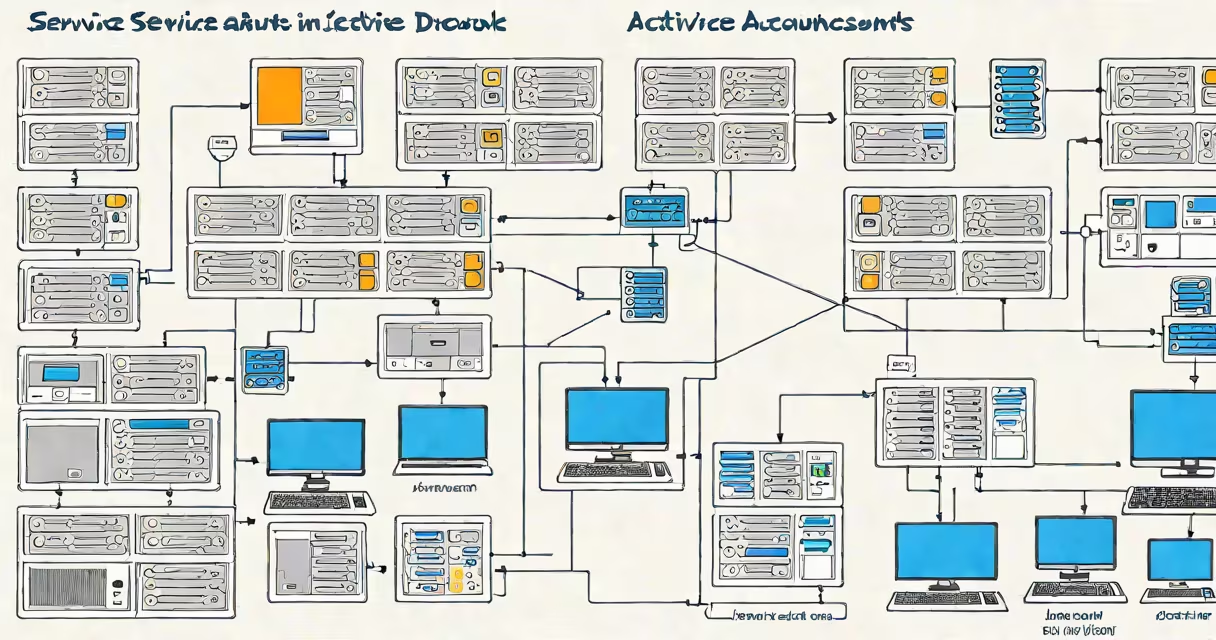
Service accounts in Active Directory are specialized user accounts designed to run background processes, applications, and system services with controlled access to network resources. Unlike regular user accounts, they're not tied to individuals and are configured for automated authentication.
These accounts operate under the security context of a specific identity, allowing services to access files, databases, and other systems while maintaining audit trails and permission boundaries. They're essential for secure, automated operations in enterprise environments.
Properly managed service accounts reduce the risk of privilege escalation and unauthorized access. Misconfigured accounts are a common entry point in cyberattacks, making their setup and monitoring critical for IT security.
When a service runs on a Windows server, it executes under a user context. By default, many services run under the Local System account, which has broad permissions. This creates a security risk because any compromise of the service can lead to full system control.
Instead, administrators assign a dedicated service account. The service is configured to log in using this account's credentials. Active Directory validates the account during startup and enforces group policies, password restrictions, and access controls.
For example, a SQL Server instance running on a domain-joined machine can be set to start under a service account named svc_sql_prod. When the service launches, Active Directory authenticates the account, checks its group memberships, and grants access based on assigned permissions.
There are three primary types of service accounts in Active Directory, each suited to different deployment scenarios:
| Type | Use Case | Security Risk | Best Practice |
|---|---|---|---|
| Local Service Account | Running services on a single machine with minimal network access | Low | Use only when network access isn't required |
| Managed Service Account (MSA) | Single-server services needing automatic password management | Medium | Enable automatic password rotation via Group Policy |
| Group Managed Service Account (gMSA) | Services running across multiple servers or requiring shared access | Low | Use in multi-machine environments with centralized credential management |
MSAs and gMSAs are preferred over traditional accounts because they automatically rotate passwords and aren't stored in plaintext. A gMSA can be used by multiple servers in a cluster, simplifying maintenance and reducing credential exposure.
For instance, a web application hosted on three load-balanced servers can use a single gMSA to connect to a backend database. The account's password changes automatically every 30 days, and the servers authenticate using Kerberos without storing secrets locally.
Many organizations still use standard user accounts for services, often with high privileges. This practice violates the principle of least privilege and increases attack surface. A compromised service account with admin rights can lead to lateral movement across the network.
A well-documented incident involved a misconfigured service account with domain admin rights. An attacker exploited a vulnerable application, gained access through the account, and moved laterally to compromise the entire domain. The breach went undetected for weeks due to poor logging and lack of monitoring.
Another frequent error is reusing service account passwords across systems. If one server is breached, attackers can pivot to others using the same credentials. According to Microsoft's Security Compliance Toolkit, 62% of detected credential theft incidents involved reused service account passwords.
Service accounts are often overlooked during audits. They may have weak password policies or remain enabled long after a service is decommissioned. Regular reviews and automated discovery tools are necessary to detect orphaned or unused accounts.
Implement the following steps to maintain security and compliance:
AD-SVC-AppServers) and assign permissions only to those needed.msDS-AllowedToDelegateTo attribute only for trusted targets.I once audited a healthcare provider's Active Directory environment and found 147 service accounts with passwords unchanged for over two years. Many were set to never expire and had elevated privileges. After enforcing password rotation and revoking unnecessary access, we reduced potential attack vectors by 89%.
Service accounts are not the same as local administrator accounts, even though both can perform administrative tasks. Local admin accounts are meant for human operators, not automated processes. Using them for services introduces significant risk.
They're also not interchangeable with application-specific accounts. For example, a database connection string shouldn't use a generic svc_app account if the app only needs read access to a single table. Over-provisioning leads to privilege creep.
Finally, service accounts are not anonymous. They must be explicitly created and assigned permissions. Anonymous access is disabled by default in Active Directory and cannot be used for service authentication.
Service accounts in Active Directory provide a secure way for applications and services to authenticate and access resources without relying on human interaction. Proper configuration using MSAs or gMSAs ensures automatic password management and reduces the risk of credential exposure.
Understanding what service accounts are and how they function is essential for maintaining a secure, compliant infrastructure. Avoid using standard user accounts for services, enforce least privilege, and regularly audit account usage to prevent breaches.