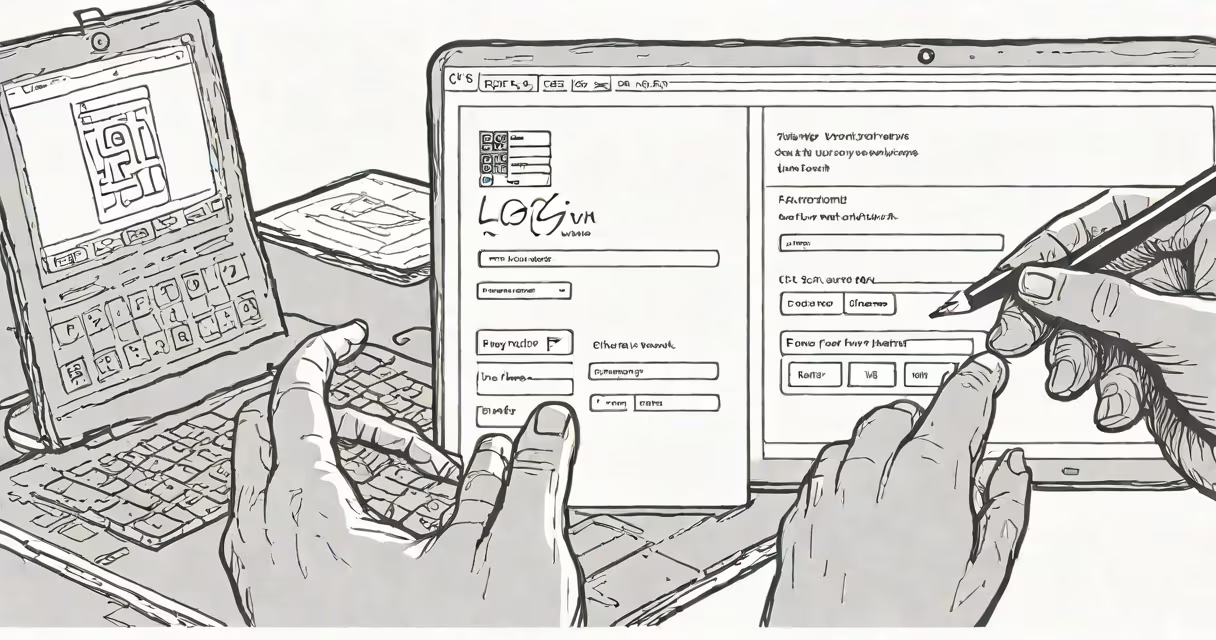
Two factor authentication websites require users to provide two distinct forms of identification-typically something they know (like a password) and something they have (like a code sent to a phone or generated by an app)-before granting access. This dual-layer system reduces the risk of unauthorized access compared to password-only logins.
These sites use protocols such as Time-Based One-Time Password (TOTP), SMS codes, hardware tokens, or biometric verification. The second factor is generated dynamically and expires quickly-usually within 30 seconds-making it useless if intercepted. Major platforms including Google, Microsoft, and Dropbox enforce 2FA on accounts by default or offer it as a recommended setting.
According to the National Institute of Standards and Technology (NIST), using multi-factor authentication reduces successful phishing attacks by over 99% compared to single-factor authentication. The implementation varies: some services send a code via SMS, others use authenticator apps like Google Authenticator or Duo Mobile, and some rely on physical security keys such as YubiKey.
When a user attempts to log in, the system first verifies the password. If correct, it triggers the second factor request. This may involve sending a six-digit code to a registered mobile number, displaying a time-sensitive code in an authenticator app, or prompting a biometric scan (fingerprint or facial recognition).
The server validates the second factor against a shared secret key stored during setup. If both factors match, access is granted. The process is stateless-once the code is used or expired, it cannot be reused. This prevents replay attacks, where attackers reuse captured credentials.
Not all 2FA implementations are equal. The most secure methods prioritize cryptographic validation over SMS, which remains vulnerable to SIM-swapping attacks.
| Type | How It Works | Security Level | Common Use Cases |
|---|---|---|---|
| SMS Codes | Text message with a numeric code sent to a mobile number. | Low | Consumer-facing platforms like Facebook, PayPal (legacy settings). |
| Authenticator Apps | Time-based codes generated by apps like Google Authenticator or Authy. | High | Google, GitHub, AWS, banks. |
| Hardware Tokens | Physical devices like YubiKey that generate codes or connect via USB/NFC. | Very High | Enterprise systems, government portals, high-security accounts. |
| Biometrics | Fingerprint, face, or iris scan verified on-device. | High (if properly implemented) | Mobile banking apps, Apple ID, Windows Hello. |
Authenticator apps are more secure than SMS because they don't rely on cellular networks, which can be compromised through SS7 vulnerabilities or social engineering. NIST recommends avoiding SMS-based 2FA for sensitive accounts, especially those involving financial or personal data.
Major tech companies widely adopt 2FA. Google requires 2FA for accounts linked to certain services like Google Workspace. Microsoft enforces it for Azure Active Directory and Outlook.com. Dropbox enables 2FA by default for all business accounts.
Financial institutions increasingly mandate 2FA for online banking. For example, Chase and Bank of America require customers to register a device or phone number for secondary verification. These systems often combine app-based codes with push notifications-users approve login attempts via a trusted device.
Many users assume that enabling 2FA means their account is completely safe. That's not true. A compromised device or phishing site that mimics a login page can still steal both password and second factor if the user enters them blindly.
One critical flaw is the use of backup codes. If stored insecurely-such as in an unencrypted file or printed on paper left on a desk-these can grant full access to attackers. A 2021 study by the University of California, Berkeley, found that 38% of users who enabled 2FA did not securely store recovery options.
Another misconception is that SMS-based 2FA is sufficient. While better than nothing, it's vulnerable to SIM swapping, where fraudsters trick carriers into transferring a victim's number to a new SIM card. Once they control the number, they receive all 2FA codes. In 2020, the FTC reported over 1,000 cases of SIM swap fraud affecting cryptocurrency wallets and bank accounts.
I once set up 2FA on a personal email account using SMS. After a few months, my carrier accidentally ported my number to another user due to a billing error. I lost access to my 2FA codes until customer service restored my number. I switched to an authenticator app immediately after. The experience confirmed that SMS 2FA is not resilient to infrastructure failures.
Use authenticator apps over SMS whenever possible. Apps like Authy or Microsoft Authenticator generate codes independently and don't depend on network availability. They also allow syncing across devices with encryption.
Enable backup methods-but store them offline. Write down recovery codes and keep them in a locked drawer or safe. Avoid saving them in cloud notes or email folders. Use a password manager with encrypted vaults to store them securely.
Never enter 2FA codes on a public computer or shared device. Always verify the URL matches the official domain. Phishing sites often mimic login pages from Gmail, Facebook, or Amazon. Even if you enter the code correctly, the attacker captures it and logs in as you.
Finally, test your recovery plan. If you lose access to your primary device, can you regain entry? Most platforms allow you to reset 2FA through account recovery steps-but these often take days and require identity proof. Plan ahead.
Two factor authentication websites are essential for protecting digital identities. They reduce the likelihood of account takeover by requiring more than just a password. When implemented correctly-with strong second factors like authenticator apps or hardware tokens-they make online accounts far more resilient to attack.