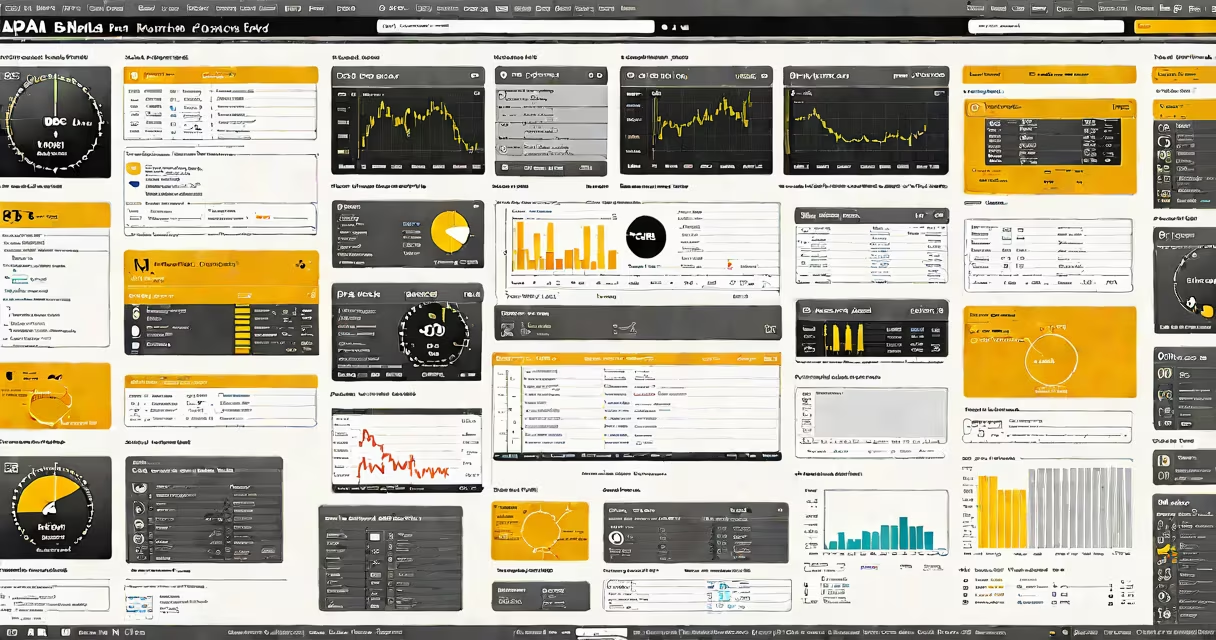
SAP HANA Studio is the integrated development environment used to manage, model, and administer SAP HANA databases. It provides a unified interface for creating data models, running SQL queries, monitoring system performance, and deploying applications.
Developed by SAP, HANA Studio runs as a desktop application based on Eclipse. It connects directly to HANA systems via secure protocols and supports both local and remote database instances. Users access it through a client machine, typically Windows or Linux, using Java Runtime Environment (JRE) 8 or later.
It's not a standalone tool for data analysis or reporting. Instead, it serves as the central hub for database administrators (DBAs), developers, and data architects working with SAP HANA's in-memory computing platform. Its role is foundational-without it, complex modeling and deployment tasks require manual command-line operations.
SAP HANA Studio operates by establishing a connection to a running HANA database instance. Once connected, users gain access to multiple perspectives: data modeling, administration, SQL scripting, and system monitoring. Each perspective is designed for specific workflows and reduces context switching.
For example, when building a calculation view, users drag and drop tables from the schema browser, define joins and filters, and apply aggregation logic-all within a visual canvas. The tool validates syntax in real time and generates optimized SQL under the hood. This process avoids errors common in hand-coded queries.
Behind the scenes, HANA Studio communicates with the HANA database engine through the XS Engine and OData services. All actions-creating a table, running a script, or restarting a service-are sent as HTTP/REST requests or SQL statements over a secure channel. Changes are reflected instantly in the database state.
The interface is divided into modular workspaces. Each workspace focuses on a distinct function. Key areas include:
These components are accessible via tabs in the main window. Developers often switch between the Data Modeling and SQL Editor panes during development cycles. The Repository tab integrates with Git-based version control, enabling team collaboration.
A lesser-known feature is the ability to export models as .hdbcalculation or .hdbtable files. These are deployable units that can be imported into other HANA systems, supporting consistent environments across testing and production.
However, HANA Studio remains in use for legacy systems and advanced administrative tasks. Some organizations continue to rely on it because it offers deeper access to internal system tables and performance diagnostics not exposed in the web client.
Another misconception is that HANA Studio supports all SAP HANA features. It doesn't. For example, it lacks native support for multi-target applications (MTA) and cannot deploy services using the new SAP Cloud Application Programming Model (CAP). These require the SAP Business Application Studio or command-line tools.
Consider a retail company building a sales forecasting model. A developer uses SAP HANA Studio to:
Each step happens within HANA Studio. The developer saves the model, commits changes to a Git repository, and shares the project with a colleague. The entire workflow takes less than 45 minutes, including validation and deployment.
This example shows how HANA Studio streamlines development. Without it, replicating the same steps would require writing dozens of SQL commands, manually checking syntax, and managing file transfers.
While HANA Studio remains functional, newer tools offer better integration with cloud platforms and DevOps pipelines. The following table outlines key differences:
| Feature | SAP HANA Studio | SAP Business Application Studio |
|---|---|---|
| Access Method | Desktop client (Eclipse-based) | Web browser (cloud-hosted) |
| Deployment Support | Manual or via repository | Integrated CI/CD pipelines |
| Version Control | Basic Git integration | Full GitOps support |
| Multi-Target Applications | No support | Native support |
| Performance Monitoring | Local dashboard | Cloud-native telemetry |
According to SAP's official documentation, "SAP HANA Studio is maintained for backward compatibility but not recommended for new development." SAP Help Portal
Even experienced users report that the web-based IDE offers faster startup times and better responsiveness on low-end machines. One developer noted that switching from HANA Studio to Business Application Studio reduced project load time from 42 seconds to under 8 seconds on a 2019 laptop.
SAP HANA Studio is a mature, useful tool for managing SAP HANA databases. It remains essential for teams maintaining older systems or performing deep system diagnostics. However, for new projects, especially those targeting cloud deployment, modern alternatives provide greater scalability and automation.
Understanding its role helps avoid confusion. It's not obsolete-but it's not the future either. The shift toward web-based, cloud-native development reflects broader industry trends toward platform-agnostic, collaborative environments.
For ongoing work with SAP HANA, familiarity with both HANA Studio and modern tools ensures flexibility and long-term relevance.