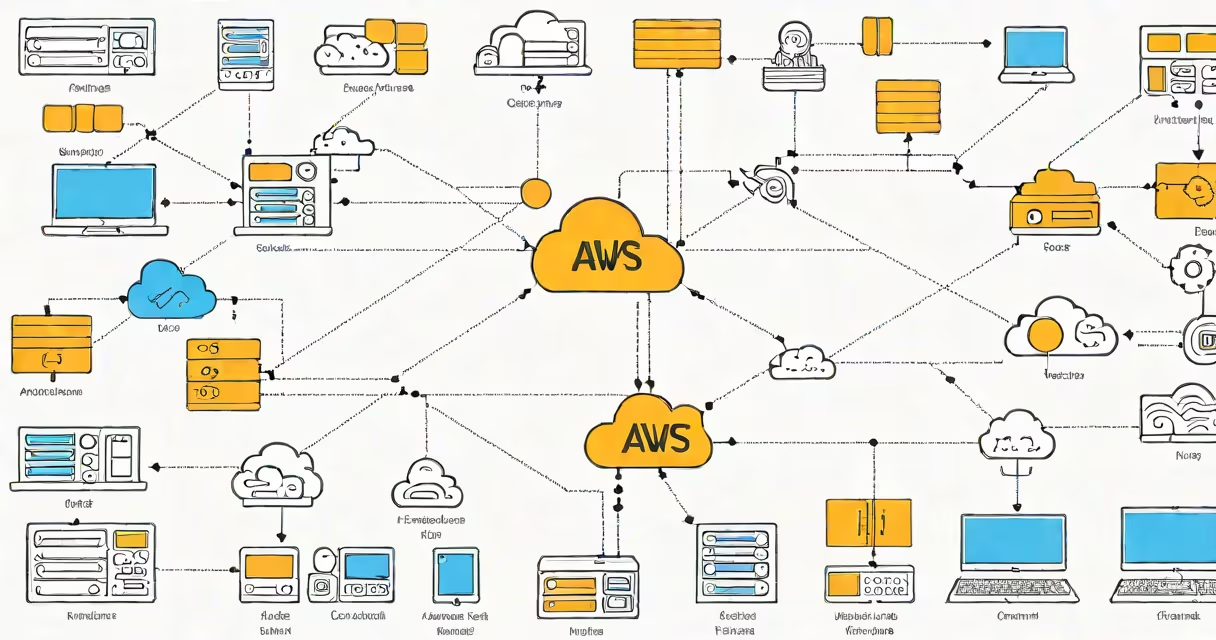
Introduction to AWS services refers to the foundational set of cloud computing tools offered by Amazon Web Services, including compute, storage, databases, networking, and machine learning capabilities, designed to run applications and manage data at scale without physical hardware.
AWS launched in 2006 and now hosts over 200 services. The platform powers Netflix, Airbnb, and NASA missions. It operates through global regions and availability zones, ensuring redundancy and low latency. Users access services via APIs, web console, or command-line tools.
Each service solves a specific technical problem. For example, EC2 provides virtual servers, S3 stores files, and Lambda runs code without managing servers. These components work together to build scalable, secure systems.
When you use AWS, you interact with a distributed system hosted across multiple data centers worldwide. You request a resource-like a server or database-and AWS provisions it automatically based on your configuration.
For example, launching an EC2 instance involves selecting an operating system, specifying memory and CPU size, choosing a security group, and assigning a public IP. AWS then allocates the underlying physical hardware and boots the virtual machine. This process takes under five minutes.
Behind the scenes, AWS uses virtualization technologies such as Xen and KVM to partition physical machines into isolated instances. Network traffic routes through dedicated internal switches, and storage volumes attach dynamically via iSCSI or NVMe protocols.
Services fall into several categories based on function. The most common are compute, storage, networking, databases, and developer tools.
| Service Type | Key Examples | Use Case |
|---|---|---|
| Compute | EC2, Lambda, ECS | Run websites, process images, host backend apps |
| Storage | S3, EBS, Glacier | Store backups, serve static websites, archive data |
| Databases | RDS, DynamoDB, Redshift | Manage user accounts, track orders, analyze sales trends |
| Networking | VPC, Route 53, CloudFront | Control traffic flow, route domain names, deliver content quickly |
| Machine Learning | Rekognition, SageMaker, Comprehend | Identify faces in photos, predict customer behavior, translate text |
Each category contains services with different pricing models. EC2 charges per hour of usage, while S3 bills based on stored data volume and requests. Lambda charges per execution duration and memory allocation.
Many assume AWS is only for large enterprises. In reality, startups and individual developers use it daily. A solo developer built a weather app using AWS Free Tier-running EC2 for 750 hours/month, storing 5 GB in S3, and sending alerts via Simple Email Service (SES).
Another confusion: thinking all AWS services require coding. While automation is common, many services offer GUIs. For example, creating a VPC (Virtual Private Cloud) through the AWS Console requires no scripting. You select region, define subnet ranges, and set up routing tables visually.
Some mistake AWS Identity and Access Management (IAM) as optional. It's not. IAM controls who can access which resources. Without proper IAM policies, anyone with a valid login can shut down production servers. According to AWS documentation, misconfigured IAM roles caused 70% of data breaches in 2022.
Suppose you want to launch a personal blog. Here's how AWS services work together:
EC2 to launch a Linux instance running Apache and PHP.Route 53 to map your domain name (e.g., myblog.com) to the EC2 public IP.S3 with public read access and use CloudFront to cache them globally.Auto Scaling to handle traffic spikes during viral posts.Backup service and store encrypted copies in Glacier.This setup costs about $15/month on the AWS Free Tier. It scales automatically and remains available even if one data center fails.
Most guides skip cost management. AWS bills per second of usage. An unattended EC2 instance left running for a month can cost $100+. Use AWS Budgets to set spending limits and receive alerts when thresholds are exceeded.
Security is another blind spot. Many users enable public access to S3 buckets accidentally. A single misconfiguration exposed 100 million records in a 2021 breach. Always apply the principle of least privilege: grant only necessary permissions.
I once helped a student deploy a class project using AWS. They created an EC2 instance, uploaded their code, and opened port 80. Traffic didn't reach the server. After checking, we found the security group blocked inbound HTTP traffic. Fixing the rule took five minutes. This highlights how small errors cause big delays.
Start with AWS Free Tier-12 months of free access to 20+ services. Complete the AWS Skill Builder courses to earn certifications. Try building a simple website using EC2 and S3.
Introduction to AWS services is not a one-time task. It's a continuous learning path. Mastering it enables you to build resilient, efficient systems in the cloud.