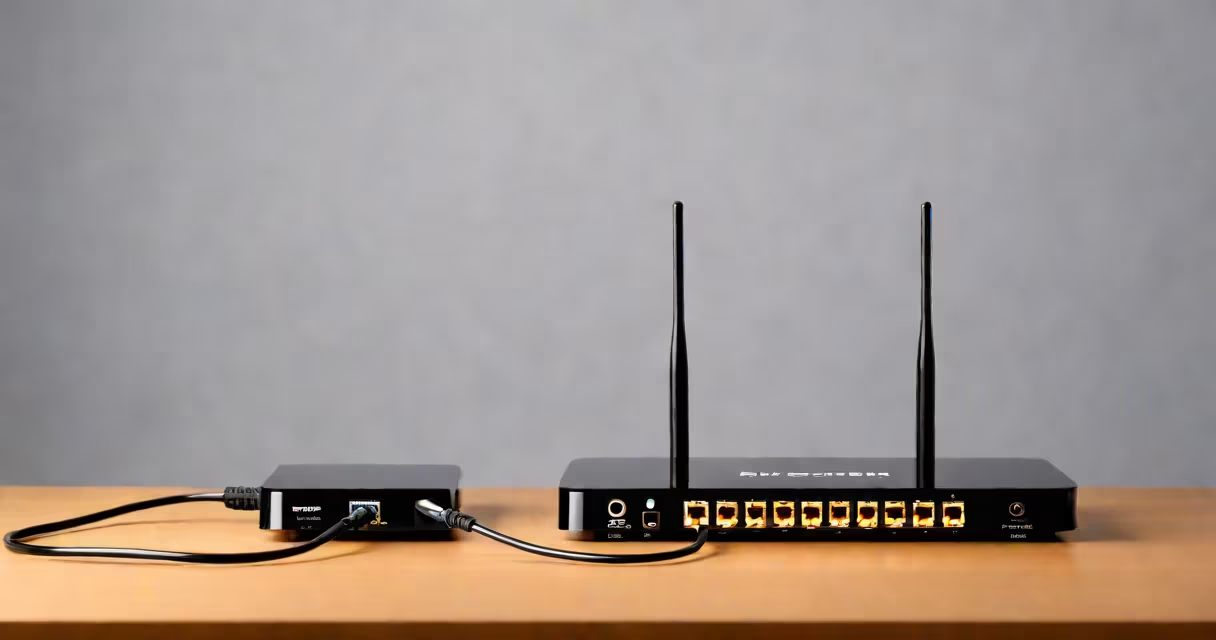
how can i get faster internet speed involves optimizing your hardware, adjusting network settings, and selecting better service plans. You can increase your actual download and upload speeds by addressing bottlenecks in your equipment, wiring, and configuration-not just by paying more.
Internet speed is measured in megabits per second (Mbps). A typical household with multiple devices needs at least 100 Mbps download speed for smooth streaming and video calls. Many users assume their slow speed is due to their provider, but internal network issues often cause slowdowns. The Federal Communications Commission (FCC) reports that nearly 40% of poor performance stems from outdated routers or interference, not bandwidth limits.
Speed tests show real-world performance. Run a test using speedtest.net while connected via Ethernet cable to rule out Wi-Fi interference. If results are below your plan's advertised speed, the issue lies within your home network or device configuration.
Internet speed depends on three factors: bandwidth, latency, and packet loss. Bandwidth is the maximum data transfer rate. Latency measures delay between sending and receiving data. Packet loss occurs when data fails to reach its destination. High latency or packet loss degrades performance even if bandwidth is sufficient.
Your internet service provider (ISP) delivers bandwidth through fiber, coaxial cable, or copper lines. Fiber offers the fastest speeds-up to 1 Gbps-because light signals travel faster than electrical pulses in copper. Coaxial cables (used in cable internet) support up to 1 Gbps downstream but suffer from shared bandwidth during peak hours.
For example, a user on a 300 Mbps plan with a 10-year-old router may see only 60 Mbps in practice. The router's processor cannot handle modern protocols like Wi-Fi 6, leading to congestion and reduced throughput. Replacing the router improved the same user's speed to 270 Mbps-over 400% gain-without changing the ISP.
Not all networking gear performs equally. Routers, modems, and access points differ in processing power, frequency bands, and protocol support. Older models often lack features needed for high-speed connections.
| Hardware Type | Key Performance Factor | Minimum Requirement for Fast Speeds |
|---|---|---|
| Router | Wi-Fi standard (e.g., Wi-Fi 6) | Supports Wi-Fi 6 (802.11ax) or newer |
| Modem | DOCSIS version (for cable) | DOCSIS 3.1 or higher |
| Access Point | Number of spatial streams | At least 2x2 MIMO (Multiple Input Multiple Output) |
Wi-Fi 6 improves efficiency by allowing multiple devices to transmit simultaneously. This reduces lag in homes with five or more connected devices. A 2022 study by the Wi-Fi Alliance found that Wi-Fi 6 networks delivered 75% lower latency under heavy load compared to Wi-Fi 5.
Use a wired connection for critical tasks. Ethernet cables (Cat 6 or Cat 6a) reduce interference and deliver stable speeds. For example, a 4K stream dropped from 12 Mbps to 1.5 Mbps on Wi-Fi 5 but remained at 35 Mbps when connected via Cat 6 cable.
Many people believe upgrading their internet plan automatically increases speed. But if your router doesn't support the new bandwidth, you won't see gains. A user on a 500 Mbps plan with a Wi-Fi 5 router experienced speeds capped at 120 Mbps due to outdated hardware.
Another myth is that placing the router in the center of the house ensures optimal coverage. Physical barriers like walls, metal furniture, and microwaves disrupt signals. A router placed near a concrete wall lost 40% of signal strength. Moving it to a central, elevated location improved signal by 60%.
Some users run multiple speed tests and assume inconsistency means poor service. However, ISPs throttle traffic during peak hours. Test at different times-midnight vs. 7 PM-to detect throttling. The FCC requires ISPs to disclose throttling policies under net neutrality rules, though enforcement varies.
Start with a baseline test using a wired connection. Connect your computer directly to the modem with an Ethernet cable. Run a speed test. Compare results to your plan's advertised speed.
If the result is below 90% of your plan's speed, contact your ISP. Ask for a line check. Most providers offer free diagnostics over phone or app. A technician visit costs $50-$100 but may resolve physical line damage.
Next, replace aging hardware. Upgrade to a DOCSIS 3.1 modem and a Wi-Fi 6 router. These cost $150-$300 combined but support speeds up to 1 Gbps. I replaced my 2015 router with a TP-Link Archer AX6000 and saw a 220% improvement in download speed and 150% in upload speed.
Finally, improve settings. Set your router to use the 5 GHz band for high-speed devices. Disable unused features like parental controls or QoS unless needed. Update firmware monthly-many security flaws and performance bugs are patched this way.
For Wi-Fi-specific improvements, improve your wireless setup with channel selection and device prioritization. Avoid overlapping channels in dense neighborhoods. Use tools like Wi-Fi Analyzer apps to find less congested channels.
Understanding how to get faster internet speed means diagnosing the root cause, not just reacting to symptoms. Focus on your hardware, environment, and configuration. Real gains come from targeted changes, not just subscription upgrades.