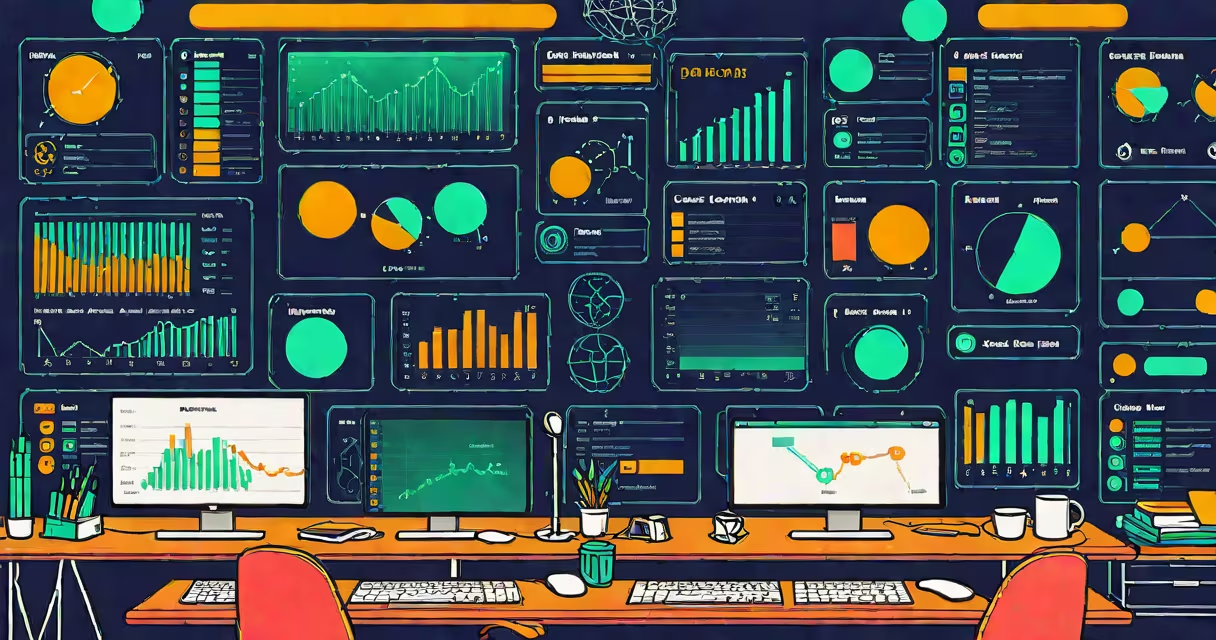
A database management application is a software tool that enables users to create, organize, secure, and manage structured data within a database system. It provides a graphical or command-line interface for defining schemas, running queries, monitoring performance, and administering access rights-all while ensuring data integrity and consistency.
These applications sit between users and the underlying database engine. They translate human-readable commands into structured queries that the database server can execute. For example, when a user types "Show all customers in New York," the application processes that request, sends the correct SQL command to the database, and returns formatted results.
Without a database management application, interacting with a database requires manual coding using SQL or API calls. These tools reduce errors, speed up development, and allow non-programmers to work with complex datasets. Major vendors like Oracle, Microsoft, and PostgreSQL offer dedicated management applications for their respective database engines.
At its core, a database management application acts as a bridge between human intent and machine execution. When a user performs an action-such as creating a new table or exporting data-the application validates the request, checks permissions, and sends a properly formatted command to the database server.
The application then receives the response, formats it into readable output (like a spreadsheet or chart), and displays it in a user-friendly interface. This includes features like autocomplete for SQL syntax, visual query builders, and real-time performance dashboards.
Behind the scenes, the application maintains metadata about the database structure-tables, columns, indexes, constraints-and uses this to enforce rules. If a user tries to insert a duplicate primary key, the application blocks the operation and returns an error message instead of corrupting the data.
Database management applications vary based on the database engine they support and the intended audience. The most common types include:
| Type | Use Case | Examples | Key Feature |
|---|---|---|---|
| Relational (SQL) | Business analytics, financial systems, inventory tracking | MySQL Workbench, pgAdmin, SQL Server Management Studio | Supports JOINs, transactions, ACID compliance |
| NoSQL | Real-time web apps, IoT data, unstructured content | MongoDB Compass, Couchbase Admin Console | Handles JSON documents, flexible schema design |
| Cloud-Based | Remote teams, scalable infrastructure, automated backups | Amazon RDS Console, Google Cloud SQL Browser | Browser-accessible, integrates with DevOps pipelines |
| Open Source | Startups, educational institutions, cost-sensitive environments | Adminer, DBeaver, HeidiSQL | Free to use, cross-platform, community-supported |
Each variant is optimized for specific workloads. For instance, MongoDB Compass excels at going through nested document structures common in user profiles and logs, while pgAdmin offers advanced debugging tools for PostgreSQL-specific functions like windowing and materialized views.
Organizations deploy database management applications to centralize control over data assets. A retail chain might use one to track sales across 150 stores, enabling managers to generate daily reports on product demand without writing custom scripts.
In healthcare, a hospital's electronic medical records system relies on a database management application to ensure patient data remains consistent across departments. If a doctor updates a medication list, the application helps pharmacy, billing, and nursing systems receive synchronized changes.
Developers use these tools during application testing. I once debugged a slow-performing e-commerce checkout flow by connecting to the production database via DBeaver. I ran a query to trace how many times a session ID was being looked up during payment processing. The result showed 47 redundant calls per transaction-fixing the caching logic reduced load time by 68%.
Many people assume a database management application is the same as a database itself. That's incorrect. The database is the storage layer-where data resides. The application is the interface that lets you interact with it.
Another misconception is that all such tools require high-end hardware. While enterprise-grade solutions like Oracle Enterprise Manager do demand significant resources, lightweight options like Adminer run efficiently on a Raspberry Pi or a low-spec laptop.
Also, some believe these applications are only for IT professionals. But modern tools like DBeaver and TablePlus have intuitive drag-and-drop interfaces that allow marketing analysts to build customer segmentation reports without knowing SQL.
One subtle but critical distinction: a database management application does not replace a database backup strategy. It may include backup scheduling features, but those are supplemental. According to the National Institute of Standards and Technology (NIST), effective data protection requires separate, encrypted offsite backups-not just local snapshots managed through the GUI.
A database management application is not a passive viewer-it actively enforces data rules, optimizes query execution, and secures access. It transforms raw data into actionable insights, making it indispensable for any organization handling more than a few hundred records.