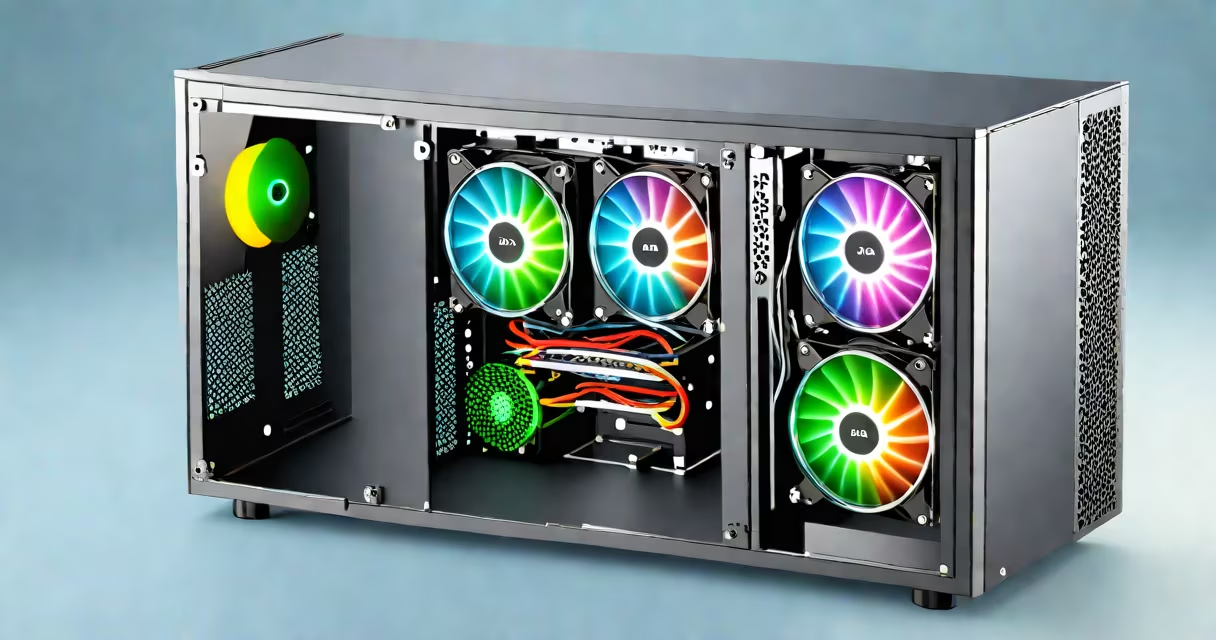
The best computer cooling system manages heat generated by high-performance components like CPUs and GPUs to prevent throttling, maintain stability, and extend hardware lifespan. It uses either air or liquid to transfer heat away from critical parts, with effectiveness measured by temperature reduction under sustained load.
A cooling system's primary function is thermal regulation. When a processor runs at 100% utilization during rendering or gaming, it can generate up to 150 watts of heat. Without proper cooling, temperatures rise rapidly-exceeding 95°C can trigger thermal throttling, reducing clock speeds and degrading performance. The best computer cooling system keeps core temperatures below 80°C under sustained workloads.
Modern systems rely on heat transfer principles: conduction moves heat from the chip to a heatsink, convection or forced airflow removes heat from the heatsink, and in liquid systems, fluid circulation enhances heat removal. The most effective setups combine high thermal conductivity materials, optimized airflow paths, and consistent fan speeds.
Cooling begins at the CPU die. A thermal interface material (TIM)-usually a metal-based paste-bridges the gap between the processor and the heatsink. Heat conducts through the metal base of the heatsink, then dissipates into ambient air via fins and fans. Airflow direction matters: intake fans pull cool air in, exhaust fans push hot air out. A well-designed case ensures unobstructed flow.
Liquid cooling systems use a pump to circulate coolant through tubes connected to a cold plate on the CPU. The coolant absorbs heat, travels to a radiator, and releases it through fans. Closed-loop liquid coolers (AIOs) integrate the pump, radiator, and fans into a single unit. They offer better thermal performance than air coolers because liquids have higher heat capacity than air.
For example, a 360mm AIO can reduce CPU temperatures by 15-20°C compared to a standard air cooler under heavy load. In benchmark tests, an Intel Core i9-13900K running at full load dropped from 98°C with stock cooling to 73°C with a 360mm AIO. This difference prevents thermal throttling and allows sustained boost clocks.
Two main types exist: air cooling and liquid cooling. Air coolers are simpler, cheaper, and require less maintenance. Liquid coolers offer superior heat transfer and quieter operation at high loads. The choice depends on workload, noise tolerance, and budget.
| Type | Max Temperature (Under Load) | Noise Level (dB) | Cost Range | Use Case |
|---|---|---|---|---|
| Air Cooler (e.g., Noctua NH-D15) | 75-85°C | 28-35 dB | $80-$150 | General use, quiet builds |
| 240mm AIO (e.g., Corsair H100i) | 68-78°C | 30-38 dB | $100-$180 | Gaming, moderate overclocking |
| 360mm AIO (e.g., NZXT Kraken X73) | 62-72°C | 32-40 dB | $200-$300 | High-end gaming, content creation |
Open-loop liquid systems exist but are rare in consumer PCs due to complexity and leak risk. Most users stick with closed-loop AIOs. Air coolers remain popular among users prioritizing reliability and ease of installation. For example, the Noctua NH-D15 uses dual 140mm fans and a dual-tower design to achieve 100W thermal performance with minimal noise.
One common misconception is that larger radiators always mean better cooling. While bigger radiators improve heat dissipation, they depend on airflow volume and fan speed. A 360mm radiator with poorly placed fans may perform worse than a 240mm with optimized placement. Case airflow and cable management affect results more than radiator size alone.
Many assume that RGB lighting indicates better cooling. RGB fans do not improve thermal performance-they're cosmetic. A fan with 1500 RPM and RGB LEDs performs no better than a similar model without lights. Cooling efficiency relies on static pressure, CFM (cubic feet per minute), and fan curve tuning.
Another error is installing a cooler without checking motherboard socket compatibility. AMD Ryzen 7000 series requires specific mounting brackets. Installing a cooler meant for Intel LGA 1700 on a Ryzen board causes misalignment and poor contact. Always verify compatibility with your motherboard's manual or manufacturer's website.
I once installed a 360mm AIO on a custom-built workstation with a poorly ventilated case. Despite the high-end cooler, temperatures hovered near 85°C during video encoding. The issue wasn't the cooler-it was blocked airflow from tangled cables and a rear exhaust fan that had failed. After replacing the fan and rerouting cables, temps dropped to 70°C. This shows that cooling performance depends on the entire system, not just the component.
Upgrade if your CPU or GPU consistently hits 90°C under load. Thermal throttling reduces performance by up to 30% in sustained tasks. Monitoring tools like HWMonitor or Core Temp show real-time temperatures. If your system logs frequent thermal spikes, consider upgrading to a higher-tier cooler.
Overclocking demands better cooling. Pushing a CPU beyond stock frequency increases power draw and heat output. A 10% overclock can raise temperatures by 15-20°C. The best computer cooling system handles these extra watts. For example, a 360mm AIO enables stable overclocks on Intel's 13th-gen processors, while air coolers often fail under sustained stress.
Case design affects cooling too. A full-tower case with front intake grilles and rear exhaust supports better airflow than a compact mini-ITX chassis. Even the best cooler fails if the case lacks ventilation. Always match your cooler to your case's airflow profile.
Understanding the best computer cooling system involves knowing how heat moves, which components matter, and how the whole system interacts. It's not about buying the loudest fan or the largest radiator-it's about matching the solution to your hardware, workload, and environment.
Heat management is part of the foundation of a reliable computing setup. The best computer cooling system balances performance, noise, and longevity. Evaluate your needs, check compatibility, and prioritize airflow and thermal interface quality over flashy features.