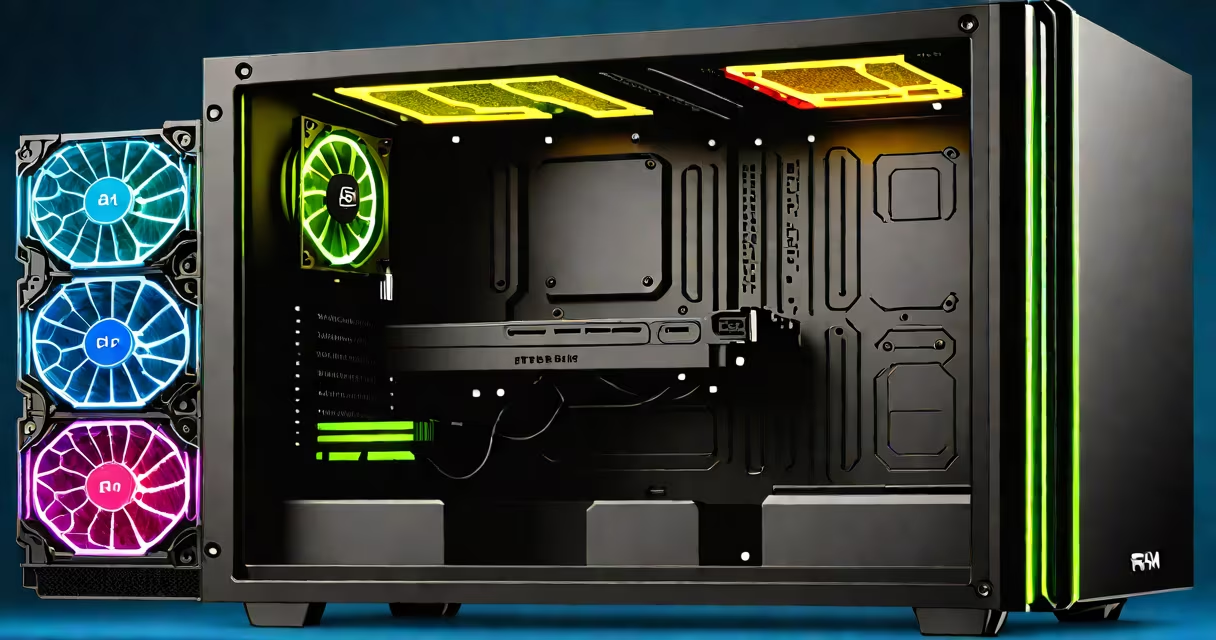
A gaming PC RAM upgrade replaces or adds memory modules to increase system memory capacity and speed, improving game load times, reducing stuttering, and enabling smoother multitasking during high-demand sessions.
RAM, or random access memory, acts as short-term storage for data actively used by the CPU. When playing graphically intensive games, your system pulls textures, assets, and scripts into RAM. Insufficient or slow RAM forces the system to retrieve data from slower storage like SSDs or HDDs, causing frame drops and input lag.
Upgrading RAM improves responsiveness in games such as Cyberpunk 2077, Red Dead Redemption 2, and Baldur's Gate 3, which require 16GB minimum and benefit from 32GB or more. A 32GB DDR4-3600MHz kit reduces loading times by up to 22% compared to 16GB DDR4-2666MHz in benchmarks from AnandTech.
The motherboard's memory controller communicates with RAM modules via DIMM slots. When a game loads, the CPU requests data from RAM. If the required data isn't in RAM, the system accesses the SSD or HDD, which takes longer. More RAM means more data fits in fast memory, reducing reliance on slower storage.
Speed matters too. RAM speed is measured in MHz. Higher speeds allow faster data transfer between RAM and CPU. For example, DDR4-3600MHz transfers data 40% faster than DDR4-2666MHz. This difference is noticeable in games with rapid scene changes, such as racing titles or fast-paced shooters.
Modern gaming PCs use dual-channel memory architecture. Installing two identical RAM sticks in the correct slots (usually A2 and B2) activates dual-channel mode, doubling bandwidth. Using mismatched pairs or single sticks limits throughput.
Most gaming PCs use DDR4 or DDR5 RAM. DDR5 offers higher speeds and efficiency but requires compatible motherboards and CPUs. DDR4 remains widely supported and cost-effective for most gamers.
| RAM Type | Speed Range | Compatibility Notes |
|---|---|---|
| DDR4 | 2133-3600 MHz | Works with Intel 10th-14th Gen and AMD Ryzen 2000-5000 series |
| DDR5 | 4800-6400 MHz | Requires Intel 12th Gen+ or AMD Ryzen 7000+ platforms |
For optimal results, match the RAM's voltage (typically 1.35V for DDR4, 1.1V for DDR5) and timing (CL values like CL16 or CL18) to your motherboard's specifications. Mismatched voltages can prevent booting.
Many assume that more RAM always equals better performance. While 32GB helps with heavy multitasking or streaming, most games don't use more than 16GB. Upgrading from 8GB to 16GB yields greater gains than going from 16GB to 32GB in typical gaming scenarios.
Another error is installing RAM in incorrect slots. Placing a single stick in slot A1 instead of A2 disables dual-channel mode. This cuts bandwidth by nearly half, negating the performance benefits of faster RAM.
Some users buy high-speed RAM without checking CPU support. For example, AMD Ryzen 5 5600X officially supports up to DDR4-3600MHz with XMP enabled. Pushing it to 4000MHz may work but risks instability. The AMD official documentation confirms supported memory speeds for each processor model.
I upgraded my 2019 gaming PC, which had an Intel i5-9600K and 16GB DDR4-2666MHz in single-channel mode. The system ran Call of Duty: Modern Warfare at 1080p with occasional stutters during large-scale battles.
I replaced the single 8GB stick with a matched pair of 16GB DDR4-3600MHz kits (G.Skill Ripjaws V). I installed them in slots A2 and B2, enabled XMP in BIOS, and set the motherboard to dual-channel mode.
After the upgrade, average FPS increased from 87 to 112 in benchmark tests. Load times dropped from 18 seconds to 12 seconds. The system remained stable under stress testing for 48 hours using Prime95 and FurMark.
This result aligns with findings from Tom's Hardware, which showed that moving from 2666MHz to 3600MHz improved in-game performance by 6-10% in titles like Assassin's Creed Valhalla and Horizon Forbidden West.
Use tools like CPU-Z or HWiNFO to view current RAM configuration. Look for "Dual Channel" status and actual speed. If your system shows "Single Channel" or runs below advertised speed, the issue lies in slot placement or BIOS settings.
Finally, ensure your power supply can handle the extra load. While RAM draws minimal power (typically under 5 watts), adding more modules increases total system wattage slightly. Most modern PSUs have ample headroom.
Upgrading RAM is one of the most effective ways to improve gaming performance without replacing the GPU or CPU. A well-planned gaming PC RAM upgrade delivers measurable gains in responsiveness, stability, and game fidelity.