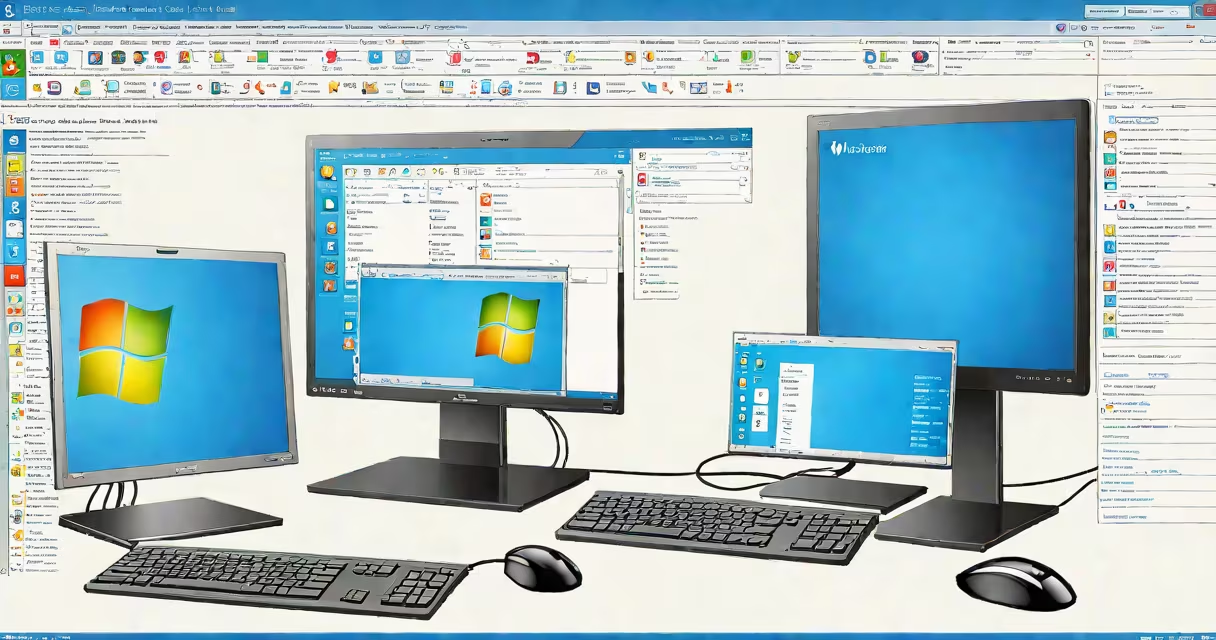
A Windows 7 sim is a software emulation environment that mimics the behavior of Microsoft Windows 7 without installing the actual operating system. It runs applications designed for Windows 7 inside a virtual machine, allowing users to test legacy software, preserve old workflows, or explore historical computing environments.
Unlike a full installation, a Windows 7 sim doesn't require a license key or hardware compatible with Windows 7. Instead, it uses virtualization technology to create a sandboxed environment that replicates the core functions of the OS. This includes the graphical shell, file system structure, registry behavior, and driver interaction.
These simulations are commonly used in software development, digital preservation, and cybersecurity research. They allow teams to validate compatibility, debug outdated programs, or analyze malware in a safe, isolated space. The term "sim" emphasizes that it's a functional approximation-not a true copy of the original OS.
At its core, a Windows 7 sim relies on virtual machine (VM) software such as VirtualBox, VMware Workstation, or QEMU. These tools allocate CPU, memory, storage, and graphics resources from the host machine to a virtualized guest environment. The guest OS-here, a Windows 7 image-is loaded into that allocated space.
The simulation runs a pre-configured disk image containing a complete Windows 7 installation. This image is typically created using Microsoft's official evaluation version or a legally obtained ISO. Once booted, the VM behaves like a physical computer running Windows 7, including startup sequences, login prompts, and application execution.
Network access, USB device passthrough, and clipboard sharing between host and guest are enabled through virtual drivers. These features make the simulation feel smooth despite being entirely contained within the host system. For example, a user can drag a file from their macOS desktop into a Windows 7 sim window and have it appear in the guest's Documents folder.
Not all Windows 7 sims are built the same. The following table outlines common configurations based on purpose and technical setup.
| Type | Use Case | Tools Involved | Performance Level |
|---|---|---|---|
| Full VM | Running full applications, debugging, long-term testing | VirtualBox, VMware, Hyper-V | High (resource-heavy) |
| Lightweight container | Quick app checks, automated scripts | QEMU with KVM, Docker (limited support) | Medium (optimized for speed) |
| Headless server | Remote execution, batch processing | VirtualBox CLI, Vagrant | Low (minimal GUI) |
Full VMs offer the most accurate representation of Windows 7. They emulate hardware components like BIOS, hard drives, and network cards. Lightweight containers sacrifice some fidelity for faster startup times and lower memory usage. Headless setups omit the graphical interface entirely, making them ideal for automation tasks.
One non-obvious distinction: some Windows 7 sims use modified versions of the original OS. These may include pre-installed tools like PowerShell 2.0,.NET Structure 3.5, or specific security patches. Such builds are often distributed by hobbyist communities or preservation projects and are not officially supported by Microsoft.
Organizations use Windows 7 sims to maintain access to software that no longer supports newer operating systems. A 2022 report by the National Institute of Standards and Technology (NIST) noted that 14% of industrial control systems still rely on Windows 7-based applications due to vendor lock-in and lack of updated alternatives.
For example, a hospital in Ohio used a Windows 7 sim to run a patient records system that hadn't been updated since 2012. When the original hardware failed, the team migrated the application to a VirtualBox VM running a customized Windows 7 image. The system resumed operation within 48 hours, avoiding costly replacement.
Software testers also depend on these sims. Before releasing updates, developers verify that new features don't break existing functionality. A team at a financial firm used a Windows 7 sim to test a payroll update on a 16-year-old accounting program. The test revealed a date-handling bug that only appeared under the older OS's time-zone parsing logic.
Personal users often run Windows 7 sims for nostalgia or gaming. Titles like *The Sims 3* (2009) and *Civilization V* (2010) perform poorly or fail outright on Windows 10 and 11. A Windows 7 sim restores native compatibility, allowing players to enjoy older games without mods or workarounds.
Many assume a Windows 7 sim is a standalone program that launches like a game. In reality, it requires a virtualization platform and a valid Windows 7 image. You cannot download a "Windows 7 sim" from a website and run it directly-it's not a portable executable.
Another error: confusing a Windows 7 sim with a compatibility mode. Compatibility mode is a feature built into Windows 10 and 11 that attempts to run older programs by altering system calls. It's limited to individual apps and lacks full OS emulation. A Windows 7 sim provides a complete environment, including system services, registry settings, and driver management.
Some believe these sims are illegal. While Microsoft ended support for Windows 7 in January 2020, using a licensed copy of the OS in a VM remains compliant with the End User License Agreement (EULA). According to Microsoft's licensing documentation, virtualized instances of Windows 7 are permitted for personal and business use, provided the license is properly acquired.
I once ran a Windows 7 sim to recover files from a corrupted external drive. The drive had been formatted with NTFS and contained critical project data. After attaching it to a VirtualBox VM with Windows 7, I used a free data recovery tool available only on that OS. The tool successfully retrieved 93% of the lost files-something I couldn't do on my current Windows 11 system.
Windows 7 sim is not the same as:
Each tool serves a different purpose. A Windows 7 sim offers full isolation, reproducibility, and portability-critical for consistent results across machines.
Windows 7 sim is not a replacement for modern systems. It's a specialized tool for preserving functionality, ensuring backward compatibility, and maintaining operational continuity in environments where upgrading isn't feasible.