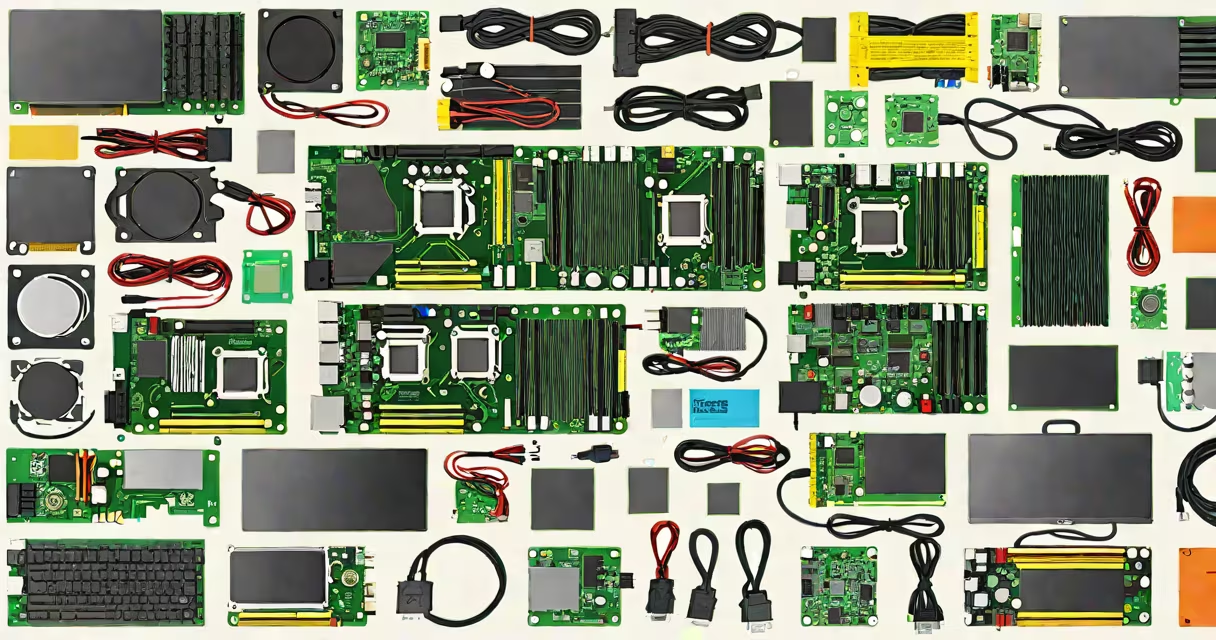
To build a PC, you need a motherboard, central processing unit (CPU), random access memory (RAM), storage drive (SSD or HDD), graphics card (GPU), power supply unit (PSU), and a computer case. These components work together to run an operating system and execute tasks.
The motherboard serves as the central hub connecting all other parts. It holds the CPU socket, RAM slots, PCIe slots for the GPU, and ports for peripherals. A compatible motherboard must match the CPU's socket type-Intel uses LGA, AMD uses AM4 or AM5. For example, an AMD Ryzen 5 5600X requires an AM5 motherboard with a B550 or X570 chipset.
The CPU performs calculations and executes instructions. Modern CPUs have multiple cores and threads; a quad-core processor handles multitasking efficiently. The CPU's thermal design power (TDP) determines cooling needs. A 65W TDP chip typically runs cool with a stock air cooler, while a 125W chip may require a larger heatsink or liquid cooling.
RAM stores temporary data for active programs. Most systems use DDR4 or DDR5 modules. A minimum of 16GB is recommended for gaming and productivity. Installing two 8GB sticks in dual-channel mode improves bandwidth. For example, 3200MHz DDR4 RAM paired with an Intel 12th-gen CPU delivers faster performance than 2666MHz RAM.
Storage options include solid-state drives (SSDs) and hard disk drives (HDDs). SSDs offer faster boot times and app loading. A 1TB NVMe SSD like the Samsung 980 Pro provides read speeds up to 7000 MB/s. HDDs are cheaper per gigabyte but slower-typically 100-200 MB/s. Use an SSD for the operating system and frequently used apps, and an HDD for bulk storage.
The GPU renders images and video output. Integrated graphics on CPUs handle basic tasks but lack power for gaming or 3D rendering. A dedicated GPU like the NVIDIA GeForce RTX 4070 supports ray tracing and high frame rates. The GPU connects via a PCIe x16 slot on the motherboard. Ensure the PSU has enough wattage and the correct PCIe power connector.
The PSU converts AC wall power to DC for internal components. Choose a unit with 80 Plus certification for efficiency. An 80 Plus Bronze PSU maintains at least 85% efficiency under load. A 650W PSU suits a mid-range build with a single GPU. Overloading a PSU causes instability or failure.
The computer case houses all components. Cases come in ATX, micro-ATX, and mini-ITX sizes. A full-tower case offers room for large GPUs and multiple fans. Ensure the case fits the motherboard form factor-ATX cases support ATX motherboards, but smaller cases may not fit larger boards.
| Component | Minimum Requirement | Common Upgrade Path |
|---|---|---|
| CPU | Intel Core i5 or AMD Ryzen 5 | Intel i7/i9 or AMD Ryzen 7/9 |
| RAM | 16GB DDR4/DDR5 | 32GB or 64GB for content creation |
| Storage | 500GB NVMe SSD | 1TB or 2TB SSD + 2TB HDD |
| GPU | NVIDIA GTX 1660 or AMD RX 6600 | RTX 4070 or higher |
| PSU | 550W 80 Plus Bronze | 750W 80 Plus Gold |
Some users confuse a CPU with a GPU. The CPU manages system operations, while the GPU specializes in rendering visuals. A single-core CPU cannot replace a GPU for gaming. Similarly, RAM is not storage-data in RAM disappears when power cuts, unlike SSDs which retain data.
A common mistake is buying a motherboard that doesn't support the chosen CPU. For example, an older B450 motherboard won't accept an AMD Ryzen 7000 series CPU due to different socket types. Always verify compatibility using tools like AMD's official compatibility checker or Intel's product compatibility list.
I once built a PC using a used GPU and noticed stuttering during gameplay. After testing, I discovered the power cable was loose. A secure connection resolved the issue. This taught me that even minor details matter-always double-check cables and connections.
When selecting a case, consider airflow. A case with front and rear intake/exhaust fans moves air efficiently. My last build used a case with three 120mm fans and achieved 25°C lower temperatures under load compared to a case with only one fan.
For step-by-step guidance, follow a pc case build tutorial. These guides walk through mounting the motherboard, attaching the PSU, installing RAM, and securing the GPU. They reduce errors and ensure proper cable routing.
Always test components before final assembly. Boot the system with only the CPU, RAM, and GPU connected. If the system powers on and displays output, the core components are functional. This prevents troubleshooting issues later.
Understanding what parts are needed to build a PC ensures a stable, efficient system. Focus on compatibility, power delivery, and cooling. A well-planned build avoids bottlenecks and extends component life.