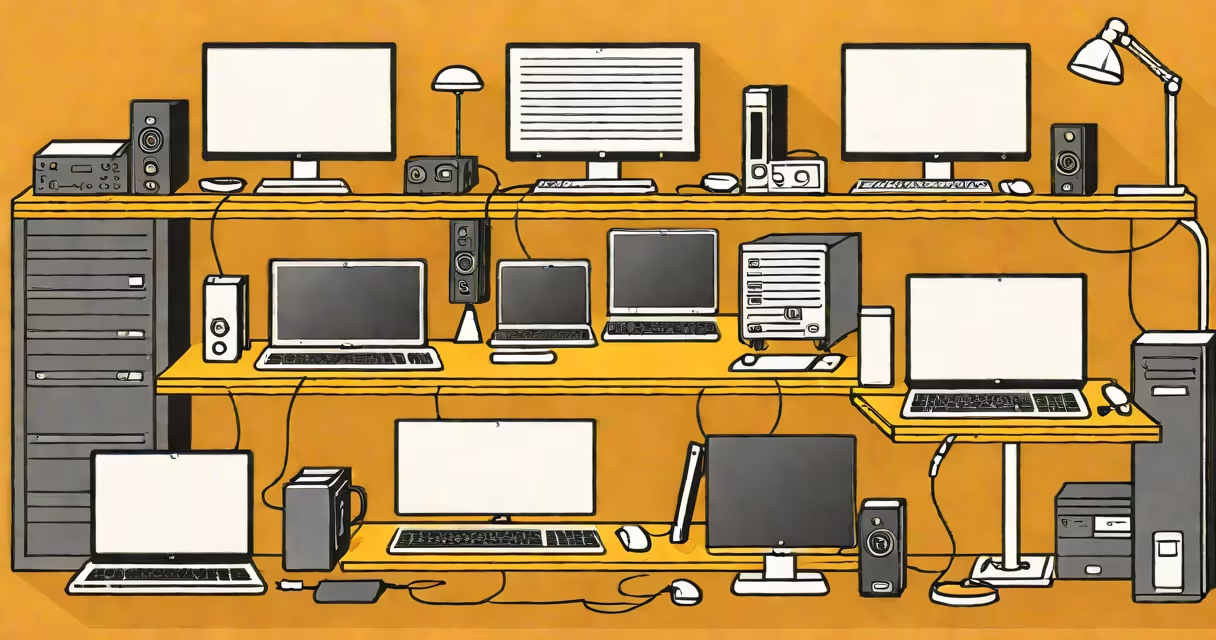
A client computer is a device used by an individual to request and receive services from a server on a network. It acts as the endpoint in a client-server relationship, running applications and accessing data stored remotely.
Client computers include desktops, laptops, tablets, and smartphones. They do not host services for others unless configured otherwise. Instead, they rely on centralized systems-like file servers, web servers, or cloud platforms-to deliver content, process requests, and store data.
For example, when you open your email through Gmail on your laptop, your device sends a request to Google's servers. Your laptop is the client; Google's infrastructure is the server. This interaction happens millions of times daily across networks worldwide.
When a user interacts with a client computer-typing a search, opening a document, or streaming video-the device runs software that translates actions into network requests. These requests travel through routers, switches, and internet connections to reach the appropriate server.
The server processes the request, retrieves the needed data, and sends it back. The client then displays the result. This exchange follows protocols like HTTP, HTTPS, TCP/IP, and DNS, ensuring consistent communication across devices and locations.
Every time you load a webpage, your browser (a client application) sends a request to a domain's IP address. The server responds with HTML, images, and scripts. Your computer renders them instantly. This entire process takes under half a second on a stable connection.
Client computers vary by form factor, performance level, and intended use. The most common types are:
| Type | Use Case | Example Devices | Typical Network Role |
|---|---|---|---|
| Desktop | Office work, design, development | Custom-built PC, Dell OptiPlex | Accesses shared drives, prints via network printer |
| Laptop | Mobile productivity, remote work | MacBook Pro, Lenovo ThinkPad | Connects to Wi-Fi, logs into company VPN |
| Thin Client | Centralized computing environments | Dell Wyse, HP t530 | Runs minimal OS; relies entirely on server for processing |
| Smartphone/Tablet | Consumer apps, social media, messaging | iPhone, iPad, Samsung Galaxy Tab | Uses mobile data or Wi-Fi to access cloud-based services |
Thin clients are often overlooked but play a key role in enterprise settings. They lack local storage and processing power, running only a lightweight operating system. All computation occurs on a remote server. This reduces maintenance costs and improves security because sensitive data never resides on the device.
According to Microsoft's documentation on Windows 10 deployment, thin clients reduce IT support time by up to 60% in large organizations due to centralized management.
Many people confuse client computers with servers. A server hosts services-like websites, databases, or file shares-for multiple users. A client computer consumes those services. One machine can act as both, depending on configuration.
For instance, a developer's laptop may run a local web server during coding. In that mode, it functions as a server. But when the same laptop accesses GitHub to push code changes, it becomes a client. The role depends on context, not hardware.
Another misconception is that all client computers are personal. While many are, enterprise environments use dedicated client machines. For example, hospital staff use locked-down Windows PCs to enter patient records. These are client computers but not personal devices-they're managed centrally and restricted to approved software.
Even older terms like "workstation" refer to high-end client computers used in engineering, animation, or scientific research. These aren't servers-they still depend on central systems for authentication, backups, and collaboration tools.
Consider a small business with 15 employees using a single file server. Each employee uses a desktop computer (client) to access shared folders like "Finance," "HR," and "Marketing."
When someone opens a spreadsheet in the Finance folder:
This setup ensures data integrity and prevents accidental loss. If a client computer crashes, files remain safe on the server. Recovery takes minutes, not hours.
I once observed a school district replace 100 aging desktops with thin clients. The old machines ran outdated software and required constant troubleshooting. After switching, IT staff reported a 75% drop in helpdesk tickets related to software issues. The difference wasn't in hardware-it was in architecture.
While "client computer" and "end-user device" are often used interchangeably, they differ slightly in technical context. A client computer specifically refers to a device that communicates with a server using a defined protocol. An end-user device is any tool used by a person to interact with digital systems-including smartwatches, IoT sensors, or even kiosks.
For example, a vending machine that connects to a cloud-based inventory system is an end-user device but not a traditional client computer. It doesn't run a GUI or accept user input beyond coin insertion. Yet it behaves like a client: sending status updates and receiving restock commands.
Understanding this distinction helps clarify roles in network design. Not every device that connects to a network is a client computer in the formal sense.
A client computer is a device that initiates requests to servers for data, services, or applications. It forms the foundation of modern networking, enabling secure, scalable access to shared resources across homes, schools, and corporations.
From the laptop you use to check email to the tablet used in a doctor's office, client computers are everywhere. They don't store or manage data long-term-they retrieve it when needed. This model improves efficiency, security, and consistency across digital environments.
Understanding what is a client computer helps users and IT professionals make better decisions about network design, device selection, and data protection. For deeper insight into how these devices function internally, explore how computer components work together.