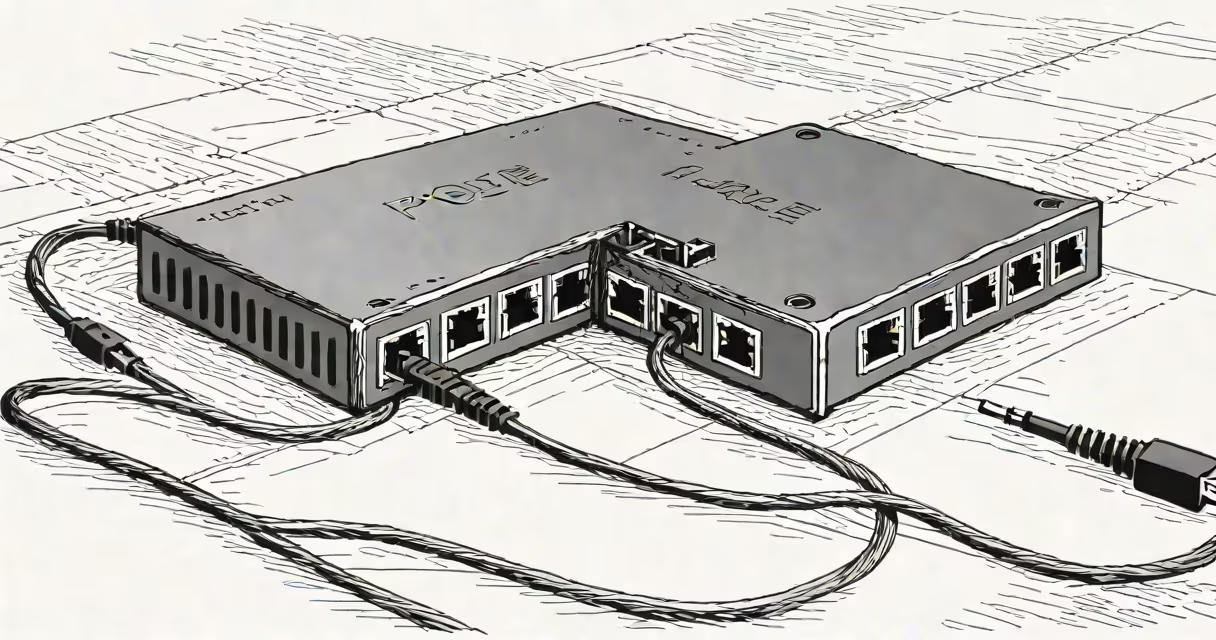
A poe lan hub is a network device that connects multiple Ethernet-enabled devices to a single network port while delivering electrical power over the same cable. It enables devices like IP cameras, VoIP phones, and wireless access points to receive both data and power through a single Cat 5e or Cat 6 cable.
Unlike a standard network hub, which only forwards data packets, a poe lan hub includes a power injector circuit that supplies 48V DC power to connected devices via the Ethernet cable. This eliminates the need for separate power adapters and reduces cabling complexity in installations.
These hubs operate at Layer 1 of the OSI model, meaning they broadcast incoming data to all connected ports without filtering or routing. They do not perform address learning or frame forwarding decisions based on MAC addresses-this is a key difference from switches.
When a device such as a security camera is plugged into a poe lan hub, the hub detects the presence of a powered device using the IEEE 802.3af or 802.3at standards. The hub then negotiates power delivery and sends up to 15.4 watts (for 802.3af) or 30 watts (for 802.3at) over the Ethernet cable.
The power is transmitted over unused wire pairs in the Cat 5e or higher cable. For example, in a 10/100 Mbps connection, pairs 1-2 and 3-6 carry data, while pairs 4-5 and 7-8 remain free for power transmission. This allows simultaneous data and power transfer without interference.
Each port on a poe lan hub typically supports up to 15.4W of power. If multiple devices are connected, the total power draw must stay within the hub's maximum output capacity. A 4-port hub rated at 60W can support four devices drawing 15W each-but not five devices at 15W each.
Poe lan hubs come in different configurations based on port count, power budget, and standard compliance. The most common types are:
| Standard | Max Power Per Port | Max Total Power | Use Case |
|---|---|---|---|
| IEEE 802.3af | 15.4W | 30W (2 ports) | VoIP phones, basic IP cameras |
| IEEE 802.3at (PoE+) | 30W | 60W (2 ports) | High-end surveillance, PTZ cameras |
| IEEE 802.3bt (PoE++) | 60W | 120W (2 ports) | Outdoor access points, high-power sensors |
Not all hubs support PoE++. Devices requiring more than 30W may fail to power on unless the hub explicitly states 802.3bt compatibility. Always verify the standard listed on the product label or datasheet.
Some models include LED indicators showing link status, activity, and power delivery. Others feature passive cooling with no fans-ideal for quiet environments like offices or homes.
Home and small business users often deploy poe lan hubs to connect multiple IP cameras without running separate power lines. A single Ethernet cable from a router feeds both data and power to each camera, reducing clutter and installation time.
For example, a 4-port PoE hub installed near a garage door can power two outdoor cameras and two indoor sensors. All devices connect to the hub via Cat 5e cables, and the hub draws power from a wall outlet. The entire system runs off one network port and one power socket.
Another common use is in retail stores where digital signage, Wi-Fi access points, and point-of-sale terminals share a single network drop. A PoE hub centralizes connections and avoids the need for multiple power strips.
Industrial settings use ruggedized PoE hubs in harsh environments. These units often have wide temperature ranges (-40°C to +70°C), metal enclosures, and surge protection. They're designed for factory floors or warehouses where reliability matters.
Many people mistake a poe lan hub for a PoE switch. While both deliver power over Ethernet, a switch operates at Layer 2 and performs intelligent packet forwarding. A hub broadcasts all traffic to every port, creating network congestion and security risks.
For instance, if Device A sends data to Device B on a hub, all other connected devices-including Device C-receive a copy. This behavior makes hubs unsuitable for production networks. Switches filter traffic, improving speed and security.
Another misconception is that PoE hubs can daisy-chain multiple hubs. This is unsafe. Connecting one PoE hub to another increases voltage drop and risk of overloading the upstream port. The IEEE 802.3af specification limits cascading to avoid power instability.
A lesser-known fact: PoE hubs cannot detect whether a connected device supports PoE. If a non-PoE device is plugged in, the hub still attempts to negotiate power. This may cause issues with older equipment that lacks proper PoE detection circuits.
I installed a 4-port PoE hub in my home office to run three IP cameras and one smart thermostat. The hub was powered by a standard wall outlet. I ran Cat 5e cables from the router to the hub and from the hub to each device.
Each camera drew about 12W. The hub's total power budget was 60W-well above the needed 36W. All devices powered on immediately after plugging in. No additional configuration was required.
After six months of continuous use, the hub remained cool to touch. No rebooting or connectivity drops occurred. The simplicity of setup made it ideal for a non-technical user.
Start by identifying your devices' power requirements. Check the manufacturer's specs for PoE support and wattage. A camera labeled "PoE 802.3af" needs no more than 15.4W. A PTZ camera labeled "PoE+" requires 802.3at or higher.
Ensure the hub's total power budget exceeds the sum of all connected devices. Overloading causes shutdowns or unstable performance. Some hubs include power monitoring software to track usage in real time.
Consider physical layout. A hub with external power adapters takes up more space than one with internal power supplies. Wall-mountable models save desktop space.
For larger deployments, consider upgrading to a managed PoE switch. These offer VLAN support, port mirroring, and remote monitoring-features absent in basic hubs.
Always use certified Cat 5e or Cat 6 cables. Unshielded twisted pair (UTP) cables below Cat 5e may not handle PoE reliably due to resistance and signal degradation. A 100-meter run of Cat 5 cable can lose up to 1.5W of power due to wire resistance alone.
Learn about cable types and their impact on PoE performance.
While PoE hubs simplify deployment, they lack the intelligence of switches. For growing networks, investing in a PoE switch offers better long-term value. But for static setups with few devices, a PoE hub delivers reliable, low-cost connectivity.