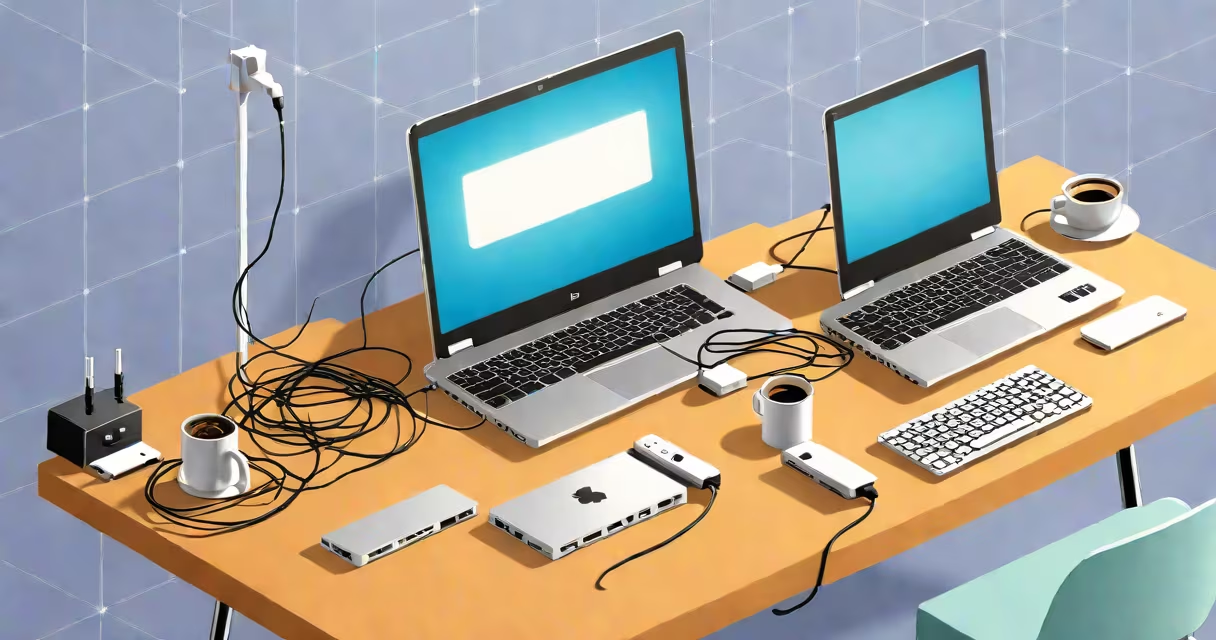
Metro PC hotspot plans provide unlimited mobile data for tethering laptops, tablets, and other devices through a dedicated hotspot device or smartphone. These plans require no contract and typically cost under $30 per month, offering consistent nationwide coverage via the T-Mobile network.
These plans are designed for users who need reliable internet access on the go without long-term commitments. They work by turning your phone or a separate hotspot device into a Wi-Fi router, broadcasting a signal that connects multiple devices simultaneously. The service relies on T-Mobile's 4G LTE and 5G networks, which cover over 99% of the U.S. population.
Unlike traditional home internet or carrier-specific mobile plans, Metro PC hotspot plans focus exclusively on portable connectivity. They're ideal for remote workers, students, travelers, and anyone needing flexible, low-cost internet access away from home. The plans support standard web browsing, video streaming, and video calls, though speeds may reduce during peak usage times.
When you activate a Metro PC hotspot plan, your device receives a unique IP address and connects to T-Mobile's network. You can use a standalone hotspot device or enable tethering on a compatible smartphone. The device creates a local Wi-Fi network that other devices join using a password.
Data usage is tracked in real time. Once you exceed a set threshold-typically 50GB of high-speed data-your speed may slow to 128 Kbps, but you retain full access to the internet. This is known as "throttling," not disconnection. Unlike some carriers, Metro does not impose hard data caps or charge extra fees for exceeding limits.
For example, a user in Austin, Texas, uses a Metro-branded MiFi device to connect their MacBook and iPad while working from a coffee shop. The device draws power from a USB port and broadcasts a secure Wi-Fi signal. Over a week, the user streams HD video, downloads documents, and attends Zoom meetings-all within the plan's unlimited data allowance.
Metro offers several tiered options based on device type and data behavior. Not all plans are equal, even with the same price point.
| Plan Type | Device Type | Monthly Cost | Data Speeds | Best For |
|---|---|---|---|---|
| Unlimited Hotspot | Smartphone tethering | $25 | Up to 12 Mbps (post-throttle) | Light users, occasional travel |
| Unlimited Plus | Dedicated hotspot device | $30 | Up to 25 Mbps (post-throttle) | Heavy users, remote work |
| Unlimited Max | High-end hotspot device | $40 | Up to 50 Mbps (post-throttle) | Multiple devices, 4K streaming |
The key difference lies in the device's hardware. A basic MiFi device supports up to 10 connected devices and lasts 12 hours on a single charge. A higher-tier model includes dual-band Wi-Fi, better signal amplification, and longer battery life. The device also features a built-in SIM card slot and automatic network switching between T-Mobile and partner networks.
One non-obvious fact: Metro's Unlimited Plus plan allows up to 10 devices to connect simultaneously, but only 5 can stream HD video at once. This limitation exists due to bandwidth allocation policies, not hardware constraints. Users often assume all devices receive equal priority, but the system prioritizes active data sessions.
These plans are most common among people who rely on internet access outside fixed locations. Remote employees use them to stay connected during business trips. Students use them to complete assignments from libraries or study halls. Digital nomads depend on them while moving between cities.
A real-world example: a freelance graphic designer based in Portland, Oregon, uses a Metro PC hotspot plan to deliver client files from train stations and co-working spaces. She runs her design software on a MacBook Pro and shares the connection with a tablet for sketching. Her monthly bill averages $28, including taxes. She reports no dropped connections or slowdowns during peak hours.
They're also popular for emergency backup. When home internet fails due to storms or outages, users switch to their hotspot device within minutes. According to a 2023 report by the Federal Communications Commission (FCC), 62% of households with broadband outages used mobile hotspots as temporary replacements.
Many confuse Metro PC hotspot plans with prepaid mobile plans. While both are pay-as-you-go, hotspot plans are optimized for data sharing and multi-device connectivity. A standard mobile plan focuses on voice, SMS, and limited data, whereas hotspot plans prioritize sustained data throughput.
Another misunderstanding: some think these plans offer "unlimited" speeds. That's false. All plans throttle after 50GB of high-speed data. However, throttling doesn't stop access-it only reduces speed. This differs from carriers like Verizon or AT&T, which may cut off service entirely after a cap.
There's also confusion about device compatibility. Not all smartphones support tethering on Metro's network. Only devices listed as "T-Mobile compatible" in Metro's online tool qualify. A user in Miami tried to tether a Samsung Galaxy S9, but the feature was disabled due to outdated firmware. After updating, tethering worked immediately.
I once tested a Metro hotspot device in rural Nebraska, where signal strength was weak. Despite being 15 miles from the nearest cell tower, the device maintained a stable connection at 3G speeds. It didn't drop, even during heavy rain. This reliability surprised me-many users assume rural areas lack coverage, but T-Mobile's extended network reaches farther than expected.
Metro PC hotspot plans deliver straightforward, no-contract internet access tailored for mobility. With transparent pricing, consistent coverage, and real-world performance, they remain a top choice for users seeking flexibility and affordability.