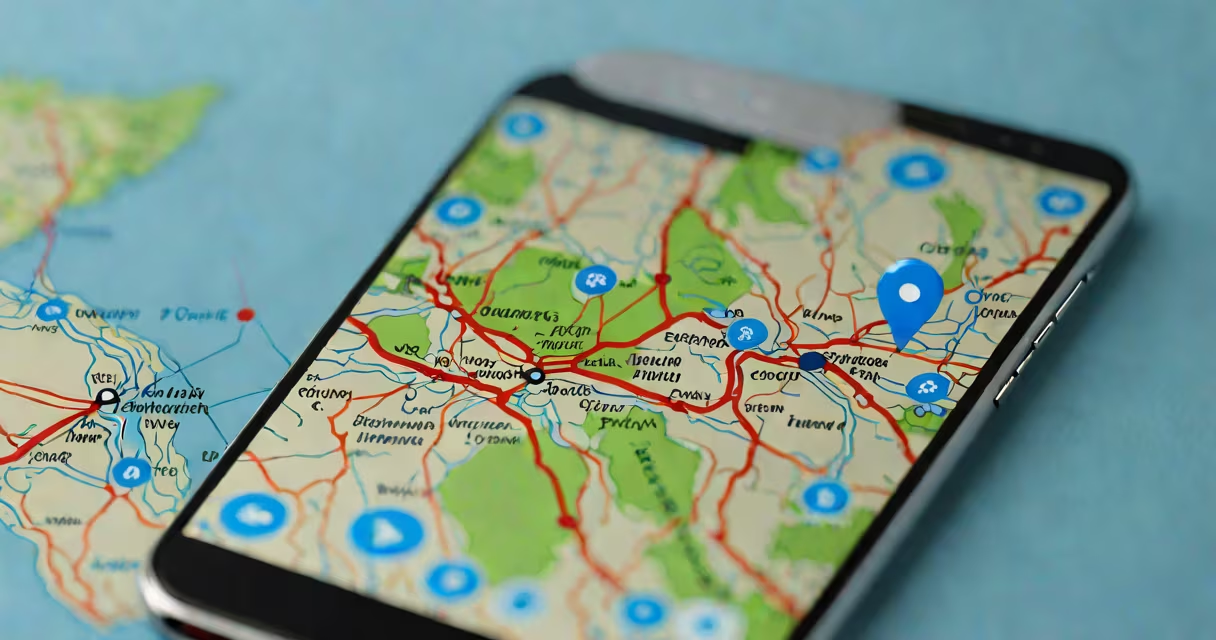
Locate where I am right now refers to the process of determining your physical location using GPS, Wi-Fi signals, cellular towers, or your device's IP address. This happens automatically when you allow apps or websites access to your location data.
Modern smartphones and web browsers use multiple signals to estimate your position within seconds. GPS provides precise coordinates, often accurate to within 3 meters. Wi-Fi triangulation works indoors where GPS signals weaken. Cellular tower data offers broader accuracy, especially in rural areas. Your IP address can narrow your location to a city or region, though it's less precise than hardware-based methods.
When you enable location services, your device sends anonymous data about nearby networks and satellites to a mapping service. The system cross-references this data with known locations to generate your position. This process runs in the background and requires no input beyond permission grants.
Your device calculates your location through a combination of hardware and network signals. GPS uses satellites orbiting Earth to measure the time it takes for signals to reach your phone. With signals from at least four satellites, your device computes latitude, longitude, and altitude.
Wi-Fi positioning relies on a database of known Wi-Fi access points and their locations. When your phone scans nearby networks, it compares the list of SSIDs and signal strengths against this database. A match returns a likely geographic area. Google maintains one of the largest such databases, updated by devices that report their location while connected to Wi-Fi.
Cellular triangulation measures signal strength and timing from multiple cell towers. The distance to each tower is estimated based on signal delay. The intersection of these distances forms a triangle around your location. This method is less accurate than GPS but remains functional even in tunnels or urban canyons where satellite signals are blocked.
Different sources provide varying levels of precision. GPS delivers the highest accuracy, typically within 1-3 meters under open sky. Indoor environments reduce this to 5-10 meters due to signal reflection and interference.
| Source | Average Accuracy | Best Use Case |
|---|---|---|
| GPS | 1-3 meters | Outdoor navigation, hiking, driving |
| Wi-Fi triangulation | 5-15 meters | Indoor mapping, shopping malls, airports |
| Cell tower triangulation | 100-1,000 meters | Rural areas, emergency services, low-power devices |
| IP geolocation | 10-100 kilometers | Website personalization, regional content delivery |
IP geolocation is the least precise method. It maps your public IP address to a geographic region based on ISP records. A single IP may serve thousands of users across a city. For example, an IP assigned to a major U.S. ISP might return "New York" even if the user is in New Jersey. Accuracy varies widely by country and provider.
Many assume that your phone always knows your exact location. In reality, it estimates position based on available signals. If you're inside a building with thick walls, GPS may fail entirely. Wi-Fi and cellular data then take over, but with reduced accuracy.
Another misconception is that location tracking requires constant internet access. Devices can store GPS data locally and sync later. However, initial location fixes often depend on online databases. Without connectivity, your device may take longer to lock onto satellites.
A key distinction: your device doesn't send raw location data to apps unless explicitly permitted. Instead, it uses a privacy-preserving method called "location approximation." The operating system filters out precise coordinates and shares only enough information to serve the app's purpose. For example, a weather app receives your city name, not your street address.
When you open a ride-sharing app, it requests permission to access your location. Once granted, the app uses GPS to determine your pickup spot. It displays a blue dot on the map indicating your current position.
If you're inside a subway station, GPS signals fade. The app switches to Wi-Fi and cellular data. It detects nearby access points and towers, then queries its backend server for a likely location. Within 10 seconds, the app updates your position to the nearest station entrance.
The driver sees your location in real time. Both parties receive alerts if you move during the wait. This entire process relies on layered signals, not a single source. The app never stores your exact coordinates unless you request a saved location.
Operating systems enforce strict controls over who can access your location. On iOS and Android, apps must declare their need for location data in the app manifest. Users see a prompt asking whether to allow access "while using the app" or "always."
Even with permission, apps cannot access your location without a user-initiated action. Background location access requires explicit opt-in and is subject to battery usage warnings. Apple's App Tracking Transparency structure limits how long apps can track location in the background.
I once tested this by disabling location services entirely. The weather app still displayed the correct city, but only because I had previously set a default location. When I reopened the app, it asked to re-enable access. This confirmed that location data is not auto-collected without consent.
These tools complement the built-in location features of your device. They don't replace them but offer quick checks when you need to verify your position without opening a full mapping app.
Understanding how locate where I am right now works helps you make informed choices about privacy, accuracy, and device behavior. You're not just being tracked-you're actively choosing what data to share and when.