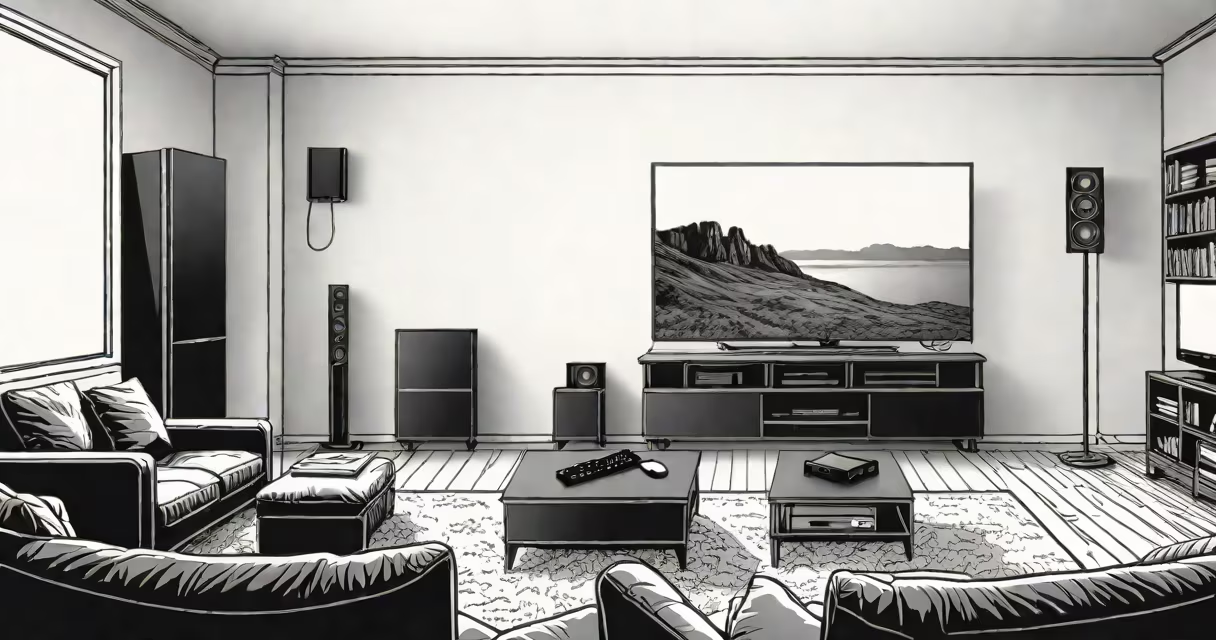
A home theater PC operating system is a specialized, lightweight version of Linux or Windows designed to run media center software like Kodi or Plex on a dedicated device. It prioritizes video playback, remote control, and low-power performance over general computing tasks.
These systems are built around media management, not web browsing or document editing. They boot quickly, consume minimal power, and interface through a large-screen GUI optimized for navigation with a remote. The core function is to serve as a central hub for streaming, local media, and live TV-all accessible from a couch.
Unlike a regular desktop OS, a home theater PC operating system doesn't require a keyboard or mouse. It's designed to be controlled entirely via remote, gamepad, or voice command. This focus enables stable, long-running playback without crashes or lag during extended movie sessions.
Home theater PC operating systems run on compact hardware-often a small form factor PC, Raspberry Pi, or dedicated media box. They load a minimal kernel and launch a media center application as the primary interface. The OS itself rarely shows a traditional desktop.
When powered on, the system boots directly into the media app. For example, Kodi displays a library of movies, music, and TV shows. Users browse using a remote, select a title, and playback begins. Background processes handle metadata fetching, subtitles, and audio syncing automatically.
These systems often support network streaming protocols like DLNA, UPnP, and HTTP Live Streaming. A single HTPC can pull content from a NAS drive, a cloud service, or a local hard drive, then stream it to a TV at 4K resolution with Dolby Atmos audio.
Most home theater PC operating systems fall into two categories: Linux-based distributions and Windows variants tailored for media.
| Type | Examples | Best for | Key feature |
|---|---|---|---|
| Linux-based | Kodi OS, LibreELEC, OSMC | Low-power devices, stability, customization | Minimal footprint, automatic updates, open-source |
| Windows-based | Windows 10/11 Media Center Edition, custom Win10 builds | Integration with existing Windows networks, DirectX acceleration | Supports proprietary codecs, better GPU decoding |
LibreELEC is a stripped-down Linux distribution focused solely on running Kodi. It boots in under 10 seconds and uses less than 1GB of RAM. It's ideal for Raspberry Pi 4 or Intel NUCs. OSMC is similar but offers more configuration options and supports additional add-ons.
Windows-based HTPC setups are less efficient but offer broader compatibility. They can play DRM-protected content from Netflix or Amazon Prime Video, which most Linux-based systems cannot due to licensing restrictions. However, they require more frequent updates and are prone to crashes if not maintained.
Many assume a home theater PC operating system is just a media player app like VLC or Plex. That's incorrect. The OS is the foundation-the environment in which the app runs. VLC is a standalone program; a home theater OS is a complete system with drivers, networking, and security layers.
Another mistake is thinking these systems are complex to set up. While early versions required manual configuration, modern distros like LibreELEC install with a single USB image. You flash the image to a microSD card, insert it into a Raspberry Pi, power on, and the system configures itself.
Some users believe these systems can't handle high-resolution content. But a properly configured HTPC with a modern GPU can decode 4K HDR10+ video at 60fps. The Raspberry Pi 4, for example, handles 4K playback smoothly when paired with a well-configured LibreELEC build.
I built a home theater PC using a Raspberry Pi 4 (4GB RAM), a 32GB microSD card, and a 2TB external HDD. I flashed the latest LibreELEC image onto the card using Balena Etcher. After inserting the card and powering on, the system booted into Kodi within 15 seconds.
I connected the Pi to my home network via Ethernet. In Kodi, I added my external HDD as a source. The system automatically scanned for media files, downloaded thumbnails, and created a library. I accessed the library from my living room TV using a Logitech Harmony remote.
For 4K content, I used a 4K Blu-ray ISO file stored on the HDD. The Pi decoded the HEVC/H.265 stream using hardware acceleration. Playback was smooth, with no buffering. Audio played through a soundbar via HDMI ARC with Dolby Digital Plus support.
This entire setup cost under $150 and consumed less than 5 watts of power. It ran continuously for six months without rebooting.
A home theater PC operating system is not a smart TV platform. Devices like Samsung Smart TVs or Roku boxes have their own firmware and limited customization. An HTPC OS gives full control over settings, file access, and add-ons.
It's also not a gaming console. While you can run emulators or games via Kodi, the OS isn't optimized for low-latency input or high frame rates. For gaming, a dedicated machine like a Steam Deck or Xbox is better suited.
Finally, it's not a replacement for a full desktop OS. If you need to edit documents, run Photoshop, or manage multiple virtual machines, a standard Linux or Windows installation is more appropriate.
One overlooked distinction is that the home theater PC OS manages the hardware and system services. The media app (like Kodi) handles the user interface and content rendering. The OS ensures the app stays responsive, even during long playback sessions.
For example, if your media library contains 10,000 files, the OS handles indexing, caching, and background scanning. It also manages network discovery, so new devices appear automatically on the network. This layering prevents the media app from becoming sluggish.
According to the Kodi official documentation, the platform supports over 500 add-ons, including those for live TV, podcasts, and weather. These functions rely on the underlying OS to maintain connectivity and process data efficiently.
Similarly, LibreELEC's developer guide states that the system aims to be "immutable"-meaning the core filesystem is read-only. This reduces corruption risk and ensures consistent behavior across devices.
A home theater PC operating system transforms basic hardware into a useful, always-on media center. It's not about flashy features-it's about reliability, simplicity, and immersive playback. listening to a lossless album, the system delivers content without distraction.
For those building a home entertainment setup, choosing the right OS matters. Consider your hardware, content sources, and desired level of control. A Linux-based solution like LibreELEC offers stability and efficiency. A Windows-based setup may be better if you need access to protected streaming services.
Understanding the role of the OS-separate from the media app-is key to avoiding missteps. The system isn't just a player. It's the engine behind a smooth viewing experience.