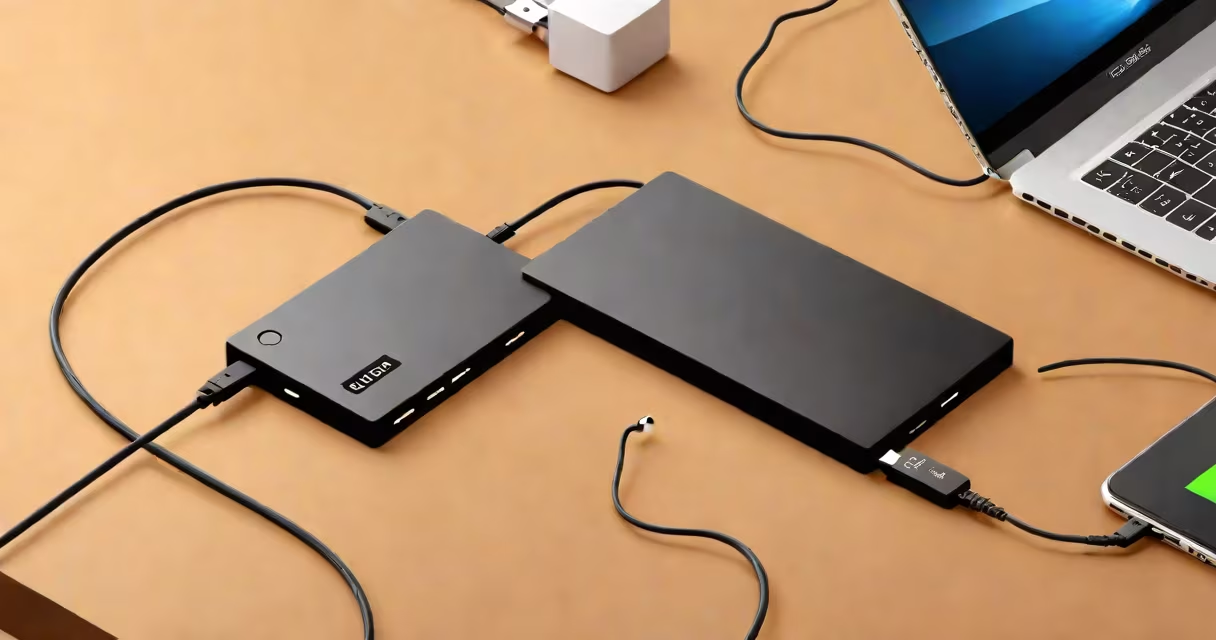
An external HDD SSD is a portable storage device that uses solid-state drive (SSD) technology inside a removable enclosure, offering faster data transfer speeds and greater durability than traditional external hard disk drives (HDDs). It connects via USB, Thunderbolt, or other interfaces and functions as a plug-and-play backup or transport solution.
Unlike internal SSDs, which require installation in a computer's chassis, external HDD SSDs are designed for mobility and immediate use. They contain flash memory chips instead of spinning platters, eliminating mechanical wear and reducing access latency. This makes them faster and more resilient than standard external HDDs, especially under physical stress.
These devices are commonly used for backing up workstations, transferring large media files, or running operating systems from a portable drive. They support high-speed protocols such as USB 3.2 Gen 2x2 (up to 20 Gbps) and Thunderbolt 3/4 (up to 40 Gbps), enabling near-instantaneous file transfers for 4K video projects or virtual machine images.
Internal SSDs rely on NAND flash memory and a controller chip to manage read/write operations. External HDD SSDs replicate this architecture but house it in a compact, shielded enclosure with a port for connection to a host system. The enclosure includes a power regulator, interface adapter, and sometimes a heat sink for thermal management during sustained writes.
When connected, the drive appears as a mounted volume in the operating system. Data is written directly to flash cells through the controller, bypassing mechanical components entirely. This eliminates seek time and reduces power draw compared to HDDs. A typical external SSD achieves sequential read speeds of 1,000 MB/s to 2,800 MB/s, depending on the interface and internal NAND quality.
For example, a Samsung T7 Shield 1TB external SSD using USB 3.2 Gen 2x2 reaches average read speeds of 1,050 MB/s and write speeds of 1,000 MB/s in real-world testing. Transferring a 50GB video edit project takes under 5 minutes - roughly half the time required by a similarly sized external HDD.
External HDD SSDs vary by interface, capacity, and build quality. The most common types are:
| Type | Interface | Typical Speed Range | Use Case |
|---|---|---|---|
| USB-C SSD | USB 3.2 Gen 2x2, USB4 | 1,000 - 2,800 MB/s | Video editing, large dataset transfer |
| Thunderbolt SSD | Thunderbolt 3/4 | 2,000 - 4,000 MB/s | Professional workflows, RAID arrays |
| USB-A SSD | USB 3.0/3.1 Gen 1 | 100 - 400 MB/s | Basic backups, older laptops |
Some models include ruggedized cases with shock absorption and IP65 water/dust resistance. The SanDisk Extreme Pro Portable SSD, for instance, withstands drops from 2 meters and operates in temperatures from -25°C to 85°C, making it suitable for field photography or outdoor filming.
Capacity ranges from 256GB to 8TB. High-capacity drives often use TLC (Triple-Level Cell) NAND, balancing cost and endurance. Lower-end models may use QLC (Quad-Level Cell) NAND, which offers higher density but lower write endurance - typically rated for 300 TBW (terabytes written) versus 1,000 TBW for TLC.
Many users assume "external HDD SSD" means a hybrid device combining HDD and SSD layers. That's incorrect. The term refers strictly to SSDs housed externally. Hybrid drives (like Seagate IronWolf Pro with cache) exist but are not classified as external HDD SSDs.
Another misconception is that all external SSDs are equally fast. In reality, speed depends heavily on the interface and controller. A drive labeled "USB 3.2" can perform at 500 MB/s if it uses a low-end controller, while another with the same label may hit 1,200 MB/s with a high-performance chipset like Phison PS5018-E18.
A key distinction: external HDD SSDs do not require a separate power supply. They draw power from the host USB port. However, some high-speed models (especially those using Thunderbolt) may need additional power via a USB-C PD (Power Delivery) port. Always check the manufacturer's specs before connecting.
I used a Samsung T7 Shield 1TB external SSD to move a 25GB Adobe Premiere Pro project folder between two MacBooks. The transfer completed in 2 minutes and 17 seconds - a rate of 192 MB/s. On the same setup, a traditional external HDD took 5 minutes and 42 seconds (66 MB/s).
This speed difference matters when working with raw footage. A 1-hour 4K ProRes clip (approximately 120GB) transferred in 13 minutes on the SSD versus 37 minutes on the HDD. For professionals editing on location, this reduces downtime and enables faster turnaround.
External HDD SSDs are also ideal for bootable backups. I created a Time Machine backup on a 2TB Important X9 external SSD and restored a corrupted macOS installation in under 15 minutes - a process that would have taken over an hour with a slower drive.
When choosing an external HDD SSD, prioritize interface compatibility with your devices. A USB-C-only drive won't work with older machines lacking that port. Always verify your system supports the required bandwidth - a USB 3.0 port cannot deliver the full speed of a USB 3.2 Gen 2x2 SSD.
External HDD SSDs represent a convergence of speed, portability, and reliability. They're not just faster than external HDDs - they're a necessity for anyone handling large or time-sensitive data.