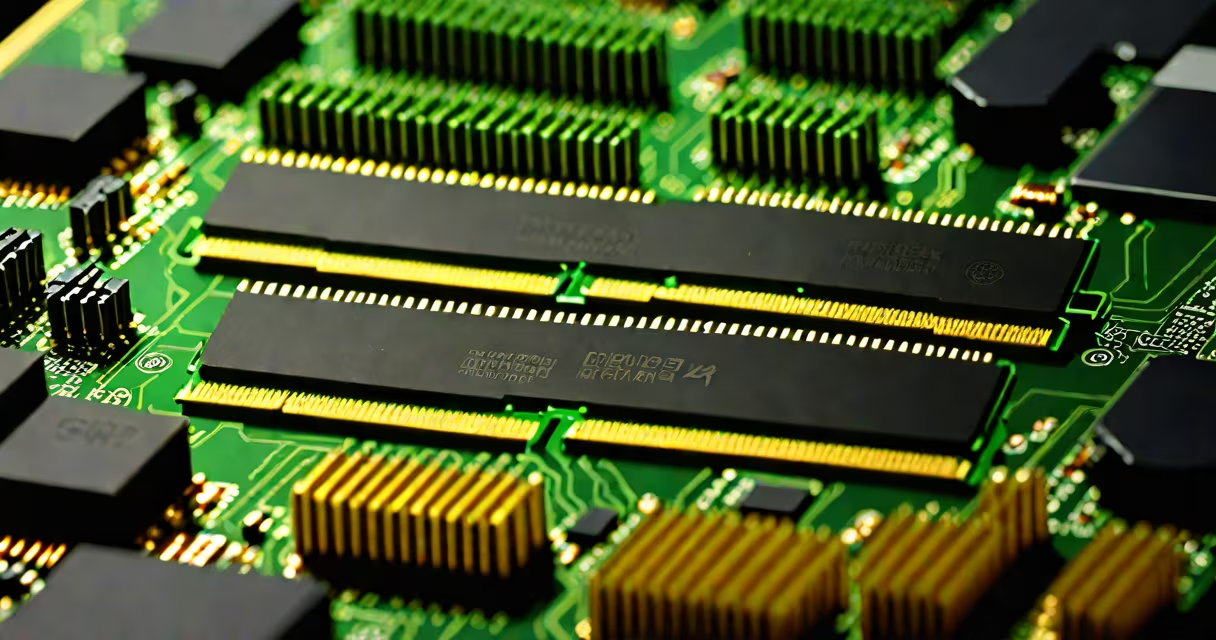
DDR4 desktop RAM is the fourth generation of double-data-rate synchronous changing random-access memory designed for use in desktop computers. It transfers data twice per clock cycle, operates at lower voltages than previous generations, and supports higher bandwidths for improved system performance.
DDR4 desktop RAM uses a 288-pin DIMM form factor and runs at standard voltages between 1.2V and 1.35V, depending on the module's rated speed. It replaced DDR3 in mainstream desktop systems around 2014 and remains widely supported in current motherboards and CPUs from Intel and AMD.
Unlike older memory types, DDR4 features improved signal integrity through better trace routing on the motherboard and reduced noise via lower operating voltage. This allows for more stable high-speed operation and better power efficiency during idle and load states.
DDR4 desktop RAM functions by storing data in capacitors arranged in a grid of rows and columns. Each row is accessed using a row address, then a column address selects the specific data bit. The "double-data-rate" part means data is transferred on both the rising and falling edges of the clock signal, effectively doubling throughput.
When your CPU requests data, the memory controller on the motherboard sends a command to the RAM module. The module responds by reading the requested data from the correct memory cell and sending it back along the bus. DDR4 improves this process by supporting higher clock speeds and tighter timing parameters.
For example, a 3200 MHz DDR4 module transfers data at 25.6 GB/s (3200 × 2 × 8 bytes per cycle), which is faster than DDR3's 1600 MHz limit of 12.8 GB/s. This increase reduces bottlenecks in applications like video editing, gaming, and multitasking.
DDR4 desktop RAM comes in multiple speed grades, labeled by their effective data rate in megahertz (MHz). Common speeds include 2133, 2400, 2666, 3000, 3200, and 3600 MHz. Higher speeds improve performance, especially in CPU-bound tasks.
| Speed (MHz) | Effective Data Rate (MT/s) | Typical Use Case | Latency (CL) |
|---|---|---|---|
| 2133 | 2133 | Basic office work, budget builds | 15-17 |
| 2666 | 2666 | Intel 8th-gen and later, AMD Ryzen 2000+ | 16-18 |
| 3000 | 3000 | Gaming, productivity, balanced performance | 16-18 |
| 3200 | 3200 | High-end gaming, content creation | 16-18 |
| 3600 | 3600 | Overclocked systems, competitive gaming | 18-20 |
Modules are also available in different configurations: single-sided (one row of chips), dual-sided (two rows), and low-profile versions for tight cases. Most modern desktops support dual-channel mode, where two identical sticks are installed in specific slots to double bandwidth.
Not all DDR4 speeds are equally accessible. Motherboard and CPU combinations may cap memory speed unless the XMP (Extreme Memory Profile) feature is enabled in BIOS. For example, a Ryzen 5 5600X paired with a B550 motherboard can run 3200 MHz DDR4 at stock settings, but only if XMP is activated.
DDR4 desktop RAM is not compatible with DDR3 or DDR5 motherboards. The notch on the edge of the stick differs in position, preventing incorrect insertion. Always verify your motherboard's supported RAM types and maximum speed before purchasing.
A common error is assuming higher speed always equals better performance. A 3600 MHz kit won't outperform a 3200 MHz kit with tighter timings. For example, a 3200 MHz module with CL16 timing offers 13.3 ns latency, while a 3600 MHz module with CL19 has 14.8 ns - slower response despite higher frequency.
Another mistake is mixing mismatched kits. Using two 16GB sticks from different brands or with different speeds can cause instability. The system defaults to the slowest module's speed and may fail to boot. Always buy matched pairs from the same manufacturer.
I once built a system using a 3200 MHz kit from a reputable brand and a 2666 MHz stick from a clearance bin. The system booted but crashed during game loading. Disabling XMP and setting manual timings resolved the issue - a reminder that consistency matters more than peak speed.
DDR4 desktop RAM powers everyday computing tasks: web browsing, document editing, media playback, and software development. It's essential for running virtual machines, compiling code, and handling large datasets.
In gaming, DDR4 speeds above 3000 MHz reduce input lag and improve frame consistency, particularly in titles like Cyberpunk 2077 and Red Dead Redemption 2. According to AnandTech's analysis of Ryzen 5000 series processors, increasing RAM speed from 2666 MHz to 3200 MHz boosted average FPS by 5-7% in benchmark tests.
Content creators benefit from higher bandwidth when rendering video or processing audio. Adobe Premiere Pro and DaVinci Resolve show measurable gains with 3200 MHz or faster RAM, especially when working with 4K or 8K footage.
For users needing more than 16GB, 24GB kits (typically two 12GB sticks or three 8GB sticks) are available. These are less common than 16GB or 32GB kits but offer a middle ground for multi-tasking without upgrading to 32GB.
Many assume DDR4 is obsolete because DDR5 exists. While DDR5 offers higher speeds and lower voltage, DDR4 remains viable. Over 80% of new desktop builds still use DDR4 due to cost, availability, and backward compatibility with existing hardware.
Some confuse "DDR4" with "DDR4-3200." The term "DDR4" refers to the memory standard; "DDR4-3200" specifies a speed rating. A DDR4-3200 module runs at 3200 MT/s, but not all DDR4 modules reach that speed. Always check the actual speed label on the module.
Another misconception is that more RAM always improves performance. Adding 32GB to a system with only 4GB of RAM yields dramatic gains. But upgrading from 32GB to 64GB provides minimal improvement in most applications, especially those under 32GB of memory usage.
Finally, some believe XMP profiles are unsafe. They're not. XMP is a standardized profile defined by JEDEC and implemented by motherboard manufacturers. Enabling XMP safely increases speed and timing settings to factory-tuned values. It's safe as long as the RAM is rated for the chosen speed.
DDR4 desktop RAM remains a core component in modern PCs. Its balance of speed, power efficiency, and affordability ensures it will continue to serve consumers and professionals alike.