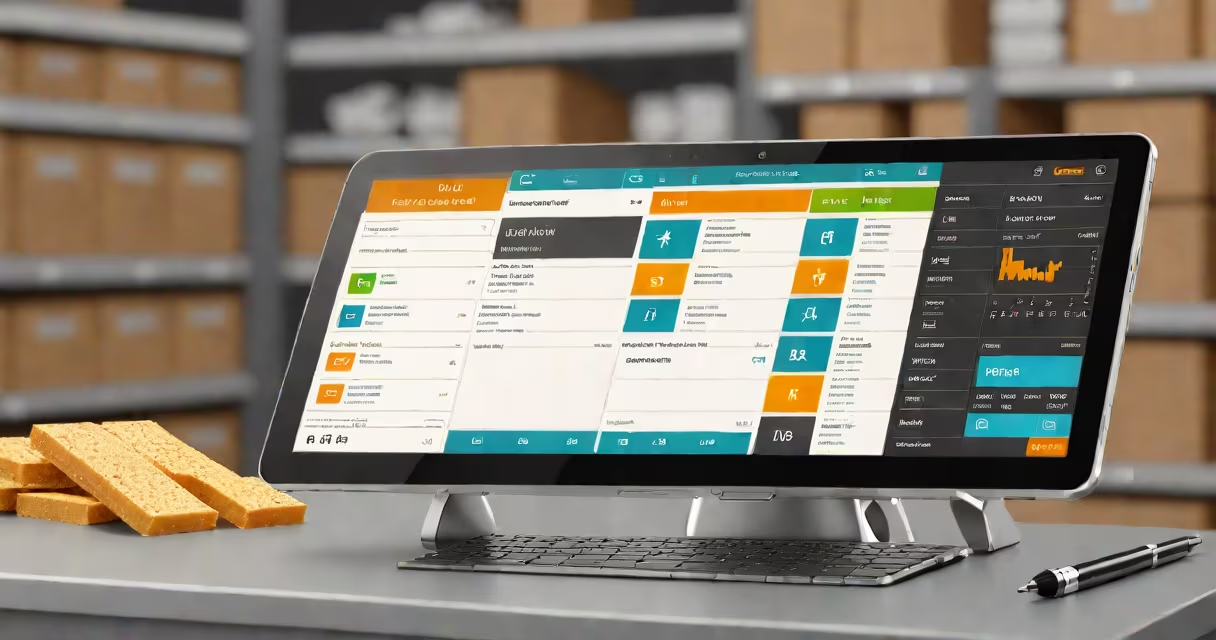
A computerized inventory system is a digital platform that automates tracking of stock levels, product movement, orders, and sales across retail, warehouse, or distribution environments. It replaces manual logs with real-time data entry, barcode scanning, and centralized databases to reduce human error and improve decision-making.
These systems integrate with point-of-sale (POS) terminals, e-commerce platforms, and supply chain software. When a product is sold or moved, the system updates inventory counts instantly. This enables accurate reporting, reorder alerts, and demand forecasting based on historical usage patterns.
For example, a clothing retailer using a computerized inventory system can scan a new shipment of 50 blue denim jackets via barcode. The system records the arrival, assigns batch numbers, and adjusts the central stock count. If a customer buys one jacket at checkout, the system subtracts one unit and sends an automatic alert when stock drops below 10 units.
At its core, a computerized inventory system relies on a database that stores product details-SKU, name, category, price, location, and quantity. Each transaction triggers a database update through integrated hardware like barcode scanners, RFID readers, or mobile apps.
Data flows from the point of sale, receiving dock, or warehouse floor into a central server or cloud-based platform. The system applies business logic-such as FIFO (first in, first out) or LIFO (last in, first out)-to manage stock rotation and prevent obsolescence. Alerts notify staff when items fall below minimum thresholds or expire.
Advanced systems support multi-location tracking. A grocery chain with five stores can monitor how many apples remain in each location and automatically reroute surplus stock from Store A to Store B during peak demand.
Systems vary by scale and integration level. The most common types are:
| Type | Best For | Key Features |
|---|---|---|
| Basic desktop software | Small shops with limited SKUs | Single-user access, manual data entry, local storage |
| Cloud-based SaaS | Multi-store retailers, e-commerce sellers | Real-time sync, mobile access, API integrations, subscription pricing |
| Enterprise WMS | Large warehouses, high-volume logistics | Automated picking routes, RFID tracking, labor management, advanced analytics |
Hardware components include barcode printers, handheld scanners, weigh scales with digital output, and RFID tags. Software features may include batch tracking, expiry date monitoring, and integration with accounting tools like QuickBooks or Xero.
One non-obvious detail: many small businesses assume they can manage inventory with spreadsheets. But even a single misplaced decimal in a column can cause a $2,000 over-order. A computerized system prevents such errors by enforcing data validation rules and audit trails.
Some think a computerized inventory system is just a digital version of a paper ledger. That's incorrect. While both track stock, only a computerized system processes transactions automatically, supports conditional logic, and generates reports without manual effort.
Another confusion: people equate it with a POS system. They're related but distinct. A POS handles sales transactions, payments, and receipts. A computerized inventory system manages stock availability, reorder points, and fulfillment workflows. You can have a POS without inventory software-but not vice versa in complex operations.
I once observed a convenience store owner manually updating a spreadsheet after each sale. After a week, the data diverged by 17% from actual stock. Switching to a cloud-based system reduced discrepancies to under 0.5% within two months.
Retailers use computerized inventory systems to avoid overstocking or stockouts. A study by the National Retail Federation found that 63% of retailers experienced lost sales due to inventory inaccuracies in 2022. Systems reduce those losses by ensuring accurate stock visibility.
Manufacturers rely on them to track raw materials and finished goods. For example, an auto parts supplier uses serial numbers and batch tracking to isolate defective batches during recalls. Without a computerized system, tracing affected units could take days.
Healthcare facilities use them to manage medical supplies. A hospital in Chicago reported a 40% reduction in expired medication waste after implementing a system that flagged items nearing expiration and prioritized their use.
Nonprofits and schools also benefit. A university bookstore used a computerized system to track textbook demand across semesters. By analyzing past sales, they reduced unsold inventory by 30% and improved student satisfaction.
A computerized inventory system does not replace human oversight. It doesn't predict market shifts or determine which products to discontinue. Those decisions still require judgment, trend analysis, and market research.
It also doesn't eliminate the need for physical audits. Even the most accurate system can fail if a scanner misreads a barcode or a worker forgets to log a return. Regular cycle counting-physically verifying a subset of stock-remains essential to maintain accuracy.
Finally, it's not a one-size-fits-all tool. A bakery with 12 SKUs might thrive on a simple app. A global distributor moving 50,000 items monthly needs enterprise-grade software with role-based access, audit logs, and compliance features.
When choosing a system, evaluate integration capabilities. A system that cannot connect to your existing e-commerce site or accounting software creates data silos and increases manual work.
A computerized inventory system is a digital infrastructure that maintains accurate, real-time records of stock movements and availability. It powers efficient operations across retail, manufacturing, healthcare, and education sectors by reducing errors, enabling timely restocking, and improving reporting accuracy.
Businesses that adopt it see measurable gains: lower carrying costs, faster order fulfillment, and fewer lost sales. The key is selecting a system that matches operational complexity-not overbuying features you won't use.
For ongoing optimization, pair the system with regular training and process reviews. As one warehouse manager told me: "The software didn't fix our problems-it exposed them."