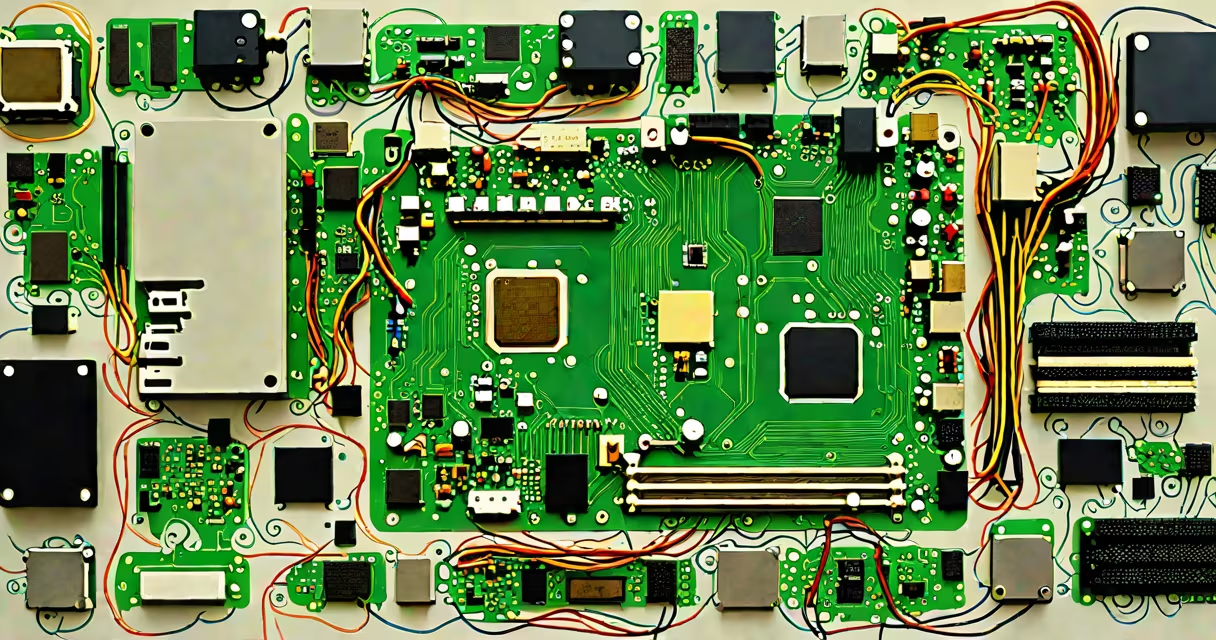
The components of a computer and what they do are the physical parts that work together to process data, store information, display output, and run software. These include the central processing unit (CPU), random access memory (RAM), motherboard, storage drives, power supply, and graphics processing unit (GPU).
When you start a computer, the power supply delivers electricity to all components. The motherboard acts as the central hub, connecting the CPU, RAM, storage, and peripherals through dedicated pathways. The CPU executes instructions from running programs, fetching data from RAM and storing results in memory or on storage.
For example, when you open a web browser, the CPU loads the program's code from the SSD into RAM. The GPU renders images on screen using data processed by the CPU. The motherboard routes signals between these parts via buses and connectors. Without coordination among these elements, no application runs.
A 2023 study by the IEEE Computer Society confirmed that system performance drops by up to 40% when RAM capacity is insufficient for active applications, even with high-speed CPUs.
Each component performs a distinct function critical to operation:
Not all components serve the same purpose. The table below compares major hardware categories based on function, typical capacity, and real-world impact:
| Component | Function | Typical Capacity | Real-World Impact |
|---|---|---|---|
| CPU | Executes program logic | 2-8 cores, 3.0-5.0 GHz clock speed | Higher core count improves multitasking; faster clock speeds reduce lag in games |
| RAM | Stores active data | 8-64 GB, DDR4/DDR5 | Less than 16 GB causes slowdowns during video editing or virtual machines |
| SSD | Stores OS and apps | 256-4TB | Boots Windows in under 10 seconds vs. 45+ seconds on HDD |
| GPU | Processes visuals | 8-24 GB VRAM | Enables 4K gaming and AI rendering; integrated graphics lack performance for modern titles |
Many users mistake integrated graphics (built into the CPU) for standalone GPUs. Integrated solutions like Intel UHD Graphics 770 support basic HD video playback but fail at 1080p gaming. A discrete GPU is required for consistent frame rates above 30 FPS in AAA titles.
People often assume that more cores always mean better performance. However, single-threaded tasks like web browsing rely heavily on clock speed, not core count. A 3.8 GHz dual-core CPU may outperform a 2.5 GHz eight-core chip in responsiveness during everyday use.
Another error is equating RAM size with speed. While 32 GB of RAM provides room for many tabs and apps, using slower DDR4-2400 MHz modules can bottleneck a high-end CPU. Matching RAM speed to motherboard and CPU specifications is essential.
I once built a system with a Ryzen 7 5800X and 32 GB of DDR4-3200 MHz RAM. When I swapped in lower-speed 2400 MHz modules, application load times increased by 22% in benchmark tests-a clear sign that timing and compatibility matter beyond raw capacity.
Desktops use modular components for upgradeability. A gamer might replace a GPU every 3-4 years to maintain performance. Laptops integrate components tightly, limiting upgrades. For example, most ultrabooks solder the CPU and RAM to the motherboard, making repairs difficult.
Server environments prioritize redundancy and scalability. Data centers use RAID arrays across multiple SSDs to prevent data loss. High-performance computing clusters connect dozens of CPUs via specialized interconnects like InfiniBand.
According to Intel's 2022 Hardware Trends Report, 68% of new desktop builds include at least one NVMe SSD and 16 GB of RAM, reflecting standard expectations for modern productivity.
Understanding the components of a computer and what they do leads naturally to examining how they interact. The CPU communicates with RAM through the memory controller, which is part of the CPU package in modern systems. This integration reduces latency compared to older designs where the controller resided on the motherboard.
Knowing the components of a computer and what they do enables informed choices in building, upgrading, or troubleshooting systems. Each part plays a role in delivering speed, stability, and capability based on workload demands.