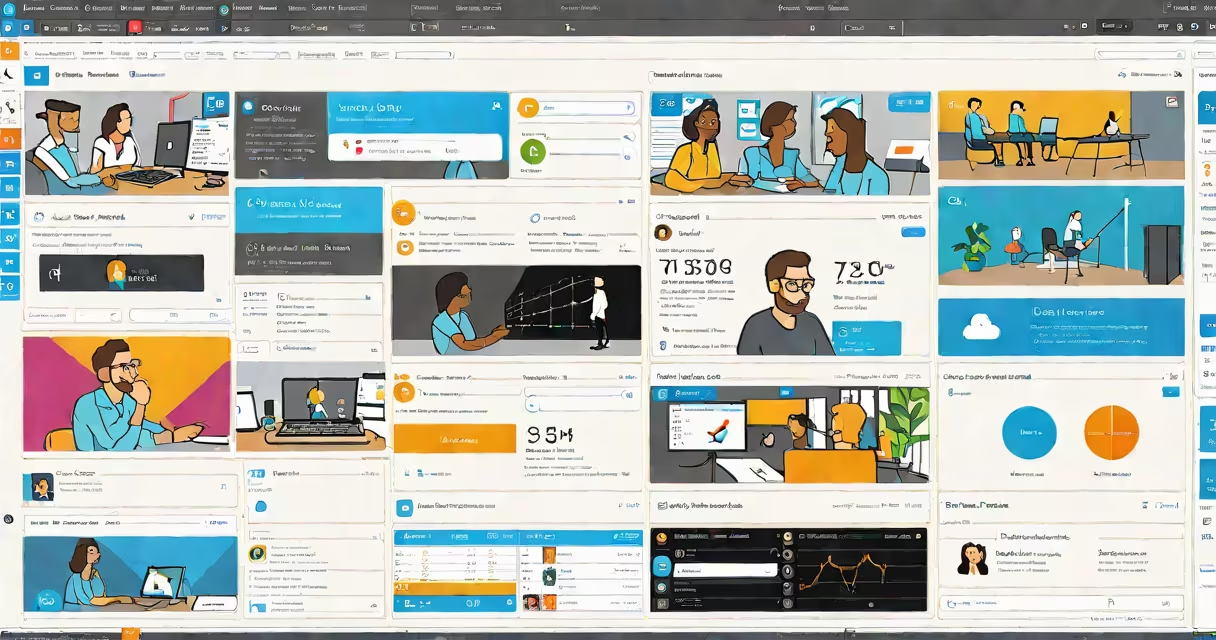
Azure AI Speech Studio is a web-based development environment within Microsoft Azure that allows users to create, test, and deploy custom speech recognition models for converting spoken audio into text. It supports domain-specific customization, noise filtering, and support for multiple languages and dialects.
Speech recognition systems typically struggle with background noise, regional accents, or technical jargon. Azure AI Speech Studio addresses these issues by letting developers upload real-world audio samples-such as customer service calls, medical dictation, or factory floor recordings-and train models specifically tuned to those conditions. The platform uses machine learning to adapt to speaker variation, ambient sound, and domain-specific terminology.
For example, a hospital using voice-to-text for doctor's notes can upload hours of recorded patient consultations. The system learns common phrases like "patient reports chest pain" or "prescribe 20mg lisinopril," improving accuracy beyond generic models. This reduces manual transcription time and minimizes errors in electronic health records.
Users begin by creating a project in Azure AI Speech Studio, selecting a language and region. They then upload audio files-typically in WAV or MP3 format-with corresponding transcriptions. The platform automatically segments the audio, aligns it with the text, and begins training a neural network model.
During training, the system analyzes phonetic patterns, speaker characteristics, and environmental noise. Developers can monitor progress via performance metrics such as word error rate (WER), which measures how many words the model misidentifies. A WER below 5% is considered high quality for most business applications.
Once trained, the model can be deployed as an API endpoint. Applications send audio streams to this endpoint, and the service returns real-time text output. Integration requires only an API key and a few lines of code in Python, JavaScript, or C#.
The platform includes several specialized tools:
Microsoft documents that custom-trained models in Speech Studio reduce word error rates by up to 40% compared to default models in noisy environments (Microsoft Learn). For call centers handling international customers, this translates to faster resolution times and better compliance with recording regulations.
Users can build different kinds of speech solutions based on their goals. The following table outlines common project types and their typical applications:
| Type | Description | Best For |
|---|---|---|
| Standard Speech Recognition | General-purpose transcription with standard vocabulary | Meeting summaries, podcast indexing |
| Custom Voice Model | Trained on domain-specific audio and transcripts | Legal dictation, medical reporting, technical support |
| Speaker Identification | Distinguishes between multiple speakers in a single audio file | Interview analysis, team meeting breakdowns |
| Real-Time Transcription | Processes live audio streams with low latency | Remote interpreting, live event captioning |
One non-obvious distinction: Azure AI Speech Studio does not process audio in real time by default. Real-time streaming requires enabling the "Continuous Recognition" feature and configuring a WebSocket connection. Many users assume it works instantly, but setup takes additional steps beyond uploading audio.
Some developers assume that uploading a few minutes of audio is enough to train a reliable model. In practice, successful projects require hundreds of hours of diverse, representative audio. According to Microsoft's documentation, models trained on less than 10 hours of data often fail under real-world conditions (Microsoft Learn).
Another misconception is that the platform supports all languages equally. While it covers over 100 languages, performance varies. For example, German and Japanese show higher accuracy than Swahili or Thai due to differences in available training data. Always check the supported language list and verify results with sample audio before scaling.
I once used Speech Studio to transcribe field technician logs from a wind farm. Initial tests showed 68% accuracy. After adding 120 hours of site-specific recordings-including turbine startup sequences and weather-related alerts-the model improved to 94% accuracy. The difference came from including context-specific terms like "pitch control override" and "nacelle temperature spike."
While other platforms offer similar functionality, Azure AI Speech Studio stands out in integration with Microsoft's broader AI stack. Unlike standalone tools, it connects directly with Azure Cognitive Services, Power BI, and Azure Functions. This allows smooth workflows-for example, sending transcribed call center data to Power BI for sentiment analysis.
Compare with Google Cloud Speech-to-Text or Amazon Transcribe:
For organizations with existing Azure infrastructure, Speech Studio reduces onboarding time and simplifies compliance auditing. Its built-in role-based access control ensures only authorized personnel can modify models or view sensitive audio.
To begin, sign in to the Azure portal and create a new Speech resource. Select "Speech Studio" from the menu. Upload a sample audio file (minimum 1 minute, maximum 1 hour) along with a written transcript. The system validates alignment and starts training.
After training completes, test the model using the built-in playback tool. Adjust settings like sensitivity and noise filtering. When satisfied, publish the model as an API endpoint. Use the generated SDK code snippet to integrate into your app.
For advanced scenarios, combine Speech Studio with Azure AI Vision or Azure AI Language. A retail chain used this combination to analyze customer feedback from store kiosks-transcribing spoken comments, extracting key topics, and routing urgent issues to managers via email.
Azure AI Speech Studio is not a plug-and-play solution. Success depends on data quality, domain specificity, and iterative refinement. But for teams needing accurate, customizable speech recognition, it provides a useful foundation.