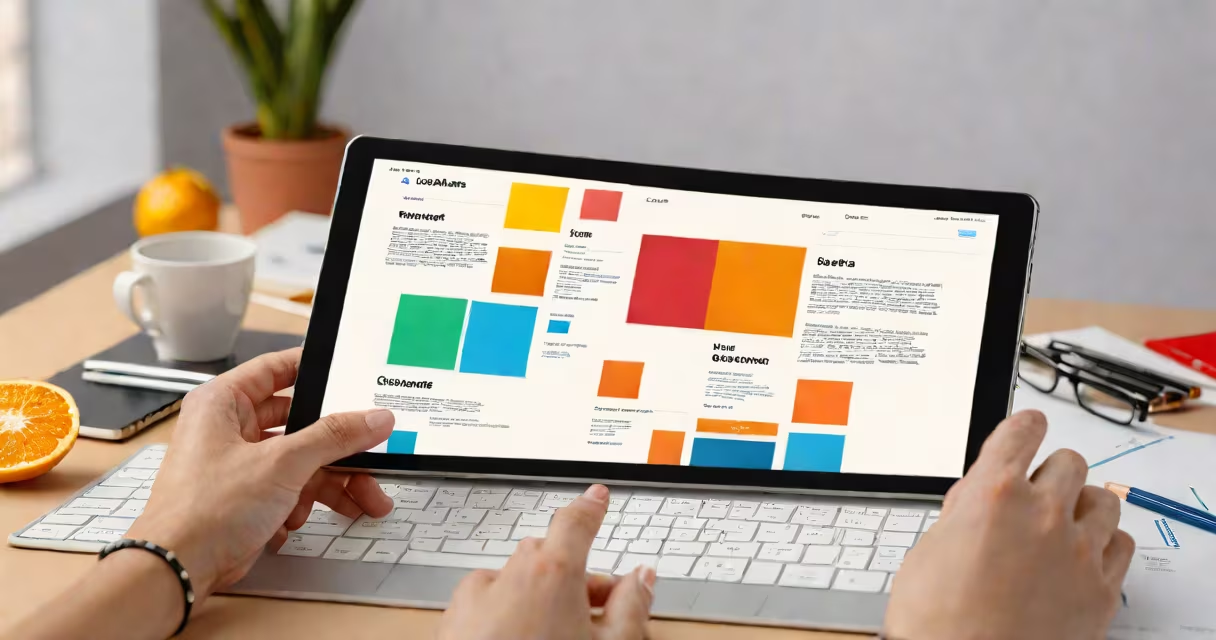
Web mockup software generates static or interactive visual models of websites before development starts. It allows teams to test layout, navigation, and user experience using realistic design elements without writing code.
Designers use web mockup software to translate ideas into structured visuals. These tools support low-fidelity sketches for early brainstorming and high-fidelity designs for client presentations. The output can simulate clicks, transitions, and page flows, helping stakeholders understand how a site will function.
Unlike basic drawing apps, web mockup software includes components like reusable buttons, form fields, and responsive grids. It enables collaboration between designers, developers, and product managers by providing shared visual references. Tools like Figma, Adobe XD, and Sketch are widely used in professional workflows.
Users start by defining the screen size and device type-desktop, tablet, or mobile. The software provides a canvas with grid systems and alignment guides to ensure consistency. Designers drag and drop UI elements such as headers, menus, images, and input fields to build the interface.
Once the structure is in place, users apply styles-colors, fonts, spacing, and shadows-to match brand guidelines. Most tools allow saving design tokens (like primary colors or button sizes) so changes propagate across multiple screens automatically.
Advanced features include prototyping, where designers link screens to simulate user interaction. Clickable hotspots let users go through between pages, and animations show transitions like dropdowns or slide-ins. This step reveals usability issues early, reducing costly redesigns later.
Different tools serve distinct stages of the design process. Here's a breakdown of common categories:
| Type | Best For | Examples | Key Feature |
|---|---|---|---|
| Low-fidelity | Early concept testing | Balsamiq, Whimsical | Simple shapes, minimal detail |
| High-fidelity | Client presentation and handoff | Figma, Adobe XD, Sketch | Pixel-perfect details, real-time collaboration |
| Interactive prototyping | User testing and validation | InVision, Marvel, Framer | Simulated user flows, micro-interactions |
Low-fidelity tools prioritize speed and simplicity. They use placeholder graphics and basic shapes to focus on structure and flow. High-fidelity tools offer precise control over typography, spacing, and visual hierarchy. Interactive prototyping tools go further by enabling changing behavior, such as hover states or form validation simulations.
Web mockup software is essential in UX/UI design for e-commerce, fintech, healthcare portals, and SaaS platforms. A retail company might use it to test checkout flow efficiency. A bank could simulate login processes to identify friction points before launch.
For startups, mockups reduce time-to-market. Instead of building a full website, teams validate concepts with clickable prototypes. One team I worked with reduced user testing sessions by 60% after introducing a prototype that showed real navigation paths. Users reported confusion with a hidden menu-fixing it saved two weeks of development time.
Developers receive annotated files from mockup software, including measurements, font sizes, and asset exports. This reduces miscommunication during implementation. According to the Nielsen Norman Group, using visual prototypes improves developer accuracy by up to 40% compared to written specifications alone.
Web mockup software is often mistaken for wireframing tools, but they differ in purpose. Wireframes focus on structure and content placement-using gray boxes and lines. Mockups add visual polish, including color, icons, and realistic imagery. A wireframe shows "where the search bar goes." A mockup shows "how it looks and behaves."
Another confusion is equating mockups with final websites. A mockup isn't functional code. It simulates behavior but doesn't run on servers. It cannot process payments, store data, or respond to live inputs. Misunderstanding this leads to unrealistic expectations during stakeholder reviews.
A lesser-known distinction: some tools claim to be "mockup software" but lack export capabilities. Without the ability to generate assets (like SVG icons or PNG slices), they're limited to internal viewing. Always check whether the tool supports developer handoff features like auto-layout, symbol libraries, and code snippets.
A travel agency wanted to improve conversion rates on their homepage. Their existing site had a cluttered layout with overlapping CTAs. Using Figma, the design team created a series of mockups focusing on clarity and visual hierarchy.
They tested three versions: one with a single call-to-action above the fold, another with a split-screen layout, and a third with a vertical scroll pattern. Each version included animated transitions between steps-like expanding filters or sliding in destination cards.
After running A/B tests with 500 users, the vertical scroll version increased booking starts by 27%. The team then exported design specs-including font weights, spacing values, and image dimensions-to the development team. The final site launched in eight weeks, meeting both performance and aesthetic goals.
Web mockup software isn't just a design aid-it's a decision-making tool. It turns abstract ideas into testable experiences. When used correctly, it prevents wasted effort and aligns teams around a shared vision.