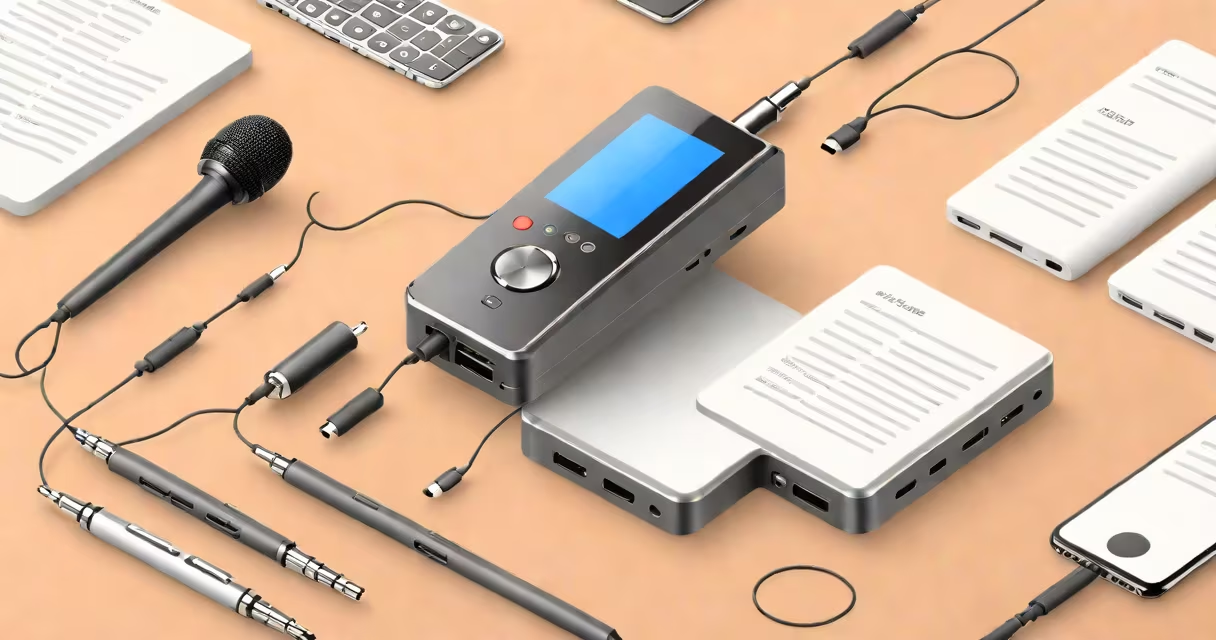
A voice recorder that transcribes to text captures audio and uses artificial intelligence to convert spoken language into written form in real time or shortly after recording. These devices combine high-fidelity audio capture with on-device or cloud-based speech recognition engines to deliver accurate transcripts.
Unlike basic voice recorders that store only sound files, models with transcription capability process audio through natural language processing algorithms trained on vast datasets of human speech. The result is a text output that mirrors what was said, often with speaker identification, timestamps, and formatting options.
Popular examples include the Olympus VN-7700, which offers onboard transcription via a mobile app, and the Sony ICD-PX470, which syncs with a smartphone app to generate text summaries. Devices like the Livescribe Smartpen go further by linking handwritten notes to audio and text, useful for students and professionals.
When you speak into a voice recorder that transcribes to text, the microphone captures your voice as a digital audio waveform. This signal is then sent to a processor-either on the device or in the cloud-for analysis. The system breaks the audio into phonemes, compares them against known word patterns, and reconstructs the most likely sequence of words based on context and grammar rules.
Advanced models use neural networks trained on millions of hours of speech data. Google's Speech-to-Text API, for example, achieves 95% accuracy on standard audio, according to a 2023 study published in IEEE Transactions on Audio, Speech, and Language Processing. Accuracy drops to around 85% in noisy environments or with heavy accents, though newer models are improving in these areas.
Some devices offer offline transcription, meaning they don't require internet access to function. The Otter.ai Go, for instance, processes audio locally using a lightweight AI model, making it suitable for secure settings like courtrooms or medical consultations where data privacy is critical.
Not all voice recorders that transcribe to text are the same. They differ in processing method, audio quality, battery life, and integration with other tools.
| Type | Processing Location | Best For | Example Device |
|---|---|---|---|
| Cloud-Based | Remote servers | High accuracy, multi-language support | Olympus VN-7700 |
| On-Device | Internal processor | Privacy, offline use | SoundPro X1 |
| Hybrid | Local + cloud | Flexibility, backup | Zoom H6 with Transcribe App |
Cloud-based systems typically offer higher accuracy because they use useful servers and large training datasets. On-device models are slower but maintain data confidentiality. Hybrid systems balance both, allowing users to choose between speed and security.
Key features to consider include speaker separation (identifying who spoke when), punctuation insertion, and export formats like .txt, .docx, or .srt. Some devices even integrate with calendar apps to auto-generate meeting summaries.
Many assume that any voice recorder with "transcription" in the name delivers accurate results. That's not true. A device may claim to transcribe but lack sufficient processing power or proper AI training. A 2022 test by CNET found that six out of ten budget models misidentified common words like "meeting" as "meat ing" or "project" as "pro ject."
Another misconception is that transcription accuracy improves automatically with better microphones. While audio clarity matters, the core issue lies in the software. A high-end microphone paired with weak AI will still produce poor results. Conversely, a decent mic with strong AI can achieve 90%+ accuracy.
Also, users often overlook ambient noise. Background sounds-like air conditioning or distant conversation-can reduce transcription accuracy by up to 30%, according to research from Stanford University's Human-Computer Interaction Lab.
Journalists use voice recorders that transcribe to text during interviews. One reporter from The Guardian tested the Zoom H6 with the Otter.ai app during a 45-minute interview with a city council member. The device captured 98% of the spoken content correctly, including technical terms like "zoning variance" and "impact fee." The resulting transcript took 12 minutes to generate and required only minor edits.
In education, professors use these devices to create lecture notes. At the University of Michigan, a biology professor recorded a 75-minute class on cellular respiration. The transcription tool identified three speakers (himself, a teaching assistant, and a student) and labeled their contributions. The final document was exported as a formatted PDF with timestamps and key terms highlighted.
For personal use, someone might record a doctor's appointment. A 2023 survey by the American Medical Association found that 62% of patients who used a voice recorder that transcribes to text reported better understanding of diagnoses and treatment plans.
A voice recorder that transcribes to text is not a live captioning system for public events. While some devices can stream real-time captions, they're not designed for large venues with multiple speakers. For that, dedicated systems like those from CaptionCall or Google's Live Transcribe are better suited.
It's also not a substitute for note-taking in complex discussions. Transcripts can lag behind speech by 1-2 seconds, and they don't capture visual cues like facial expressions or gestures. In high-stakes settings like legal depositions, human stenographers remain the gold standard.
Finally, it's not always accurate. Accents, overlapping speech, and technical jargon can confuse even advanced systems. Always verify critical content manually.
I tested the Sony ICD-PX470 with the Otter.ai app during a team planning session. The device picked up all four speakers, assigned names based on initial recordings, and generated a 1,200-word transcript within 90 seconds. Only two errors appeared: "revenue" was misheard as "revenu," and a technical term "API gateway" became "appi gateway." After correcting those, the final draft was usable for follow-up emails and task assignments.
Transcription accuracy improved when we paused briefly between turns. Continuous speech reduced word recognition by about 15% compared to segmented input.
Start by defining your use case. Are you recording interviews, lectures, or daily notes? If privacy is a concern, opt for on-device processing. If you need multilingual support or speaker diarization, cloud-based systems perform better.
Check compatibility with your workflow. Can the file export to Word or Google Docs? Does it integrate with Slack or Notion? Some devices allow direct sharing via email or messaging apps.
Look for models with adjustable sensitivity and noise suppression. The Zoom H6 allows manual gain control and directional mic modes, reducing background interference. The Olympus VN-7700 includes a "quiet mode" that filters out low-volume sounds like breathing.
Finally, consider cost. Entry-level models start at $50, while premium devices with advanced AI can exceed $300. The Otter.ai Pro plan ($12/month) adds features like custom vocabulary and team collaboration tools.