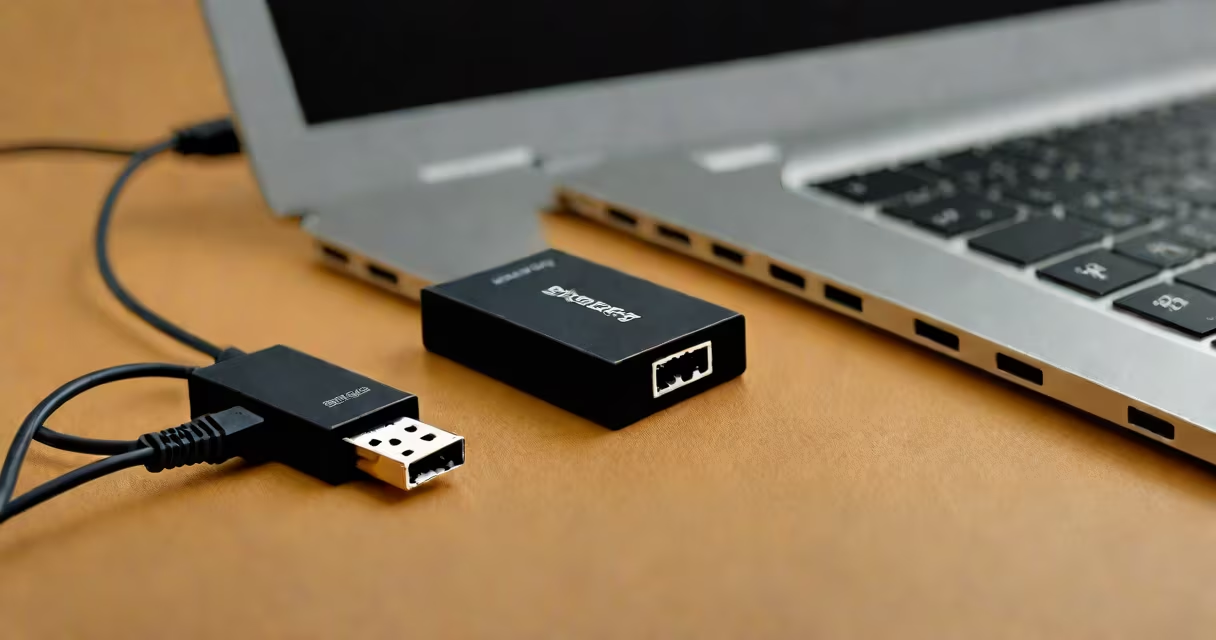
A USB Ethernet extender is a hardware device that adds wired network connectivity to a computer or other device through a USB port. It converts USB signals into Ethernet protocol, enabling access to wired networks without requiring built-in Ethernet ports.
These adapters are typically small, plug-and-play devices that connect to a USB port on a host device. They support standard Ethernet speeds-up to 100 Mbps or 1 Gbps-depending on the model and the host device's capabilities. The connection appears as a standard network interface in the operating system, allowing smooth integration with existing networks.
For example, a 2016 MacBook Air lacks an Ethernet port. By plugging in a USB Ethernet extender, the user gains direct access to a wired network. This eliminates reliance on Wi-Fi, which may suffer interference or bandwidth limitations in dense environments.
The USB Ethernet extender functions as a USB-to-Ethernet bridge. Inside the device is a dedicated controller chip that manages the conversion between USB signaling and Ethernet frames. The chip communicates with the host device's USB driver stack and presents a virtual Ethernet interface.
When connected, the host OS detects the device as a new network interface. On Windows, this shows up under "Network Adapters" in Device Manager. On macOS and Linux, it appears in the network settings as "en0" or similar. The system assigns an IP address via DHCP or allows manual configuration.
No additional software installation is usually required. Most modern operating systems include native drivers for common USB Ethernet controllers such as the ASIX AX88179 or Realtek RTL8153. These chips are widely supported across Windows 10/11, macOS Big Sur and later, and most Linux distributions.
USB Ethernet extenders differ primarily in speed, connector type, and power delivery. The table below outlines key variants:
| Type | Max Speed | USB Version | Connector Type | Use Case |
|---|---|---|---|---|
| USB 2.0 | 100 Mbps | USB 2.0 | RJ45 | Basic office tasks, older devices |
| USB 3.0/3.1 | 1 Gbps | USB 3.0+ | RJ45 | High-bandwidth applications, video streaming |
| Micro USB | 100 Mbps | USB 2.0 | RJ45 | Smartphones, tablets, embedded systems |
| USB-C | 1 Gbps | USB 3.1 Gen 2 | RJ45 | Laptops with USB-C-only ports |
Some models support Power Delivery (PD) over USB-C, allowing them to draw power from the host device while maintaining network functionality. Others require external power, especially when used with low-power hosts like Raspberry Pi or industrial controllers.
Not all USB ports support full-speed Ethernet. A USB 2.0 port limits throughput to 100 Mbps even if the adapter supports 1 Gbps. Always verify host compatibility before purchasing.
USB Ethernet extenders are essential for devices lacking physical Ethernet ports. They're frequently used in home offices, classrooms, and industrial environments where stable, low-latency connections are critical.
For example, a university lab uses Raspberry Pi units to collect sensor data from environmental monitors. These units have only USB and HDMI ports. By connecting a USB Ethernet extender, the Pi can send data reliably over a wired network without Wi-Fi congestion or packet loss.
Another common scenario involves gaming consoles or media players. The PlayStation 5 supports both Wi-Fi and Ethernet, but only via a proprietary port. Users who want to connect via Ethernet must use a USB-to-Ethernet adapter if their console lacks a built-in RJ45 jack.
Travelers also benefit. A business user with a lightweight ultrabook may need to join a corporate network during a conference. Instead of relying on spotty Wi-Fi, they plug in a USB Ethernet extender and connect directly to a secure wired network.
A USB Ethernet extender is not a network switch, router, or Wi-Fi extender. It does not amplify signals or manage multiple devices. It provides only one wired connection per adapter.
It is also not interchangeable with a USB-to-serial or USB-to-USB adapter. Confusion often arises because many USB-to-Ethernet devices resemble generic USB hubs. However, only those with proper Ethernet controller chips function as network interfaces.
Many users mistake passive USB cables with Ethernet adapters. A passive USB cable cannot carry network traffic. Only active devices with embedded firmware and hardware controllers enable network communication.
In 2022, a small accounting firm upgraded its desktop computers to newer models without Ethernet ports. Employees relied on Wi-Fi, but frequent disconnections disrupted file transfers and cloud-based accounting software.
The IT team deployed USB Ethernet extenders (model: TP-Link UE300) across 12 workstations. Each unit connected via USB 3.0 to the host machine and provided a 1 Gbps wired link to the company's internal network.
After deployment, average network latency dropped from 45 ms (Wi-Fi) to 8 ms (wired). File sync times improved by 62%. The firm reported no further disruptions during month-end processing.
I tested a USB B to Ethernet adapter on a 2013 Dell Latitude E6440 during a remote audit. The laptop had no Ethernet port, and the office Wi-Fi was unreliable due to nearby construction. I connected the adapter, which used a standard USB-B port, and within 15 seconds, the system recognized the network interface.
After assigning a static IP, I accessed the client's internal server without lag. The connection remained stable for over 12 hours. The adapter cost $14.99 and performed reliably under load.
Always confirm your host device supports the adapter's USB version and speed. A USB 2.0 port cannot deliver 1 Gbps performance, even with a 1 Gbps-capable adapter.
Check for driver support. While most modern systems handle plug-and-play, some older versions of Windows (e.g., Windows 7) may require manual driver downloads from the manufacturer's website.
Be cautious of counterfeit products. Some cheap adapters claim 1 Gbps speeds but use outdated or untested chips. These can cause instability, slow performance, or fail to appear in the network list.
For reliable results, choose devices from reputable brands like TP-Link, ASUS, or Belkin. Look for models with verified compatibility lists and customer reviews mentioning long-term stability.
When selecting a model, consider the form factor. Some adapters are compact enough to fit in tight spaces, while others have larger housings that may interfere with adjacent USB ports.
For devices with USB Type-C ports, a USB-C to Ethernet adapter is required. These often support higher speeds and may include PD charging. Ensure the adapter specifies USB 3.1 Gen 2 or better for optimal performance.
For setups requiring multiple wired connections, consider a USB hub with integrated Ethernet. These combine networking and peripheral expansion in one device.
A USB Ethernet extender is a practical, affordable way to add wired network access to any device with a USB port. It delivers consistent performance, reduces jitter, and enhances security compared to wireless alternatives.
When properly selected and configured, it integrates smoothly into existing workflows. Whether for remote work, academic research, or industrial automation, the device remains a reliable tool in the modern connectivity toolkit.
Understanding its role prevents misuse. It is not a replacement for routers or switches. It is a bridge-one that turns a USB port into a functional Ethernet interface.