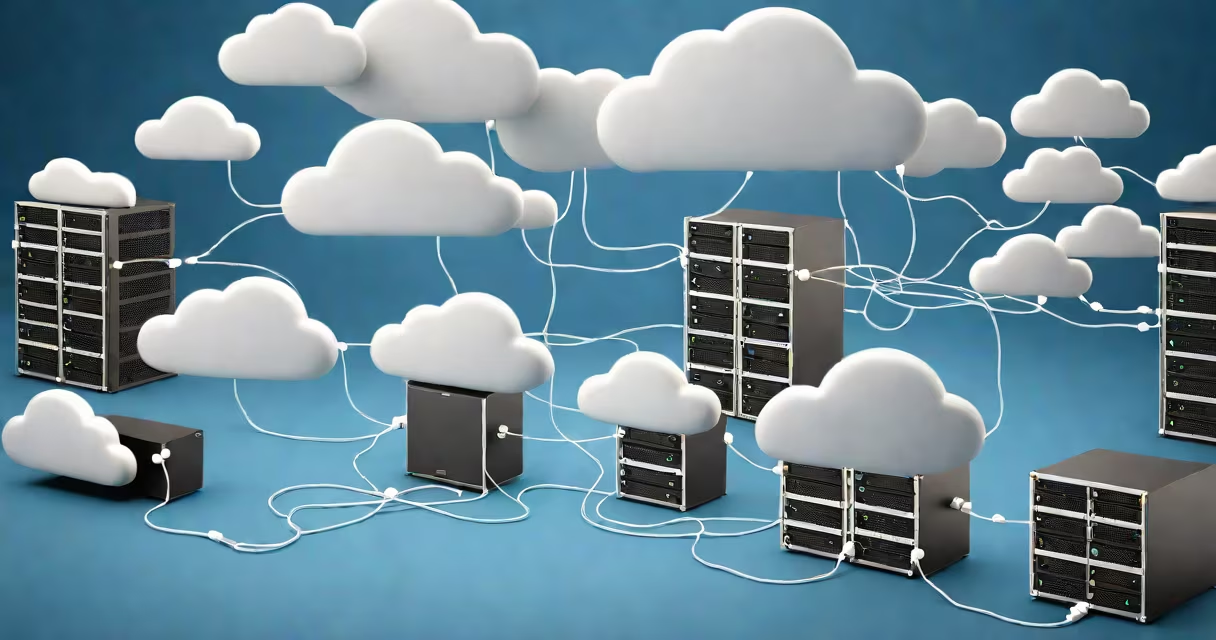
Understanding cloud technology means recognizing how organizations use remote servers hosted on the internet to store, manage, and process data instead of relying on local servers or personal computers. This model enables instant access to applications, storage, and computing power from anywhere with an internet connection.
Cloud technology operates through a network of physical servers located in secure data centers around the world. These servers run virtualized environments that allocate computing resources-like processing power, memory, and storage-on demand. When you use a service like Google Drive, Netflix, or Salesforce, you're interacting with cloud technology behind the scenes.
The core idea is abstraction: users don't need to know where their data lives or how the underlying hardware works. Instead, they interact with software and services delivered via the internet. This shift reduces upfront capital costs and allows rapid scaling during peak usage periods.
When a user requests a file from a cloud service, the request travels over the internet to a data center. There, a server processes the request, retrieves the data from storage, and sends it back. This entire process happens in milliseconds.
Behind the scenes, cloud providers use virtualization to divide a single physical server into multiple isolated virtual machines. Each machine runs its own operating system and applications, sharing the underlying hardware safely. This maximizes resource efficiency and lowers energy consumption.
For example, Amazon Web Services (AWS) operates over 100 data centers globally. When a startup deploys a website using AWS EC2 instances, it's automatically assigned compute capacity from one of these facilities based on load and location. The user never sees the hardware-it's managed entirely by AWS.
Cloud technology is categorized by the level of control and management required. The three primary models are Infrastructure-as-a-Service (IaaS), Platform-as-a-Service (PaaS), and Software-as-a-Service (SaaS).
| Service Type | What You Get | Example | Use Case |
|---|---|---|---|
| IaaS | Virtual machines, storage, networking | AWS EC2, Microsoft Azure VMs | Running custom applications or databases |
| PaaS | Development tools, databases, runtime environments | Google App Engine, Heroku | Developing and deploying web apps without managing servers |
| SaaS | Ready-to-use software accessed via browser | Microsoft 365, Zoom, Dropbox | Day-to-day business operations like email or video meetings |
Many organizations use a mix of these models. A company might host its customer database on IaaS, build its mobile app using PaaS, and use SaaS tools for HR and accounting.
Enterprises adopt cloud technology to improve agility, cut costs, and support remote work. According to Gartner, 75% of global enterprises will have moved to a cloud-first strategy by 2025, up from 30% in 2020.
Small businesses benefit from low entry barriers. A freelance designer can use Adobe Creative Cloud (SaaS) to edit photos without buying expensive software licenses or high-end laptops. They pay only for the time they use, often monthly or per project.
Healthcare providers use cloud systems to securely share patient records across clinics. For instance, Epic Systems uses AWS to host electronic health records, enabling doctors to access data instantly during emergencies. This reduces delays and improves care coordination.
One widespread error is equating "cloud" with "internet." While cloud services require internet access, the cloud itself is not the internet. The internet is the transport layer; the cloud is the destination-the collection of remote servers and software that provide services.
Another confusion is thinking cloud technology is inherently less secure than on-premise systems. In reality, major cloud providers invest billions annually in security. AWS spends over $1 billion yearly on cybersecurity research and compliance certifications, including ISO 27001, SOC 1/2, and HIPAA. On-premise systems often lack such rigorous standards due to limited budgets.
Some assume moving to the cloud means losing control. But cloud platforms offer fine-grained access controls, audit logs, and encryption options. A team can set policies so only managers can delete files, and all actions are logged for compliance.
In 2022, a regional clothing retailer with 12 stores switched from on-site servers to Microsoft Azure. Previously, each store ran its own inventory system, leading to inconsistent stock counts and delayed restocking.
After migration, the company deployed a centralized inventory app on Azure. Sales data from all locations updated in real time. When a store ran low on size-M blue jackets, the system triggered an automatic reorder from the warehouse. Over six months, inventory accuracy improved from 78% to 96%, reducing overstock by 30%.
The IT team reported a 40% drop in maintenance time. Instead of fixing broken servers or installing updates manually, they used Azure's automated patching and monitoring tools. The business saved $18,000 annually in hardware and labor costs.
This case shows that cloud technology isn't just about tech-it drives measurable improvements in operations, cost, and decision-making.
I once helped a nonprofit digitize its donor records using Google Workspace and Google Cloud Storage. Before the move, staff relied on shared USB drives and Excel sheets stored locally. Data was duplicated, versions conflicted, and backups were unreliable.
We migrated everything to Google's cloud platform. Files were encrypted in transit and at rest. Staff could access documents from any device. Real-time collaboration reduced meeting times by half. Within three weeks, the team reported higher confidence in data integrity and faster reporting cycles.
That experience confirmed: cloud technology isn't just for large corporations. It delivers tangible benefits even in small, mission-driven organizations.
Cloud technology differs from traditional hosting in ownership and scalability. With legacy hosting, you rent a physical server or dedicated space in a data center. You're responsible for maintenance, cooling, and power. Cloud technology removes those responsibilities-you pay only for what you consume.
Also, cloud services are designed for elasticity. During Black Friday sales, an e-commerce site can automatically scale up its web servers to handle traffic spikes. Once the event ends, it scales back down. This changing adjustment avoids over-provisioning and waste.
Understanding cloud technology means seeing it not as a single product, but as a structure for delivering IT services efficiently and reliably. It's the foundation of modern digital services-from streaming music to running AI models.
Understanding cloud technology is essential for anyone involved in digital workflows, whether managing a small business or building enterprise systems. It's not a trend-it's the standard way computing resources are delivered today.