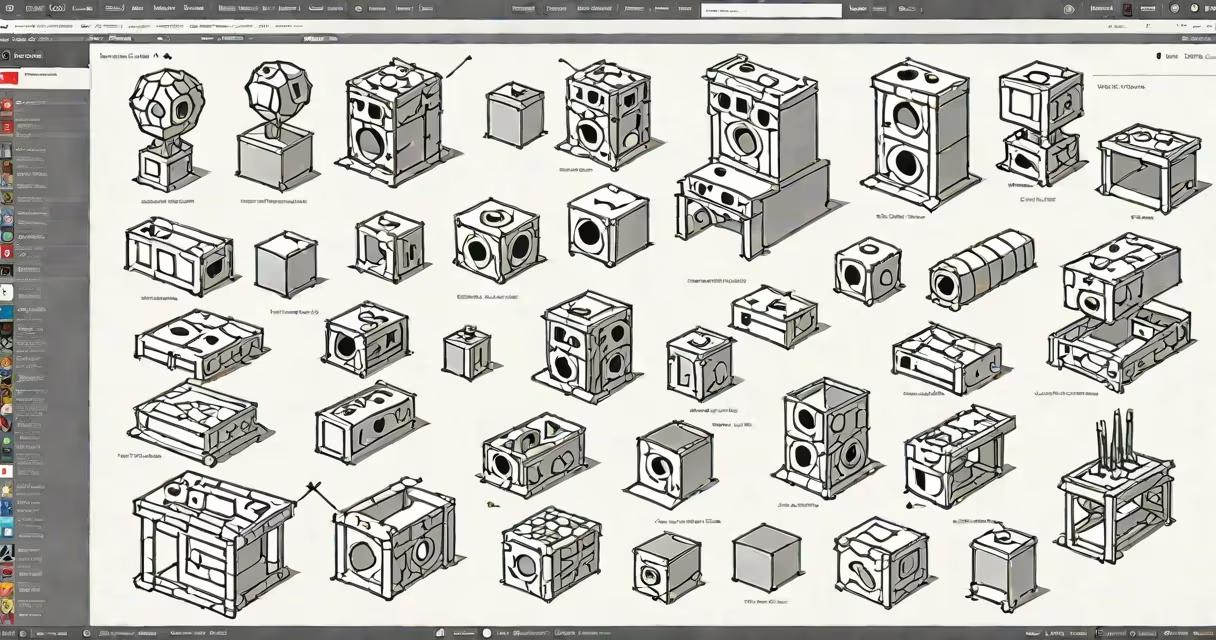
The Roblox Creator Catalog is a searchable library of user-created game assets-models, animations, scripts, and audio-available for free in Roblox Studio. These items are uploaded by creators worldwide and can be added directly to games to speed up development.
When you open Roblox Studio, the Creator Catalog appears as a panel on the left side of the interface. It contains thousands of assets categorized by type, such as "Furniture," "Vehicles," "Characters," and "Effects." Each asset includes a preview image, name, description, and usage guidelines. You can drag and drop any item into your game workspace to place it instantly.
For example, searching "lava" returns a set of animated lava pools with particle effects. These are not just static textures-they include physics-based behavior and sound triggers. A developer building a fantasy dungeon can add five lava pools in under two minutes, saving hours of modeling time.
Assets in the Creator Catalog are submitted by verified Roblox developers through the platform's moderation system. Each item undergoes automated scanning for malware and manual review for quality and compliance with community standards. Only items passing both checks appear in the catalog.
When you select an asset, Roblox Studio downloads it to your local project folder. The file is stored as a .rbxl or .rbxm format, which is the native file type for Roblox objects. This means you can edit the asset's properties-such as size, color, or animation speed-after placing it in your game.
Every item in the catalog includes metadata: upload date, creator name, download count, and a list of required dependencies. For instance, a "flying dragon" model may require a custom animation and a sound file. If those aren't present, the item won't function correctly. Always check the requirements before adding an asset.
The catalog organizes assets into clear categories. Here are the most common types:
| Type | Examples | Use Case |
|---|---|---|
| Models | Tree, car, spaceship | Environment design, vehicle mechanics |
| Animations | Jump, dance, attack | Character movement, combat systems |
| Scripts | Health system, teleporter, door lock | Game logic, event triggers |
| Audio | Explosion, footsteps, ambient music | SFX, atmosphere, immersion |
| Particles | Fire, smoke, magic glow | Visual effects, environmental detail |
Some items are tagged as "Free" or "Premium." Premium assets cost Robux to use and are often created by professional developers. Free items are available to all users without payment. However, even free assets may have usage restrictions-some cannot be resold or modified.
A key distinction: the Creator Catalog is not the same as the Roblox Marketplace. The Marketplace sells exclusive, branded items like limited-edition hats or game passes. The Creator Catalog focuses on functional tools for building games-not cosmetic wearables.
Many new developers assume that everything in the Creator Catalog is safe to use without permission. That's incorrect. While Roblox reviews submissions, copyright violations still occur. An asset labeled "free" doesn't mean it's free of licensing obligations.
For example, a model of a real-world sports car was removed from the catalog in 2023 after the manufacturer filed a DMCA takedown notice. The creator had used a photo reference from a car website and did not have rights to reproduce the design. This shows that even vetted content can violate intellectual property laws.
Another misconception is that assets in the catalog are always optimized. Some models contain hundreds of parts and complex scripts. Using them in a mobile-friendly game can cause lag or crashes. Always test performance in the game's testing environment before publishing.
I built a survival game called "Island Escape" using only items from the Creator Catalog. I needed trees, rocks, a campfire, and a boat. Instead of modeling each from scratch, I searched for "campfire" and found a model with animated flames and a sound effect. I dragged it into my scene, adjusted the scale, and added a script to make it burn out after 60 seconds.
Next, I searched "boat" and found a wooden rowboat with a physics-enabled hull. I placed it near a water zone and attached a script that lets players click to start rowing. The boat moves smoothly and sinks if damaged. All of this took less than 15 minutes.
Without the Creator Catalog, building these elements would have taken days. The catalog saved me time and allowed me to focus on gameplay mechanics instead of asset creation.
Always verify the source. Click on the creator's name to view their profile. Check if they've uploaded other items and whether those have positive feedback. Avoid assets from accounts with few uploads or no history.
Use the filter options to narrow results. Set "Minimum Downloads" to 100 or higher to avoid low-quality or abandoned projects. Sort by "Last Updated" to find actively maintained assets.
Finally, never assume an asset works as intended. Test every item in a blank test level before integrating it into your main project. A script meant to spawn enemies might instead crash the game if it's outdated or incompatible with your version of Roblox Studio.