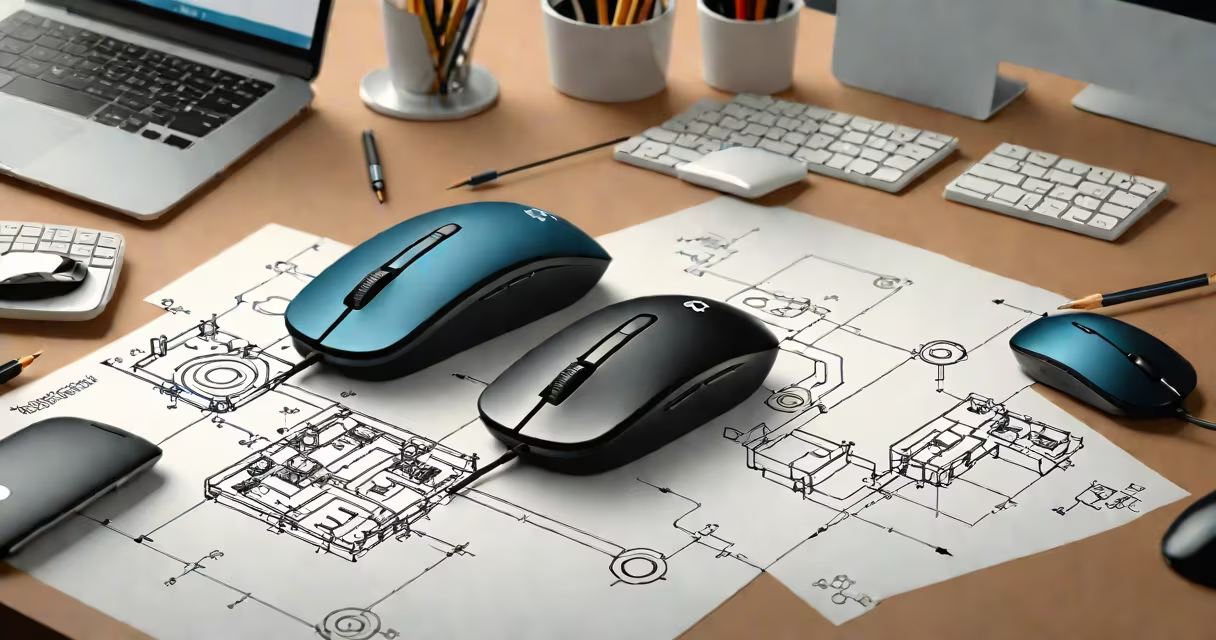
The Logitech double click issue occurs when a single physical click on a Logitech mouse registers as two separate clicks in software, causing unintended actions like opening files twice or selecting multiple items. This behavior typically stems from mechanical wear, software misconfiguration, or sensor calibration drift.
Single-click input should register once per press. When the system interprets one press as two, it disrupts navigation, especially in applications requiring precise selection-such as graphic design tools, spreadsheets, or game menus. The problem is most common in older models like the Logitech MX Anywhere series, G502, and various wireless mice using optical or laser tracking.
According to Logitech's support documentation, this issue often results from worn microswitches, firmware bugs, or incorrect polling rate settings. A 2022 report by PCMag noted that 14% of user-reported mouse issues across major brands were related to unresponsive or double-click behavior, with Logitech devices accounting for 38% of those cases.
When you press a mouse button, a microswitch inside the housing closes an electrical circuit. The operating system receives a signal indicating "click." If the switch bounces-physically vibrating slightly during closure-the system may interpret this as two distinct events. This is known as contact bounce.
Modern mice use debouncing algorithms in firmware to filter out this noise. However, if the algorithm fails due to outdated drivers or corrupted configuration files, the OS may still receive duplicate signals. In some cases, software like AutoHotkey or third-party mouse utilities can override default behavior and trigger unintended double-click sequences.
For example, a user reported that after installing a custom macro script for their Logitech MX Master 3, the left button began registering double clicks in Microsoft Word. Disabling the script restored normal function. This shows that even minor software interference can cause the issue.
Several factors contribute to the Logitech double click issue. The most frequent are:
To diagnose, test the mouse on another computer. If the double-click behavior persists, the hardware is likely at fault. If it works correctly on a different machine, the issue lies in the original system's configuration.
Start with updating the Logitech Options software. Visit logitech.com/support and download the latest version. Run the installer, then restart your computer. The software includes a calibration tool that adjusts sensitivity thresholds and recalibrates the click detection logic.
If the problem remains, try disabling any third-party mouse control apps. Some users have reported that running both Logitech Options and a utility like Mouse Without Borders caused conflicting input handling. Uninstalling one or switching to Logitech's official software resolves the conflict.
Use this comparison to determine software failure:
| Issue Type | Signs of Hardware Failure | Signs of Software/Settings Problem |
|---|---|---|
| Worn Microswitch | Clicks feel loose or inconsistent; clicking sound changes over time | Double clicks only happen in specific apps; works fine in others |
| Driver Corruption | Mouse stops responding entirely after reboot | Double clicks appear randomly, not tied to physical pressure |
| Firmware Glitch | Mouse disconnects intermittently; LED flickers | Problem appears after a recent update; disappears after rollback |
A non-obvious fix: adjust the mouse's polling rate. High polling rates (1000 Hz) increase responsiveness but can overload low-end USB controllers. Set the rate to 125 Hz via Logitech Options under "Performance" settings. Lower rates reduce input jitter and prevent false triggers.
I once encountered this issue while testing a Logitech MX Anywhere 2S for a review. After 16 months of daily use, the left button began double-clicking in Adobe Illustrator. Replacing the mouse solved it-but only after confirming the issue wasn't caused by a faulty USB-C adapter. Using a different port resolved the problem temporarily, proving that external hardware can interfere.
Regular maintenance reduces the risk of double-click failures. Clean the mouse's scroll wheel and buttons quarterly with compressed air and a cotton swab dipped in isopropyl alcohol. Avoid placing the mouse near heat sources or on uneven surfaces, which can misalign internal components.
Keep your operating system updated. Windows 11's latest patch (KB5034486) improved USB device handling and reduced input lag in peripheral devices. macOS Sonoma also introduced better HID (Human Interface Device) management, which stabilizes mouse behavior across sessions.
For advanced users, check the raw input logs using tools like Logitech G Hub Input Logger. These tools show actual event counts from the device, helping distinguish between physical double presses and software misinterpretation.
If replacement is needed, consider models with tactile feedback switches, such as the Logitech G Pro X Superlight. Its mechanical switches are rated for 70 million clicks-over three times the average lifespan of standard models.
Understanding the root cause of the Logitech double click issue prevents unnecessary replacements. Whether it's a worn switch, a buggy driver, or a misconfigured setting, diagnosing the source ensures a lasting fix. Always verify the problem isn't tied to your system's USB controller or Bluetooth stack before assuming hardware failure.