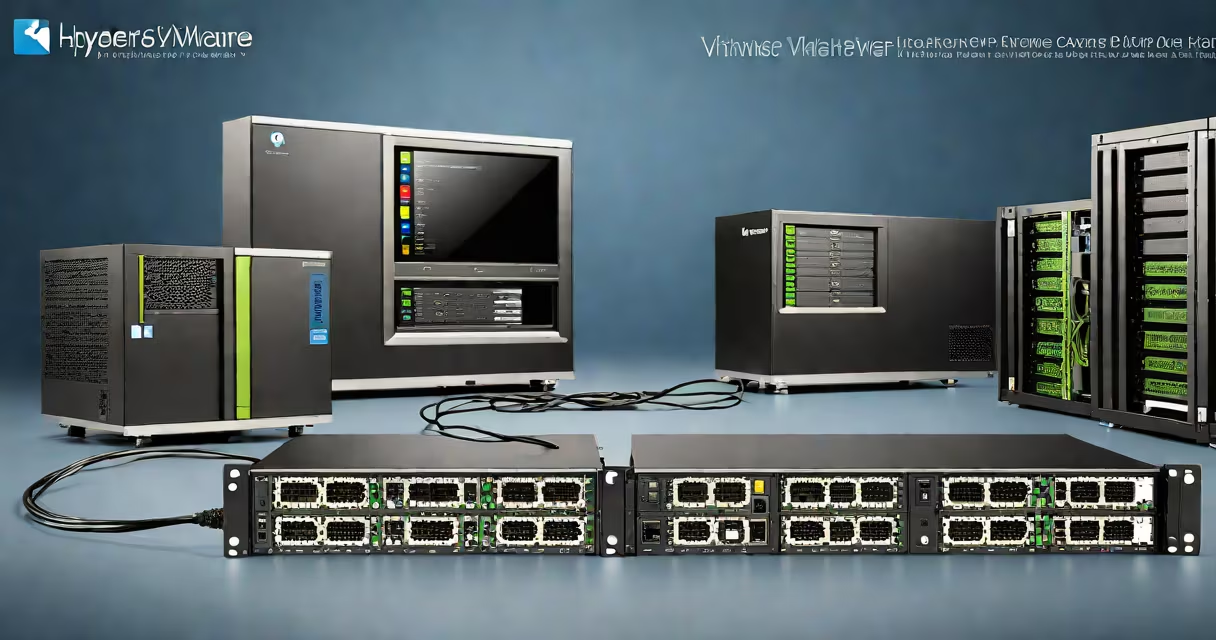
A hypervisor is a software layer that creates and manages virtual machines (VMs), while VMware is a company that develops multiple virtualization products, including the widely used VMware ESXi hypervisor. The term "hypervisor" refers to a category of technology; "VMware" refers to a brand and its set of tools.
The core function of a hypervisor is to abstract physical hardware-such as CPU, memory, and storage-from guest operating systems. This abstraction allows multiple VMs to run simultaneously on a single physical server, each isolated and allocated dedicated resources. VMware's ESXi is one implementation of a Type 1 hypervisor, meaning it runs directly on the host's hardware without requiring a separate underlying OS.
Not all hypervisors are from VMware. Other major players include Microsoft Hyper-V (Type 1), Oracle VM Server for x86 (based on Xen), and KVM (Kernel-based Virtual Machine, part of Linux). These platforms differ in performance characteristics, licensing models, and integration with management tools. For example, VMware ESXi supports advanced features like vMotion (live migration of VMs between hosts) and vSphere High Availability, which are tightly integrated into VMware's broader system.
Hypervisors operate by intercepting hardware requests from VMs and translating them into actual resource allocations. They manage CPU scheduling, memory allocation, network traffic, and disk I/O. A Type 1 hypervisor runs directly on the physical server, offering better performance and security than a Type 2 hypervisor, which runs as an application on a host OS.
For example, when a VM running Windows Server attempts to access a hard drive, the hypervisor routes that request through a virtualized storage controller, then maps it to a physical disk or storage range. This process enables live migration, snapshots, and resource pooling across clusters.
VMware ESXi, a Type 1 hypervisor, boots directly from firmware and uses minimal overhead-around 10 MB of RAM-to manage VMs. In contrast, a Type 2 hypervisor like VMware Workstation runs inside a host OS such as Windows or macOS, adding latency due to the intermediate OS layer.
There are two primary categories of hypervisors, defined by their architecture:
| Type | Architecture | Use Cases | Examples |
|---|---|---|---|
| Type 1 (Bare Metal) | Runs directly on hardware | Enterprise data centers, cloud providers, high-performance computing | VMware ESXi, Microsoft Hyper-V, Oracle VM Server |
| Type 2 (Hosted) | Runs as an app on a host OS | Development, testing, personal use, desktop virtualization | VMware Workstation, Oracle VirtualBox, Parallels Desktop |
Enterprise deployments favor Type 1 hypervisors for stability, security, and performance. VMware ESXi is commonly deployed in data centers hosting hundreds of VMs across multiple servers. According to VMware's official documentation, ESXi supports up to 1,000 VMs per host under optimal conditions, with 256 vCPUs and 1 TB of RAM per host.
For developers and IT professionals testing configurations, VMware Workstation (a Type 2 hypervisor) provides a flexible environment. It allows users to create snapshots, clone VMs, and simulate complex networks-all within a desktop OS. I've used VMware Workstation to test Windows Server updates in isolation before rolling them out to production systems, saving time and reducing risk.
Many people assume VMware is synonymous with hypervisor. That's incorrect. VMware is a vendor that offers several products, including:
ESXi is the hypervisor component. vSphere is the full virtualization stack. Confusing the two leads to misconfigurations and licensing errors. For example, vCenter Server requires a license and cannot be installed without proper entitlements-even if ESXi is free to use.
A key distinction often missed: not all hypervisors are compatible with the same tools. VMware's vMotion feature, which moves running VMs between hosts without downtime, requires shared storage and specific networking configurations. It won't work with non-VMware hypervisors unless they support the same protocols.
Another non-obvious fact: VMware ESXi does not require a GUI to operate. Administrators manage it via command-line tools (ESXi Shell) or remote APIs. This reduces attack surface and improves efficiency in large-scale deployments. In contrast, VMware Workstation relies heavily on a graphical interface for ease of use.
Choose VMware ESXi when deploying mission-critical applications in data centers. Its mature feature set-including distributed resource scheduling (DRS), fault tolerance, and encrypted VMs-makes it ideal for regulated industries like healthcare and finance. According to VMware's official product page, vSphere is used by 90% of Fortune 100 companies.
Opt for a non-VMware hypervisor when cost or vendor lock-in is a concern. Oracle VM Server for x86, based on the open-source Xen hypervisor, offers similar capabilities at lower licensing costs. It integrates well with Oracle's database and middleware stack, making it a natural fit for Oracle-centric environments.
For desktop virtualization, VMware Workstation remains popular among developers. However, alternatives like Oracle VirtualBox offer comparable functionality at no cost. VirtualBox supports USB passthrough, shared folders, and snapshotting-features critical for testing cross-platform applications.
Migration between platforms is possible but not always smooth. Migrating from VMware to Hyper-V requires converting VM disk formats (VMDK to VHD/VHDX) and adjusting network settings. Tools like StarWind V2V Converter automate this process, but manual configuration is still needed for drivers and bootloaders.
Understanding the difference between hypervisor vs VMware prevents costly mistakes. A hypervisor is a class of technology. VMware is a provider of tools within that class. Knowing which product fits your use case ensures performance, compatibility, and long-term maintainability.