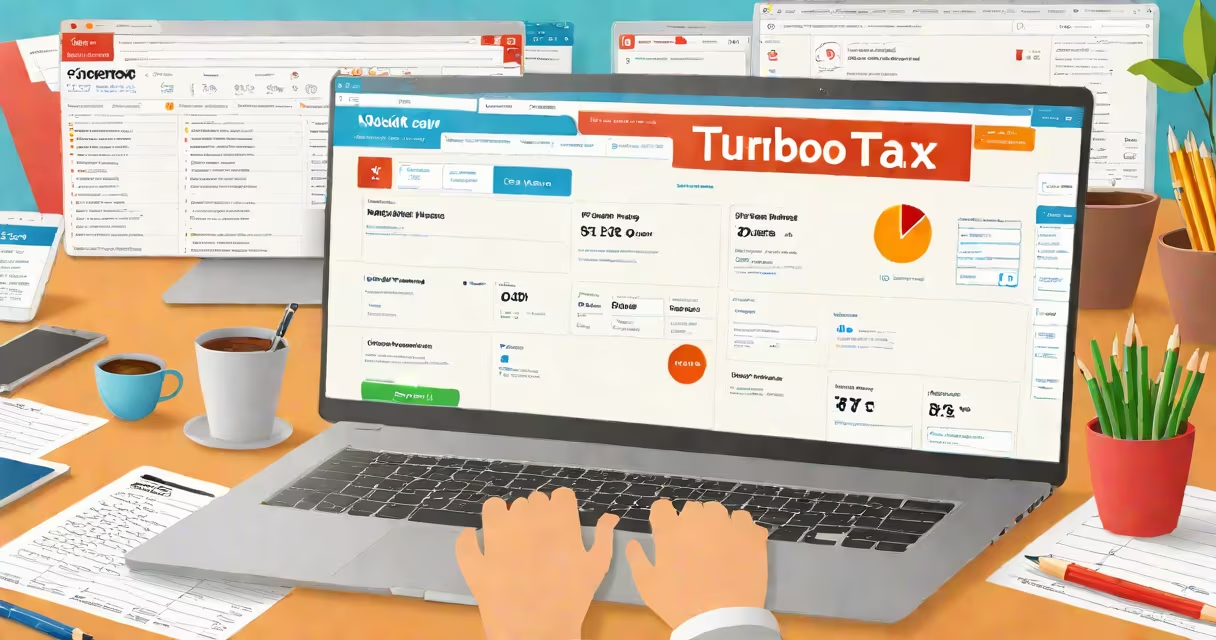
TurboTax is a cloud-based tax preparation software that guides users through completing federal and state tax returns using interactive questions, automated form filling, and direct e-filing to the IRS. It's designed for individuals with straightforward tax situations, such as those with W-2 income, standard deductions, and common deductions like student loan interest or charitable contributions.
The process begins with answering a series of guided questions about your income, dependents, deductions, and credits. TurboTax uses this input to populate IRS Form 1040 and related schedules automatically. After reviewing the results, users can electronically file their return with the IRS and state tax authorities, often receiving refunds within 21 days.
According to the IRS, over 60 million taxpayers filed electronically in 2023, with more than half using tax software like TurboTax. The platform supports multiple filing statuses, including single, married filing jointly, and head of household, and integrates with bank accounts and tax documents via direct import.
When you start a new return in TurboTax, the software prompts you to select your filing status and enter basic personal information. You then move through a series of screens that ask about your income sources-W-2 wages, 1099-NEC payments, investment earnings, or self-employment income.
For each income source, TurboTax displays relevant forms. For example, entering a W-2 triggers the automatic population of Form 1040 Line 1 (Wages, salaries, tips). If you have multiple jobs, TurboTax cross-checks the information against your W-2s and alerts you to discrepancies.
After income, the software asks about deductions and credits. It evaluates eligibility for the Child Tax Credit, Earned Income Tax Credit (EITC), and American Opportunity Tax Credit based on your responses. If you qualify, TurboTax adds the credit amount to your refund calculation.
TurboTax includes several tools that automate complex parts of tax preparation. The TaxCaster feature estimates your tax liability based on current IRS rules and your inputs. It updates in real time as you adjust values, helping you see how changes affect your refund or balance due.
The software also offers document upload capabilities. You can scan and attach W-2s, 1099s, and receipts for charitable donations. TurboTax uses optical character recognition (OCR) to extract data from these files, reducing manual entry errors. The IRS reports that error rates in manually entered returns are 3.5 times higher than those completed with tax software.
For users with more complex situations-such as owning rental property or running a small business-TurboTax offers premium versions with support for Schedule C, Schedule E, and capital gains reporting. These versions include access to certified tax professionals for consultation during filing.
| Version | Best For | Price (2024) | Support Level |
|---|---|---|---|
| Free Edition | Single filers with W-2 income under $73,000 | $0 | Basic guidance only |
| Deluxe | Self-employed, homeowners with mortgage interest | $79.99 | Phone support, 1040/1040A/1040EZ |
| Premier | Investors, rental property owners | $119.99 | Advanced forms, tax advice |
| Self-Employed | Freelancers, contractors, gig workers | $149.99 | Full Schedule C, 1099-NEC support |
A non-obvious distinction: TurboTax does not require you to install software. The web version runs in a browser, allowing access from any device with internet. This reduces setup time and eliminates compatibility issues with older operating systems.
Over 15 million U.S. households used TurboTax in 2023, according to Intuit's annual report. The software is especially popular among first-time filers and people with limited tax knowledge. Its guided interview format reduces anxiety around filing, particularly for those unfamiliar with IRS terminology.
Many users rely on TurboTax to claim the Earned Income Tax Credit (EITC), which requires specific eligibility criteria. TurboTax checks your income, filing status, and number of qualifying children to determine if you qualify. In 2022, nearly 28 million taxpayers claimed the EITC, with 74% using tax software to file.
One common misconception is that TurboTax automatically calculates your refund. It doesn't. The software shows your expected refund based on your inputs, but the actual amount is determined by the IRS after processing. Refunds can be delayed if the IRS flags a return for review.
Users frequently make errors when claiming dependents. TurboTax asks whether a person qualifies as a dependent based on relationship, age, and financial support. If you claim someone who doesn't meet the IRS definition, the software will flag the issue and suggest corrections.
Another frequent error is missing documentation for itemized deductions. TurboTax prompts you to upload receipts for medical expenses, charitable contributions, or mortgage interest. Without these, the software may not apply the deduction correctly. The IRS requires records for deductions over $250.
I once helped a friend file his 2023 return using TurboTax. He had freelance income reported on multiple 1099-NEC forms. When he entered them individually, TurboTax flagged inconsistent reporting. I reviewed the forms and discovered one was issued for a different year. Correcting the date resolved the discrepancy and prevented a potential audit notice.
TurboTax is not a tax accountant. It cannot provide legal advice or represent you before the IRS. If you're audited, you'll need to respond to notices independently or hire a professional. TurboTax offers a paid audit support service, but it's not included in the base price.
Some users confuse TurboTax with tax preparation services like H&R Block or Jackson Hewitt. While all offer electronic filing, TurboTax stands out for its continuous update system. The software adjusts to new IRS rules mid-season-such as changes to the child tax credit phase-out thresholds-without requiring a software update.
Another confusion: TurboTax does not handle payroll tax filings for employers. If you run a business with employees, you must file Form 941 quarterly and Form 940 annually. TurboTax Self-Employed supports Schedule C, but not employer tax forms.
Before submitting, TurboTax performs a compliance check. It verifies that all required forms are filled, numbers match across linked schedules, and no red flags exist. If issues are found, the software provides a list of corrections.
Once approved, you can e-file your return. TurboTax sends the data directly to the IRS and state tax agencies. You receive a confirmation email with a tracking number. The IRS typically processes returns within 7-21 days. If you choose direct deposit, the refund arrives faster than paper checks.
After filing, TurboTax saves your return in a secure cloud vault. You can access it later for recordkeeping or to amend a return. The IRS allows amendments up to three years after the original filing date.
Doing your taxes on TurboTax simplifies a process that once required hours of paperwork and math. With clear navigation, real-time validation, and integration with financial institutions, it reduces the risk of errors and increases the likelihood of a timely refund. The software is not perfect-but for most individual filers, it's the most accurate and efficient path to compliant filing.