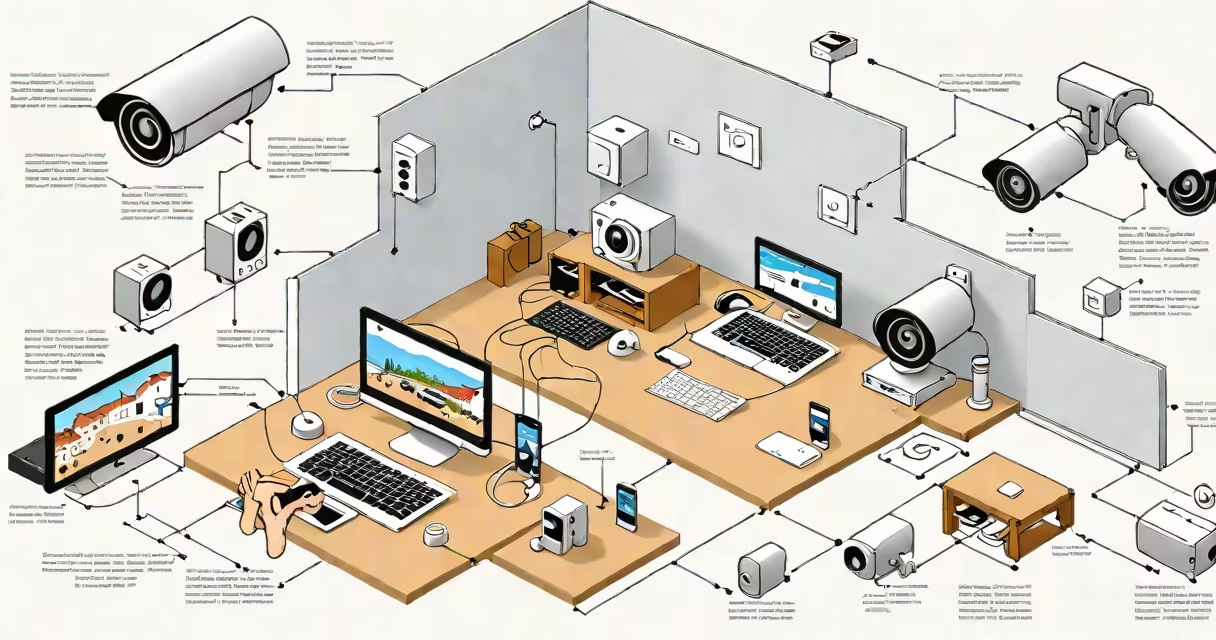
Connecting a WiFi CCTV camera involves pairing the device with your home network via its mobile app or web interface, enabling remote viewing and recording. Most models use WPA2 encryption and require a 2.4GHz band for compatibility.
WiFi CCTV cameras operate as IP devices that stream video over your local network. They don't rely on physical cables for video transmission, but they still need power-usually via USB or PoE (Power over Ethernet). Once connected to your router, the camera sends live footage to a smartphone app, cloud storage, or a local NVR (network video recorder).
Common models like the Reolink Argus 3 Pro or Amcrest IPC-HFW1431S support both 2.4GHz and 5GHz bands, but only the 2.4GHz frequency works reliably with older routers. The camera's default SSID (network name) often appears during initial setup, allowing manual connection until the device joins your home network.
The camera uses a built-in Wi-Fi module to scan for available networks. During setup, it enters AP (access point) mode, broadcasting its own temporary network. You connect your phone or tablet to this network, then enter your home Wi-Fi credentials through the manufacturer's app.
After saving the settings, the camera attempts to join your main network. It may take 30-60 seconds to complete the handshake. If the password is incorrect or the network is hidden, the camera displays an error message-typically blinking red or orange LEDs.
Once online, the camera registers with the manufacturer's cloud server (if enabled) or becomes accessible via local IP address. You can view the feed through the app, access recorded clips, set motion detection zones, and receive alerts.
There are two primary types of WiFi CCTV cameras: standalone IP cameras and hybrid systems. Standalone units connect directly to your router and manage their own network settings. Hybrid systems integrate with existing NVRs or DVRs and offer both wired and wireless capabilities.
| Type | Connection Method | Best For | Example Model |
|---|---|---|---|
| Standalone IP Camera | Wi-Fi only, no cable needed | Quick installation, outdoor use | Reolink RLC-510A |
| Hybrid Camera | Wi-Fi + Ethernet port | Reliable performance, backup connectivity | Amcrest IPC-HDW1431S |
| Wireless Dome Camera | Wi-Fi, battery-powered | Temporary monitoring, hard-to-wire locations | Arlo Pro 4 |
Most cameras use 802.11n or 802.11ac protocols. The 802.11ac standard offers faster speeds but may not be supported by older routers. Always check your router's specifications before purchasing a camera.
A key detail often missed: many cameras fail to connect if the Wi-Fi password contains special characters like @ or #. The firmware may misinterpret them during input. Use only letters, numbers, and basic symbols like - or _ for troubleshooting.
One frequent problem is the camera failing to appear in the app after scanning. This usually happens when the device is out of range or the router blocks unknown devices. Move the camera within 3 feet of the router and ensure MAC filtering is disabled.
If the camera connects but shows "offline" in the app, verify that the device hasn't gone into sleep mode. Some models reduce bandwidth usage by pausing streaming when idle. Check the app settings to disable power-saving features.
I once encountered a Reolink camera that wouldn't pair despite correct credentials. The issue was a router setting called "AP Isolation," which prevents devices on the same network from communicating. Disabling this feature in the router's admin panel resolved the connection instantly.
For persistent failures, reset the camera to factory defaults. Press and hold the reset button (usually a small hole) for 10 seconds. Wait 30 seconds for the LED to blink blue, then retry setup.
Homeowners use WiFi CCTV cameras to monitor entrances, garages, and driveways. A study by the National Crime Prevention Council found that homes with visible security cameras see a 30% reduction in attempted break-ins.
Businesses deploy them in retail stores, warehouses, and offices. A 2022 report from Grand View Research noted that the global smart surveillance market grew to $37.8 billion in 2021, driven by demand for remote monitoring and AI-based analytics.
These cameras are not meant for high-security environments requiring military-grade encryption. They're best suited for personal and small business use where ease of setup outweighs advanced protection needs.
People often mistake WiFi CCTV cameras for baby monitors or doorbells. While both transmit audio and video wirelessly, baby monitors typically lack recording features and use proprietary frequencies. Doorbells like Ring use encrypted streams but require a hub for full functionality.
Another confusion: some assume all wireless cameras work with any router. But older models (pre-2016) may not support WPA3 encryption. If your router uses WPA3, the camera may fail to authenticate unless updated via firmware.
Users sometimes believe that connecting a camera to Wi-Fi automatically enables cloud storage. That's false. Cloud services require separate subscription plans. Without one, recordings stay local-or are lost if the device powers off.
Step 1: Plug in the camera and wait for the LED to turn solid blue (about 1 minute).
Step 2: Open the Reolink app on your iPhone or Android device. Tap "Add Device."
Step 3: Select "Wireless Camera" and choose "Reolink RLC-510A."
Step 4: The app detects the camera's temporary network. Tap "Connect" and enter your home Wi-Fi name and password.
Step 5: Wait 45 seconds. The LED turns green when successful. The app shows the live feed.
Step 6: Set up motion detection zones and enable notifications under "Settings & Alerts."
This process takes less than 3 minutes and requires no technical knowledge. The camera syncs with the cloud after the first login, allowing remote access from anywhere.
When setting up multiple cameras, assign unique names (e.g., "Front Door," "Backyard") to avoid confusion. Use strong passwords for your Wi-Fi network-avoid "password123" or "admin"-to prevent unauthorized access.
For those using Hyundai-branded devices, follow the official guide for compatible models. Not all cameras support the same network protocols, so always confirm compatibility before purchase.
Understanding how to connect a WiFi CCTV camera ensures secure, reliable surveillance without relying on complex wiring. Proper setup reduces downtime and improves response time during incidents.