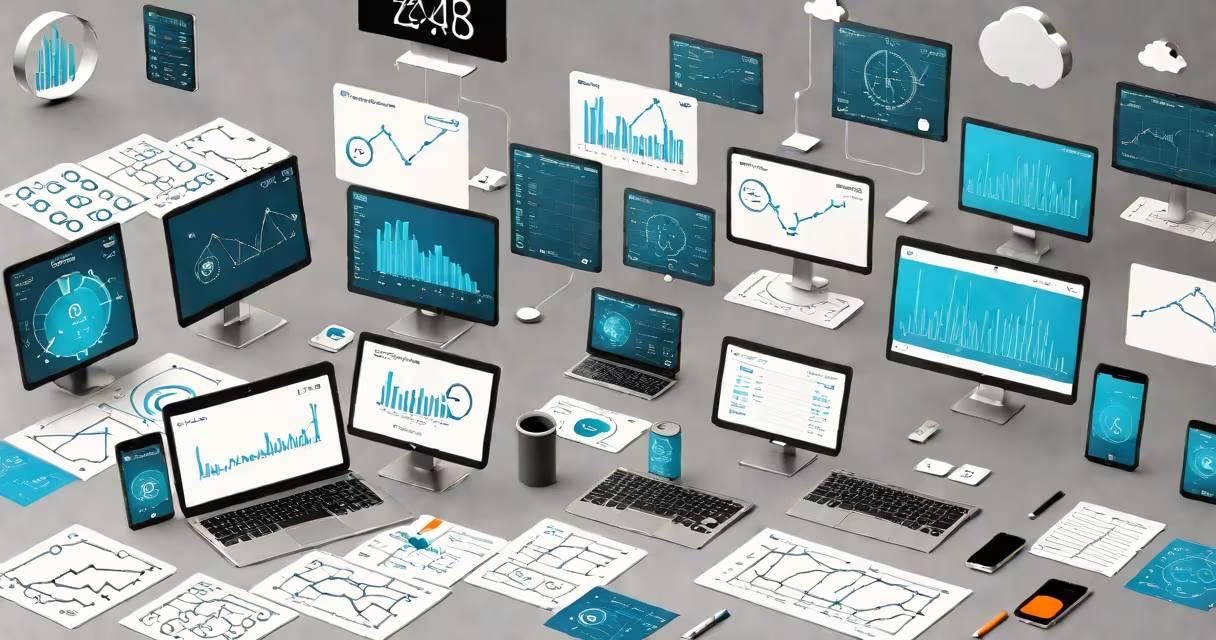
Cloud accounting apps are subscription-based financial management platforms hosted on remote servers, accessible via web browser or mobile app. They process transactions, track income and expenses, generate reports, and manage payroll-all in real time, from any location with internet access. These tools eliminate the need for local software installation and on-premise hardware.
Unlike traditional desktop accounting software, cloud accounting apps store data on secure servers managed by third-party providers. Users log in through a username and password, and their data syncs automatically across all devices they use. This enables teams, freelancers, and small businesses to collaborate in real time without file conflicts or version mismatches.
Major providers such as QuickBooks Online, Xero, and FreshBooks offer cloud accounting apps with features including bank reconciliation, invoice generation, tax calculation, and automated reporting. Data is encrypted both in transit and at rest, and most services comply with industry standards like SOC 2 Type II and GDPR.
When a user enters a transaction-such as recording a customer payment-the data is sent to the provider's server via HTTPS encryption. The server validates the input, updates the database, and pushes the change to all connected devices. This happens within seconds, ensuring consistency across all users.
Behind the scenes, cloud accounting apps rely on distributed infrastructure. Servers are located in geographically diverse data centers, often using load balancers and failover systems to maintain uptime. Providers typically guarantee 99.9% uptime, meaning less than 8.76 hours of downtime per year.
Automated workflows trigger actions based on predefined rules. For example, if a client's invoice remains unpaid after 30 days, the system can send a reminder email. Similarly, when a bank statement uploads via API, the app matches transactions to existing entries and flags discrepancies for review.
Cloud accounting apps vary by business size, complexity, and integration needs. The following table outlines common categories:
| Type | Best For | Key Features | Example Platforms |
|---|---|---|---|
| Basic | Freelancers, solopreneurs | Invoice creation, expense tracking, basic reporting | Wave, Zoho Books |
| Mid-tier | Small businesses with 1-10 employees | Multi-currency support, project billing, inventory tracking | Xero, QuickBooks Online |
| Advanced | Growing companies with complex operations | AP/AR automation, multi-entity management, advanced analytics | Sage Intacct, NetSuite |
Each tier scales in functionality and pricing. Basic plans start at $10/month; advanced solutions charge $50-$200 per month depending on users and modules.
Many assume cloud accounting apps are less secure than local software. This is false. Cloud providers invest heavily in cybersecurity. According to a 2023 report by the Ponemon Institute, cloud-based financial systems have lower average breach rates than on-premise systems due to centralized patching and continuous monitoring.
Another myth is that cloud apps require constant internet access. While initial setup and syncing depend on connectivity, most platforms allow offline mode for limited tasks-like entering a receipt-then sync when reconnected. However, full functionality requires consistent access.
A lesser-known fact: cloud accounting apps often process tax calculations automatically. For U.S. users, many platforms integrate with the IRS's e-file system and apply updated tax codes in real time. This reduces errors during filing and ensures compliance with current regulations.
Consider a boutique clothing store with five employees and $250,000 in annual revenue. Before switching to a cloud accounting app, the owner used Excel spreadsheets and manually reconciled bank statements weekly. Errors occurred frequently, and team members couldn't access data remotely.
The owner adopted Xero, which connects directly to the business's bank account and credit card processor via Open Banking APIs. Every sale recorded in the POS system appears in Xero within minutes. The app auto-matches payments, categorizes expenses, and generates monthly P&L reports.
When tax season arrived, the app pulled data from the past 12 months, applied the correct federal and state rates, and exported forms compatible with TurboTax. The entire process took under 30 minutes-down from six hours previously.
This workflow reduced bookkeeping time by 70%, according to internal estimates. The owner now focuses on growth rather than data entry.
Cloud accounting apps are not the same as generic cloud storage tools like Google Drive or Dropbox. While those store files, cloud accounting apps process financial logic, enforce audit trails, and ensure data integrity through built-in validation rules.
They also differ from legacy accounting software installed locally. Local programs require manual backups, periodic upgrades, and IT support. Cloud apps update automatically, reducing maintenance overhead. A 2022 survey by Nucleus Research found that businesses using cloud accounting tools saved an average of $12,000 annually in operational costs compared to on-premise alternatives.
For clarity: cloud accounting apps are a subset of cloud-based applications. While all cloud accounting apps are cloud-based, not all cloud-based apps are accounting tools. For example, Slack and Zoom are cloud-based but serve communication and collaboration-not financial management.
Understanding this distinction helps avoid confusion when selecting tools. Focus on platforms designed specifically for accounting workflows, with audit logs, role-based permissions, and compliance certifications.
I once helped a nonprofit transition from QuickBooks Desktop to QuickBooks Online. The team had been using a shared network drive for backup files. After a power outage, they lost three weeks of data. Switching to the cloud eliminated that risk. Within two months, staff reported fewer errors, faster month-end closes, and improved donor reporting accuracy.
The migration required only a one-time export of historical data and a few hours of training. Since then, the organization has processed grants and donations in real time, even when staff were working remotely during a pandemic lockdown.
Cloud accounting apps are essential tools for modern financial management. They provide real-time visibility, reduce human error, and scale with business growth. By using automation, security, and cross-device access, they enable accurate, timely decision-making.