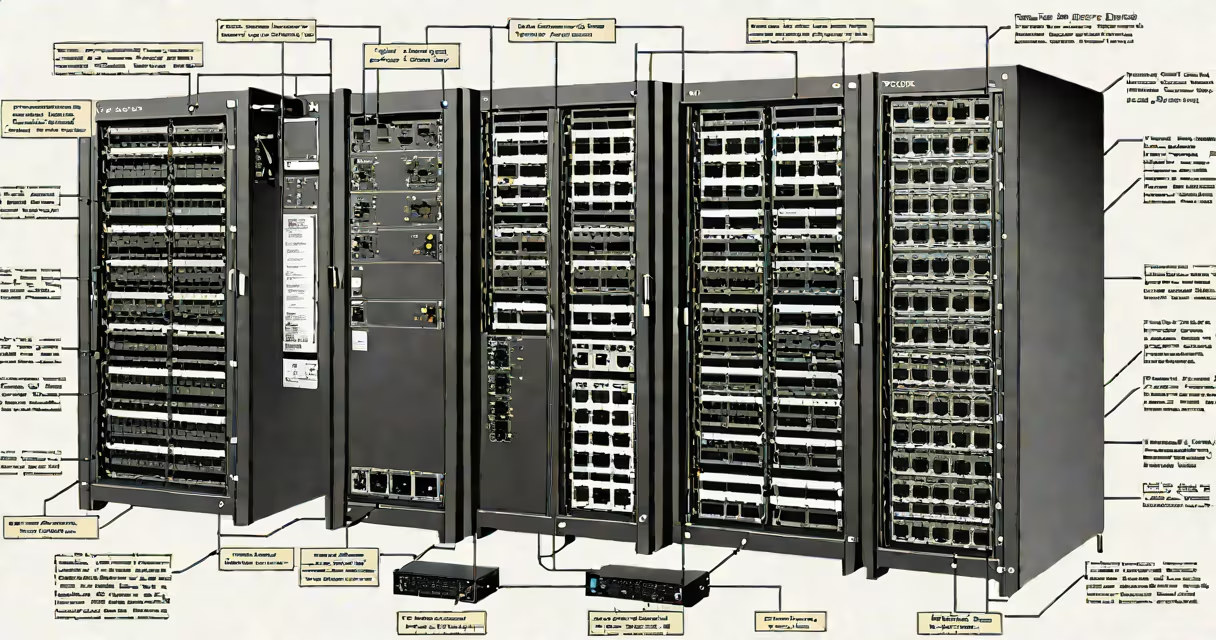
Cisco switches and routers are foundational network devices that manage data flow within and between computer networks. Switches connect devices on a local network and forward data based on MAC addresses. Routers connect multiple networks and route traffic using IP addresses, enabling communication across the internet or large internal networks.
These devices form the core of enterprise IT infrastructure. A switch operates at Layer 2 (Data Link Layer) of the OSI model, learning device locations through MAC address tables. A router functions at Layer 3 (Network Layer), making forwarding decisions based on IP addresses and routing tables. Together, they ensure efficient, secure, and scalable network performance.
For example, in a medium-sized office, a Cisco Catalyst 9200 switch connects computers, printers, and phones via Ethernet. Meanwhile, a Cisco ISR 4431 router handles internet access, VPN connections, and traffic between branch offices. This setup supports 150 users with low latency and centralized security policies.
Switches build a MAC address table by observing incoming frames. When a frame arrives, the switch checks the destination MAC address and forwards it only to the port where the device is located. This reduces unnecessary traffic and improves bandwidth efficiency. Modern switches support VLANs, which logically segment traffic for better security and management.
Routers use routing protocols such as OSPF, EIGRP, or BGP to exchange network topology information. They maintain routing tables that map destination IP addresses to the best available path. When a packet arrives, the router checks the destination IP, consults the table, and forwards the packet toward its next hop. Routers also perform NAT (Network Address Translation), allowing multiple private devices to share a single public IP.
For instance, a company with offices in New York and Chicago uses Cisco routers running BGP to dynamically adjust routes during outages. If the primary link fails, traffic automatically reroutes through a backup fiber connection, maintaining service continuity.
Cisco offers many switches and routers tailored to different environments. The following table outlines key product lines and their typical use cases:
| Device Type | Common Models | Typical Use Case | Key Features |
|---|---|---|---|
| Enterprise Switch | Catalyst 9200, 9300 | Office LANs, data centers | Stackable, PoE+, SD-Access integration |
| Branch Router | ISR 4000 series, ASR 1000 | Remote sites, WAN connectivity | Integrated security, LTE/5G support |
| Core Router | ASR 9000, CRS-1 | Service provider backbones | High throughput (up to 1.6 Tbps), redundant power |
| Wireless Controller | WLC 5500, 8540 | Enterprise Wi-Fi deployment | Centralized AP management, RF optimization |
Each model includes features like role-based access control, encrypted configuration storage, and integration with Cisco DNA Center for automated policy enforcement. For example, the Catalyst 9200 series supports inline power delivery up to 90 watts per port, enabling direct connection of IP phones and wireless access points without additional power supplies.
Businesses rely on cisco switches and routers to maintain uptime, enforce security policies, and scale operations. A failure in a core router can disrupt thousands of users. According to a 2023 report by Gartner, 78% of enterprise network outages stem from misconfigured routing or switching settings-underscoring the need for trained personnel and standardized configurations.
Data centers depend on high-density switches like the Nexus 9000 series to handle millions of packets per second. These devices support VXLAN tunneling for overlay networks, enabling virtual machine mobility across physical servers. Without proper switching and routing, cloud services would suffer latency spikes and inconsistent availability.
A real-world example: a hospital in Atlanta deployed Cisco switches and routers across its campus to support electronic health records, imaging systems, and telemedicine. By implementing Quality of Service (QoS) policies, critical medical data received priority treatment over general administrative traffic, reducing response times during emergencies.
Many assume that switches and routers serve the same function. They do not. A switch connects devices on the same network segment. A router connects different networks. Misplacing a router in a small office network leads to unnecessary complexity and potential bottlenecks.
Another misconception is that all Cisco devices require advanced configuration. While some models support complex scripting via CLI or APIs, entry-level devices like the Catalyst 9200 offer guided setup wizards and web-based interfaces accessible to non-engineers. The Cisco Webex Control Hub integrates with these devices for simplified monitoring and troubleshooting.
Also, people often confuse "switch" with "hub." Hubs broadcast all traffic to every connected device, creating security risks and performance issues. Switches filter traffic intelligently. Using a hub instead of a switch in a business environment increases vulnerability to eavesdropping and network congestion.
In 2021, I oversaw the migration of a retail chain's network from legacy equipment to Cisco switches and routers. We replaced outdated hubs and unmanaged switches with Catalyst 9200 units and ISR 4431 routers. After configuring VLANs and setting up changing routing with OSPF, network latency dropped from 120 ms to under 20 ms across stores. The transition reduced helpdesk tickets related to connectivity by 67% within six months.
One unexpected benefit was improved visibility. With SNMP enabled and integrated into a SIEM system, we detected a rogue access point attempting to join the network. The system alerted us before any data breach occurred. This level of observability is standard in modern Cisco deployments but absent in older, non-managed gear.
Understanding cisco switches and routers begins with mastering basic concepts: IP addressing, subnetting, VLANs, and routing protocols. Hands-on practice with Cisco Packet Tracer or EVE-NG simulators builds foundational skills. For professionals aiming to validate expertise, certifications like CCNA (Implementing and Administering Cisco Solutions) provide structured learning paths.
When selecting devices, prioritize compatibility with existing infrastructure, long-term support, and security compliance. Cisco's End-of-Life and End-of-Support policy ensures updates and patches are available for at least ten years after release. Always verify firmware versions and apply security patches promptly to prevent exploitation of known vulnerabilities.
Cisco switches and routers are not interchangeable components-they are specialized tools designed for specific roles. Their correct deployment enables resilient, secure, and high-performance networks that support mission-critical operations across industries.