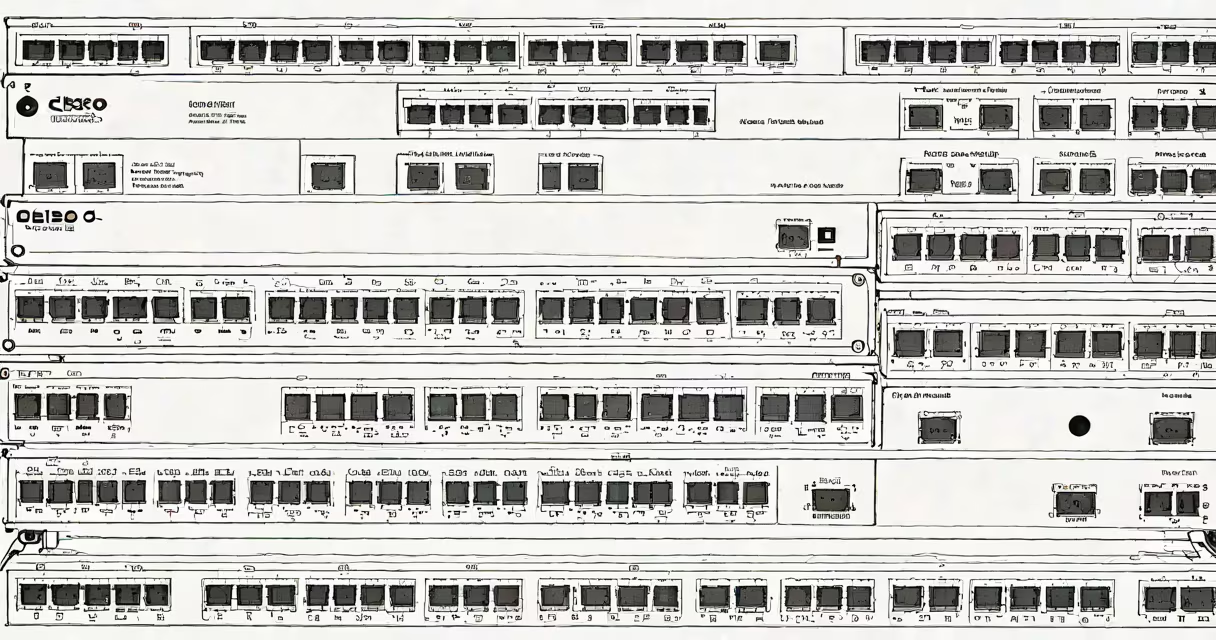
The c9200 24p e is a managed Layer 2 Gigabit Ethernet switch with 24 powered Ethernet (PoE) ports, designed for small to midsize business environments requiring reliable, secure, and scalable network access.
It operates at the data link layer (Layer 2) of the OSI model, forwarding traffic based on MAC addresses rather than IP addresses. This allows for low-latency switching within local networks. The device supports IEEE 802.3af and 802.3at standards, delivering up to 30 watts per port, enabling direct power delivery to devices like IP phones, wireless access points, and security cameras without needing separate power supplies.
Unlike unmanaged switches, the c9200 24p e includes a web-based interface and command-line access for configuration, monitoring, and troubleshooting. It integrates with Cisco's DNA Center for centralized policy enforcement, automated provisioning, and real-time visibility across multiple sites. This makes it suitable for organizations that require consistent network behavior and rapid deployment of new endpoints.
The c9200 24p e uses hardware-based switching with dedicated ASICs to process incoming frames at wire speed. When a device connects to one of the 24 Ethernet ports, the switch learns the device's MAC address and stores it in a content-addressable memory (CAM) table. Subsequent traffic destined for that MAC is forwarded directly to the correct port, minimizing broadcast traffic and reducing latency.
For PoE functionality, the switch detects the power requirements of connected devices through a handshake protocol called Power Sourcing Equipment (PSE) negotiation. It allocates power dynamically based on device classification-up to 15.4 watts for 802.3af devices, and up to 30 watts for 802.3at-compliant equipment. Overload protection prevents damage during power surges.
Administrators can assign VLANs, configure port security, enable Quality of Service (QoS), and set up port mirroring for traffic analysis. These features allow segmentation of network traffic, improved performance for time-sensitive applications like VoIP, and enhanced security against unauthorized access.
The c9200 24p e includes 24 × 10/100/1000 Mbps RJ45 ports with auto-sensing capabilities. Two additional SFP slots support fiber optic connectivity for uplink to core switches or remote branch offices. The switch runs Cisco IOS XE software, which provides a consistent CLI and API-driven automation structure.
| Feature | Specification |
|---|---|
| Ports | 24 × 10/100/1000 Mbps Ethernet, 2 × SFP |
| PoE Support | IEEE 802.3af/at, up to 30W per port |
| Switching Capacity | 96 Gbps |
| Forwarding Rate | 70 Mpps |
| Management | Web GUI, CLI, REST API, SNMP v3 |
| Power Supply | Internal, 100-240V AC, 50-60 Hz |
One non-obvious detail: the c9200 24p e supports Cisco's Embedded Event Manager (EEM), allowing administrators to define custom scripts that trigger actions based on system events-such as shutting down a port if a device exceeds bandwidth thresholds. This capability is often overlooked in basic switch comparisons but enables fine-grained control in changing environments.
Small to midsize businesses deploy the c9200 24p e in office floors, conference rooms, and server closets. A typical setup involves connecting IP phones, Wi-Fi access points, and digital signage to the PoE ports while using the SFP uplinks to connect to a core switch or router.
A university department deployed four c9200 24p e switches across three classrooms and a shared lab. Each switch handled 20 student laptops, 4 IP phones, and 2 wireless access points. Using Cisco DNA Center, they configured VLANs for students, staff, and guest access. Traffic shaping prioritized video conferencing during class hours. The entire rollout took under two hours, including configuration and testing.
Another use case is retail locations. A chain of 12 stores used the c9200 24p e to connect point-of-sale terminals, barcode scanners, and surveillance cameras. Centralized monitoring via DNA Center allowed IT to detect failed devices remotely and initiate recovery workflows automatically.
It is also not a wireless controller. While it supports connection to wireless access points, it does not manage Wi-Fi clients or handle RF optimization. Wireless network operations remain under the control of a dedicated wireless controller or cloud-managed platform like Meraki.
Confusion sometimes arises because the c9200 series includes models with different port counts and PoE capabilities. The "24p e" suffix specifically denotes 24 PoE ports and enhanced management features. Avoid mixing it with the c9200-24p (non-e variant), which lacks certain automation and security enhancements.
I installed a c9200 24p e in a medical clinic with 12 exam rooms. Each room had a tablet, a digital stethoscope, and a camera. The switch powered all devices via PoE, eliminating the need for wall adapters. Within 15 minutes of powering on, I accessed the web interface, assigned VLANs, and applied port security policies. The switch remained stable during peak usage, even when 18 devices connected simultaneously.
When a nurse accidentally plugged a personal laptop into a port, the switch blocked it due to MAC address filtering. The event was logged in the system, and I received an email alert. This prevented potential malware spread and demonstrated the switch's role in maintaining network integrity.
The c9200 24p e is a reliable, manageable Layer 2 switch tailored for small to midsize business networks. Its 24 PoE ports, integration with Cisco DNA Center, and support for advanced security and QoS features make it ideal for environments requiring both simplicity and scalability. Understanding its limitations-particularly its lack of routing and wireless control-helps avoid misapplication in larger or more complex deployments.