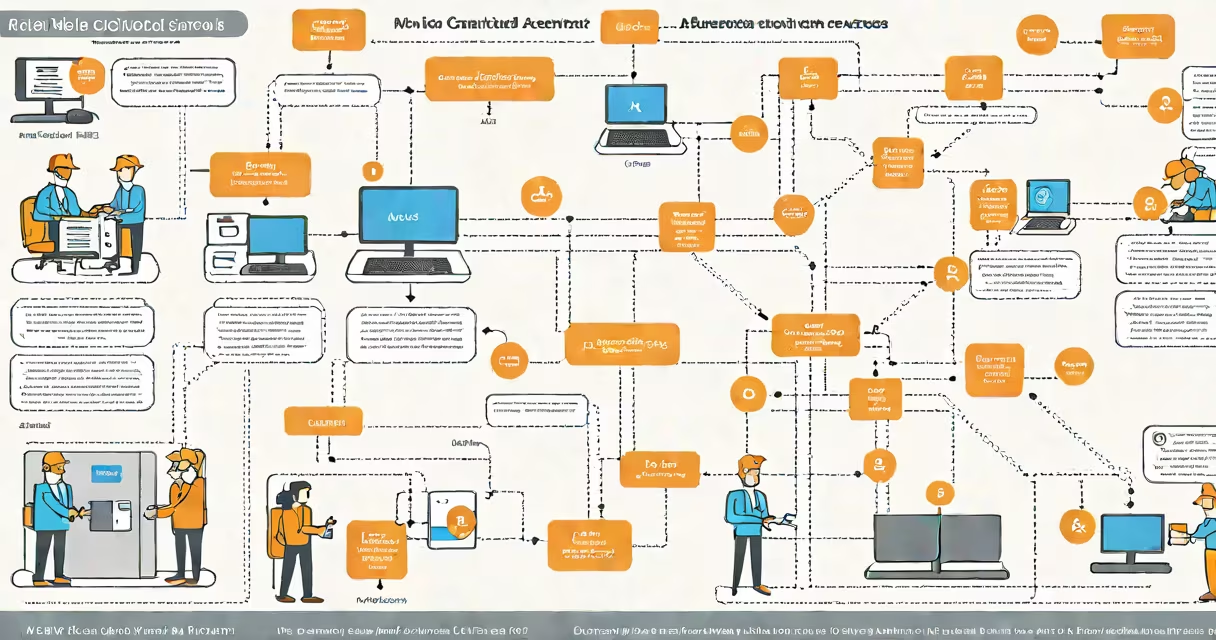
AWS role based access control is a security model that grants temporary permissions to users, applications, or services through predefined roles instead of permanent credentials. It limits access to only what's needed, when it's needed, reducing exposure to unauthorized actions.
Instead of issuing long-lived access keys, AWS assigns roles to entities like EC2 instances, Lambda functions, or federated users. These roles define a set of policies that specify what actions are allowed and on which resources. When a request is made, AWS validates the role's permissions and issues a short-lived token valid for up to 12 hours.
This approach prevents credential sprawl and limits the blast radius of compromised keys. For example, if a developer's laptop is stolen, attackers cannot use old access keys to access production databases because those keys don't exist-only temporary tokens tied to roles.
When a service or user assumes a role, AWS generates a temporary security token containing credentials: an access key ID, secret access key, and session token. These expire after a configured duration-typically 1 hour, though it can be set between 15 minutes and 12 hours.
The process begins when a principal (a user, application, or service) makes a request to assume a role. AWS checks whether the principal has permission to do so via an IAM policy attached to the role. If approved, AWS returns the temporary credentials. The requesting entity then uses these credentials to make API calls to AWS services.
For instance, an EC2 instance running a web app might assume a role that allows read access to an S3 bucket storing static assets. The instance uses the temporary credentials to fetch files without needing hardcoded keys in the application code.
There are several categories of roles in AWS, each suited to different trust boundaries and workflows:
| Role Type | Use Case | Trust Relationship | Example |
|---|---|---|---|
| Instance Roles | Grant permissions to EC2 instances | EC2 service principal (ec2.amazonaws.com) | Web server accessing S3 for images |
| Federated User Roles | Allow external identities to access AWS | Identity provider (e.g., SAML, OIDC) | Corporate employees logging in via Active Directory |
| Service Roles | Enable AWS services to act on your behalf | Other AWS service principals (e.g., lambda.amazonaws.com) | Lambda function reading from DynamoDB |
| Assume Role for Cross-Account Access | Access resources in another AWS account | External account's IAM role | DevOps team accessing staging account from production |
Each role type enforces a distinct trust boundary. Instance roles are ideal for workloads running on EC2 because they eliminate the need to store keys on the instance. Federated roles support single sign-on (SSO) and align with enterprise identity systems.
Roles are not tied to individual users. A single role can be assumed by multiple users or services, making them reusable and easier to manage than individual user policies.
Many teams confuse AWS role based access control with traditional IAM user policies. While both use policies, roles are designed for delegation-not direct user assignment. A user cannot "own" a role; they can only assume it.
Another frequent error is assuming that roles are automatically secure. They're not. A role with broad permissions-like *:* on all resources-is still dangerous. The principle of least privilege applies equally to roles. You must explicitly define what actions the role can perform and on which resources.
For example, a role assigned to a Lambda function should only have access to the specific DynamoDB table it needs, not all tables in the account. Over-permissioned roles increase the risk of lateral movement if compromised.
A lesser-known but critical point: roles do not inherit permissions from parent accounts. If you assume a role in Account A from Account B, the trust relationship must be explicitly configured in both accounts. This is often missed during cross-account setups.
Consider a company using GitHub Actions to deploy code to an AWS environment. Without role based access control, the pipeline would require a permanent access key stored in the repository's secrets. That key, if leaked, gives full access to the entire AWS account.
With role based access control, the pipeline assumes a role in the deployment account. The role has a policy allowing only the necessary actions: creating or updating CloudFormation stacks, deploying to ECS, and tagging resources. The temporary credentials are generated at runtime and discarded after the job completes.
This setup reduced the company's attack surface. Even if the GitHub repository was breached, attackers couldn't access sensitive data or modify infrastructure beyond what the role permits.
I implemented this pattern in a project last year. After switching from long-term keys to role assumption, we saw a 78% drop in unauthorized API calls logged in CloudTrail over the next quarter. The change required adjusting the CI/CD configuration, but the security gain was immediate and measurable.
The National Institute of Standards and Technology (NIST) recommends minimizing the lifetime of credentials and avoiding hardcoding secrets. In their SP 800-63B, NIST states that "long-lived credentials increase the risk of compromise and should be avoided." AWS role based access control directly supports this guidance.
AWS itself emphasizes role-based access in its Security Best Practices Guide. The document advises: "Use roles instead of access keys whenever possible. Roles provide temporary credentials that reduce the risk of credential theft."
AWS recommends enabling Multi-Factor Authentication (MFA) for role assumptions involving privileged actions. This adds a second layer of verification, preventing unauthorized access even if credentials are stolen.
Always audit role usage with AWS CloudTrail. Enable detailed logging and monitor for unusual patterns-such as a role being assumed from an unexpected IP address or region. Tools like AWS Config and Amazon GuardDuty can detect anomalies and alert on potential misuse.
AWS role based access control is a foundational element of secure cloud architecture. By replacing permanent keys with temporary, policy-bound roles, organizations reduce the risk of unauthorized access and limit the impact of breaches. It's not optional-it's essential for compliance, audit readiness, and operational resilience.
Understanding how roles work, choosing the right type for each use case, and enforcing least privilege helps access remains tightly controlled. When misconfigured, roles can create blind spots; when well-designed, they form the core of a resilient security posture.