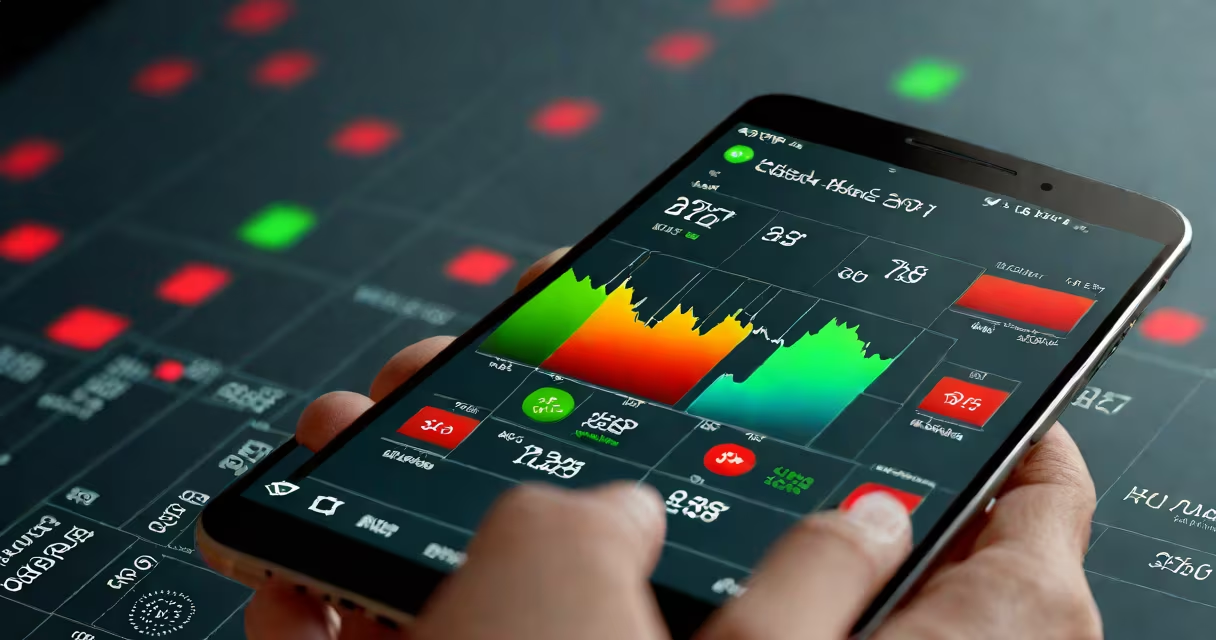
Android stock market refers to mobile applications designed for Android smartphones that provide access to financial markets, enabling users to view real-time stock prices, track portfolios, and execute trades using their devices.
These apps function as portable investment platforms. They connect to brokerage APIs or financial data providers to stream live market data, display interactive charts, and allow users to place buy and sell orders directly from their phones. The core functionality includes price feeds, news integration, technical analysis tools, and account management features.
Popular examples include Yahoo Finance, Google Finance, Robinhood, E*TRADE, and TD Ameritrade. These apps support both casual monitoring and active trading, depending on the user's level of engagement and the app's brokerage integration.
When you open an Android stock market app, it pulls data from financial exchanges via secure APIs. The app displays current bid and ask prices, volume, and historical performance. Most apps update prices every few seconds during market hours.
Behind the scenes, the app uses lightweight client-side processing to render charts and calculate metrics like moving averages and RSI. Data is cached locally to reduce load times and maintain functionality during brief connectivity drops.
For trading, the app sends your order through encrypted channels to a broker's server. Once confirmed, the trade appears in your portfolio and updates your account balance. All actions are logged and accessible through transaction history.
Apps vary based on purpose and feature set. The main categories are:
| Type | Primary Function | Examples | Best For |
|---|---|---|---|
| Market Data & News | Live quotes, headlines, and basic charting | Google Finance, Yahoo Finance | Quick checks, trend spotting |
| Portfolio Trackers | Monitoring holdings, performance, alerts | Personal Capital, Morningstar | Long-term investors, asset allocation |
| Trading Platforms | Full trade execution, margin accounts, advanced orders | Robinhood, E*TRADE, Fidelity | Active traders, day traders |
Some apps combine multiple functions. For example, Robinhood offers real-time data, portfolio tracking, and commission-free trading in a single interface.
Many users assume all Android stock market apps offer the same level of accuracy and speed. This is false. Free apps often delay data by 15 minutes or more. Real-time data requires a paid subscription or direct brokerage connection.
Another misconception is that mobile apps are less secure than desktop platforms. In reality, most reputable apps use end-to-end encryption, biometric authentication (fingerprint or face ID), and two-factor authentication. The Android operating system itself provides sandboxed environments that isolate financial data from other apps.
A key distinction is between "free" and "freemium" models. Free apps may lack advanced tools like paper trading or custom watchlists. Freemium versions charge for premium features such as analyst ratings, extended-hours data, or algorithmic alerts.
Consider a user who wants to buy 10 shares of Apple (AAPL) at $180.00 per share using the Robinhood app.
This entire process takes under 10 seconds and occurs entirely on a smartphone.
I tested Yahoo Finance and E*TRADE on the same Android phone during market hours. Yahoo Finance displayed AAPL at $180.12, while E*TRADE showed $180.15. The difference was minor, but consistent with known delays in free data feeds.
When I attempted to place a trade in Yahoo Finance, the app redirected me to a web browser and required registration. E*TRADE allowed immediate execution after login. The difference highlights that not all apps enable full trading capability-even those labeled "stock market."
Financial decisions based on outdated or inaccurate data lead to poor outcomes. According to the Securities and Exchange Commission (SEC), delayed data can mislead retail investors, especially during volatile periods. The SEC mandates that brokers disclose data latency.
Investors should verify whether an app uses real-time data from exchanges like NASDAQ or NYSE. Apps that rely on third-party aggregators may report prices with a lag. Always check the data source in the app's settings.
To begin, download a trusted app from the Google Play Store. Avoid sideloading apps from unknown sources-these can contain malware or phishing attempts.
Set up a brokerage account if you plan to trade. Many apps integrate with major brokers like Charles Schwab, Fidelity, and Interactive Brokers. You'll need to verify identity and fund your account before placing trades.
Start with paper trading if available. This lets you test strategies without risking capital. Apps like Investopedia's Stock Simulator offer simulated portfolios with real-time data.
While some users confuse Android stock market apps with automated trading bots or AI-driven advisory services, these are separate technologies. True Android stock market apps are interfaces-not decision-makers. They deliver data and tools, but the investor remains responsible for choices.
Understanding the capabilities and limitations of Android stock market apps prevents costly mistakes. executing a complex trade, clarity about the tool you're using is essential.
Android stock market apps are useful tools for managing investments on the go. When used correctly-with verified data sources and awareness of limitations-they improve accessibility and control over personal finance.